

Flutter Voice AI Dies on a Phone Call? Resume It Cleanly
The bug report always reads the same way. "I was talking to the assistant, a call came in, I hung up, and the assistant never spoke again." Or: "I took one AirPod out and the voice call froze." The mic stream is still open, the UI still says Listening, and nothing happens.
This is not a bug in your speech provider. It is the OS taking the audio hardware away from you, handing it back on its own terms, and your app not listening for either event. This post walks through the exact interruption lifecycle on iOS and Android, shows the audio_session code that handles it, and explains how a WidgetChat live voice call fits into the same handling.
If you landed here from the sibling bugs, the earpiece routing post and the echo loop post cover the other two things that go wrong in the same AVAudioSession configuration.
What actually happens during an interruption
iOS
When a phone call, FaceTime, Siri, a timer or an alarm starts, iOS deactivates your audio session and posts AVAudioSession.interruptionNotification with type began. Any audio unit you had running stops producing or consuming samples. Your Dart code gets no error; the stream just stops delivering.
When the interrupting audio finishes, iOS posts the same notification with type ended, and optionally the shouldResume flag in the options. Apple's guidance is explicit: only reactivate your session when you receive the ended notification. Calling setActive(true) while the phone call is still live fails with AVAudioSessionErrorInsufficientPriority (OSStatus 561017449), and apps that retry in a loop are the ones that get stuck forever.
If the interruption ends without shouldResume, the system is telling you the user probably does not expect audio to come back on its own. A declined call usually carries the hint; a long accepted call often does not. Treat the missing hint as "wait for the user to tap the mic again".
Android
Android expresses the same thing through audio focus. An incoming call gives you AUDIOFOCUS_LOSS_TRANSIENT: pause, keep your state, and expect AUDIOFOCUS_GAIN when the call ends. Another media app grabbing focus gives you AUDIOFOCUS_LOSS: stop, and do not expect a gain callback. Navigation prompts give AUDIOFOCUS_LOSS_TRANSIENT_CAN_DUCK. A request made during a call can also return AUDIOFOCUS_REQUEST_DELAYED, which is Android's version of "not yet".
The route change nobody handles
Pulling out AirPods or walking out of Bluetooth range is a different event. On iOS it is AVAudioSession.routeChangeNotification with reason oldDeviceUnavailable. On Android it is the ACTION_AUDIO_BECOMING_NOISY broadcast. Neither is an interruption. Your session stays active, but the input route may silently move to the built-in mic while output jumps to the loudspeaker. For a voice assistant that is exactly the setup that creates an echo loop, so a headset disconnect should be treated as a pause, not a crash and not a silent continue.
There is a second route trap with Bluetooth. Music plays over A2DP (high quality, output only). The moment you open the mic with playAndRecord and allow Bluetooth input, iOS switches the headset to HFP, which carries mono input and output at 8 or 16 kHz. Switching between those profiles is itself a route change, and your capture stream may be torn down and recreated with a different sample rate. Code that caches the sample rate at startup breaks here.
How audio_session maps all of this
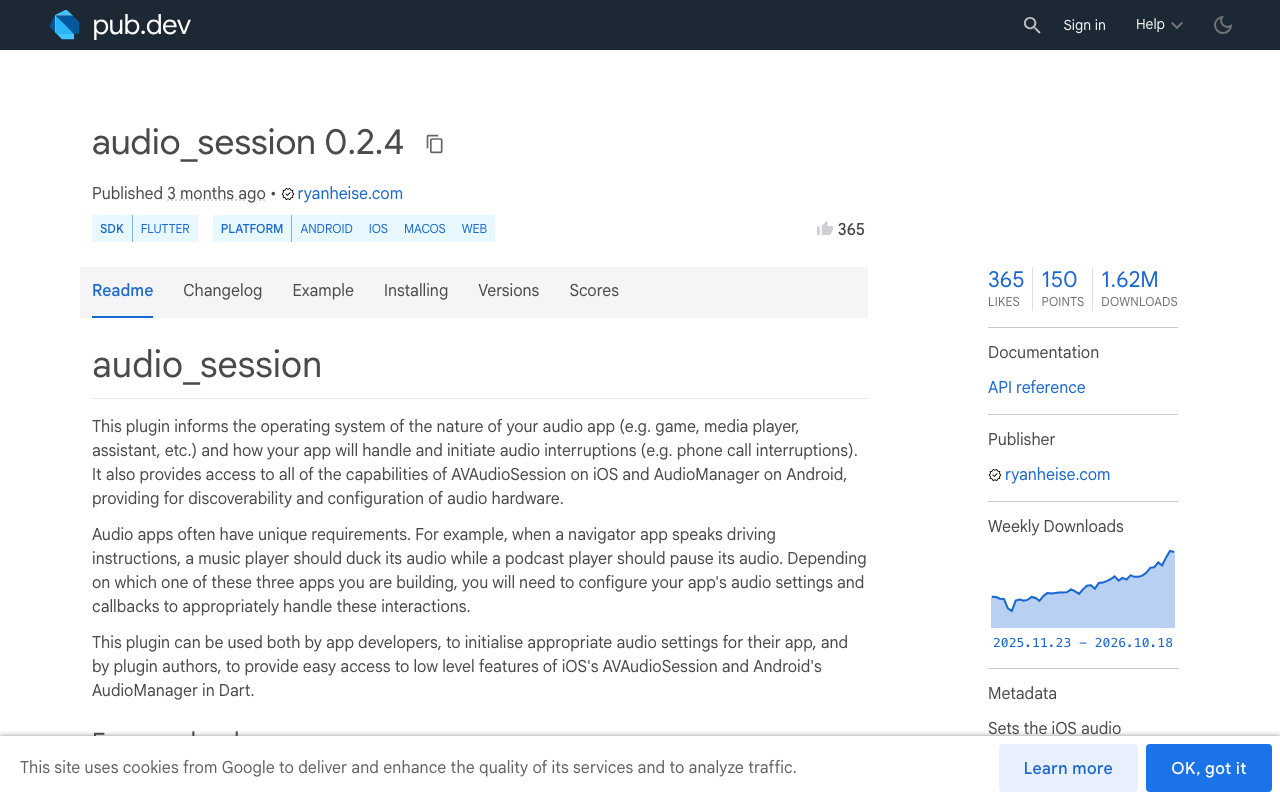
audio_session (0.2.4 on pub.dev at the time of writing) flattens both platforms into one stream. AudioInterruptionType.pause on begin: false means iOS sent shouldResume or Android sent AUDIOFOCUS_GAIN after a transient loss. AudioInterruptionType.unknown on begin: false means the interruption ended but you should not resume on your own. duck maps to LOSS_TRANSIENT_CAN_DUCK and to iOS ducking.
Headset removal is exposed as becomingNoisyEventStream on both platforms, and devicesChangedEventStream tells you which inputs and outputs appeared or disappeared.
The voice session controller
Start by configuring the session the way a speech-to-speech call needs it. voiceChat mode enables voice processing (echo cancellation) on iOS, and voiceCommunication usage does the same on Android.
import 'package:audio_session/audio_session.dart';

Future<AudioSession> configureVoiceSession() async {
  final session = await AudioSession.instance;
  await session.configure(const AudioSessionConfiguration(
    avAudioSessionCategory: AVAudioSessionCategory.playAndRecord,
    avAudioSessionCategoryOptions:
        AVAudioSessionCategoryOptions.allowBluetooth |
        AVAudioSessionCategoryOptions.defaultToSpeaker,
    avAudioSessionMode: AVAudioSessionMode.voiceChat,
    androidAudioAttributes: AndroidAudioAttributes(
      contentType: AndroidAudioContentType.speech,
      usage: AndroidAudioUsage.voiceCommunication,
    ),
    androidAudioFocusGainType: AndroidAudioFocusGainType.gain,
    androidWillPauseWhenDucked: true,
  ));
  return session;
}
allowBluetooth is what the plugin still calls the option. Apple renamed the native constant to allowBluetoothHFP in the iOS 26 SDK; the behaviour is identical, it is the HFP input route either way.
Now the controller. The important design choice is that the controller never decides to resume on its own. It records why it paused, and only restarts the assistant when the OS says pause ended, or when the user taps the mic.
enum VoiceState { idle, live, pausedByInterruption, pausedByRouteLoss }

class VoiceSessionController {
  VoiceSessionController(this.session, {
    required this.startAssistant,
    required this.stopAssistant,
  });

  final AudioSession session;
  final Future<void> Function() startAssistant;
  final Future<void> Function() stopAssistant;

  VoiceState state = VoiceState.idle;
  final _subs = <StreamSubscription>[];

  void attach() {
    _subs.add(session.interruptionEventStream.listen(_onInterruption));
    _subs.add(session.becomingNoisyEventStream.listen((_) => _onRouteLost()));
    _subs.add(session.devicesChangedEventStream.listen((e) {
      final lostInput = e.devicesRemoved.any((d) => d.isInput);
      if (lostInput && state == VoiceState.live) _onRouteLost();
    }));
  }

  Future<void> start() async {
    if (!await session.setActive(true)) {
      // Denied: a phone call is probably in progress. Stay idle.
      return;
    }
    await startAssistant();
    state = VoiceState.live;
  }

  Future<void> _onInterruption(AudioInterruptionEvent event) async {
    if (event.begin) {
      if (state != VoiceState.live) return;
      await stopAssistant();
      state = VoiceState.pausedByInterruption;
      return;
    }
    if (state != VoiceState.pausedByInterruption) return;
    switch (event.type) {
      case AudioInterruptionType.pause:
        // shouldResume on iOS, AUDIOFOCUS_GAIN after a transient loss on Android.
        await start();
      case AudioInterruptionType.duck:
      case AudioInterruptionType.unknown:
        // Ended without a resume hint: wait for the user to tap the mic.
        state = VoiceState.idle;
    }
  }

  Future<void> _onRouteLost() async {
    if (state != VoiceState.live) return;
    await stopAssistant();
    state = VoiceState.pausedByRouteLoss;
  }

  Future<void> dispose() async {
    for (final s in _subs) await s.cancel();
    await session.setActive(false);
  }
}
Three details matter.
start() goes through setActive(true) every time, including the resume path. On iOS that is the reactivation Apple asks for after ended; on Android it re-requests focus. If it returns false, the controller stays idle instead of spinning.
The begin branch checks state == live first. iOS can deliver a second began for the same call in some sequences, and an alarm that fires during a call produces nested interruptions. Guarding on state means the assistant is stopped once and resumed once.
Route loss parks the controller in pausedByRouteLoss and never auto-resumes. The user just removed their headset; the next route is the loudspeaker plus built-in mic, and resuming automatically is how you get the assistant talking to itself. Show a "Tap to continue" state and let them choose.
Wire it to your UI
late final VoiceSessionController voice;

@override
void initState() {
  super.initState();
  configureVoiceSession().then((session) {
    voice = VoiceSessionController(
      session,
      startAssistant: _openAssistantCall,
      stopAssistant: _closeAssistantCall,
    )..attach();
  });
}

// Mic button
onPressed: () => voice.state == VoiceState.live ? voice.dispose() : voice.start(),
In FlutterFlow the same code goes into a custom action that you trigger from the mic button, with audio_session added as a pub dependency on the action. Keep the controller in an app state so it survives page rebuilds.
Where WidgetChat live voice fits
WidgetChat's live voice call runs inside the same widget you already embed for text chat: tap the mic, talk, hear a natural voice answer, interrupt it mid-sentence, and read live captions while it speaks. The text and voice turns land in the same conversation and the same dashboard, and the speech provider keys stay on WidgetChat's servers, so there is nothing in your app bundle to leak.
The interruption handling above is still your job. WidgetChat does not claim to detect phone calls or headset removal on your behalf; it gives you a voice call to start and stop. So _openAssistantCall is where you open the WidgetChat voice call, and _closeAssistantCall is where you end it. What makes recovery pleasant is that ending and reopening the voice call does not lose the thread: the captions from before the phone call are still in the conversation, and the next voice turn continues the same conversation. The user picks up where they left off instead of starting from "Hi, how can I help?".
Two dashboard settings in the Voice section are worth revisiting once interruptions are handled. The max session length should be long enough that a paused-then-resumed call does not hit the cap, and the captions default should be on, since captions are what makes a resumed call readable when the user missed the last sentence.
Checklist before you ship
- Phone call accepted and ended by the other side: assistant pauses on
began, resumes only onendedwithpausetype, never callssetActiveduring the call. - Phone call declined: resumes automatically.
- Siri and a timer alarm: same as a declined call.
- AirPods removed mid-sentence: assistant pauses, UI shows tap-to-continue, no feedback loop through the loudspeaker.
- AirPods reconnected:
devicesChangedEventStreamreports an added input; do not auto-resume, just re-enable the button. - Android with Spotify playing: your
gainrequest pauses Spotify; losing focus to a call givesLOSS_TRANSIENT, losing it to another media app givesLOSSand the controller goes idle.
Once this controller is in place, the stuck-after-a-call reports stop, and the remaining audio bugs are the two linked at the top.
Try WidgetChat free: embed the widget in your Flutter or FlutterFlow app, enable Voice in the dashboard, and give your users an assistant that talks back and survives a phone call. Start at widgetchat.app.

Comments
Comments are coming soon. We'd love to hear your thoughts!