

Flutter Voice AI Plays Through the iPhone Earpiece? Fix It
Your speech-to-speech assistant sounds fine in a text-to-speech test. Then you open the microphone and the reply drops to a whisper from the top of the phone, or vanishes when the silent switch is on, or leaves the user's headset. All three come from one object: the iOS audio session.
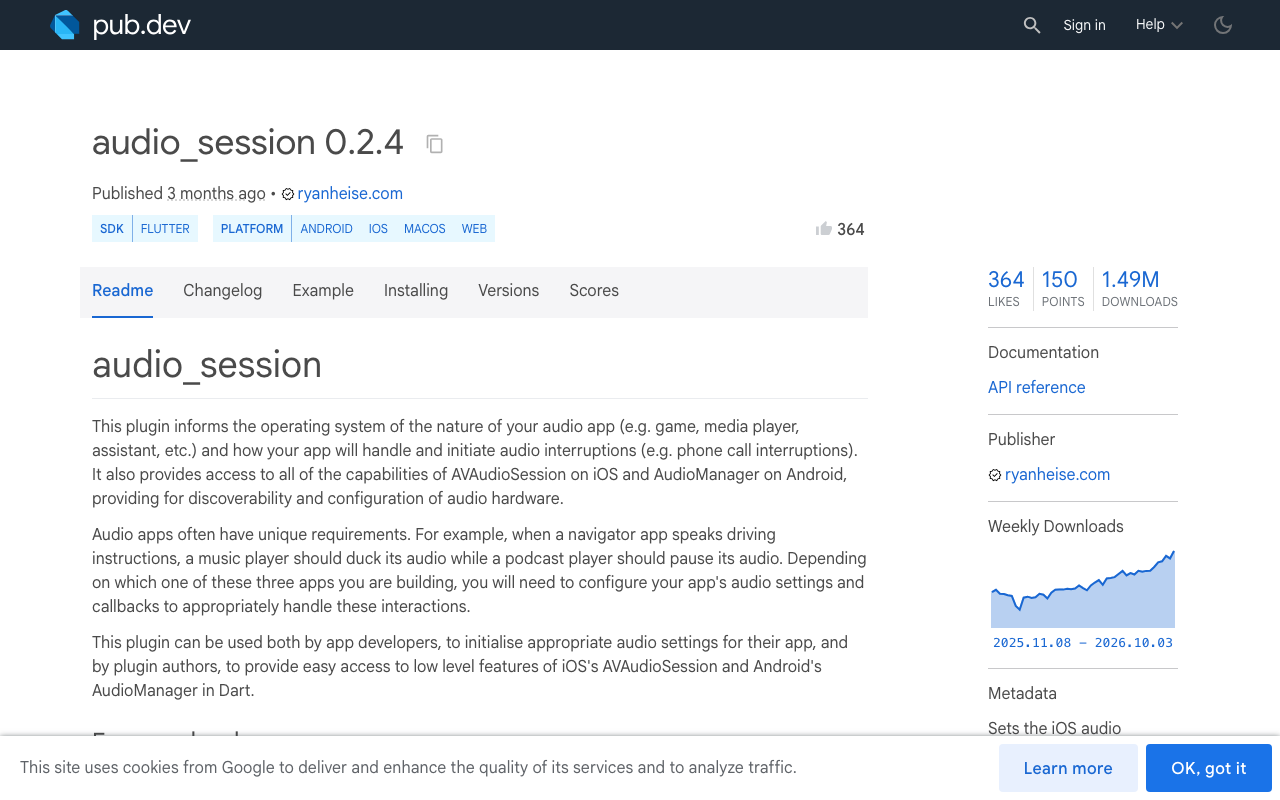
This post maps each symptom to the setting that causes it, using the audio_session package (0.2.4 at the time of writing).
Why opening the mic moves the reply to the earpiece
iOS decides where sound goes from the app's AVAudioSession category. A playback-only app uses playback (or the default soloAmbient) and plays through the loudspeaker.
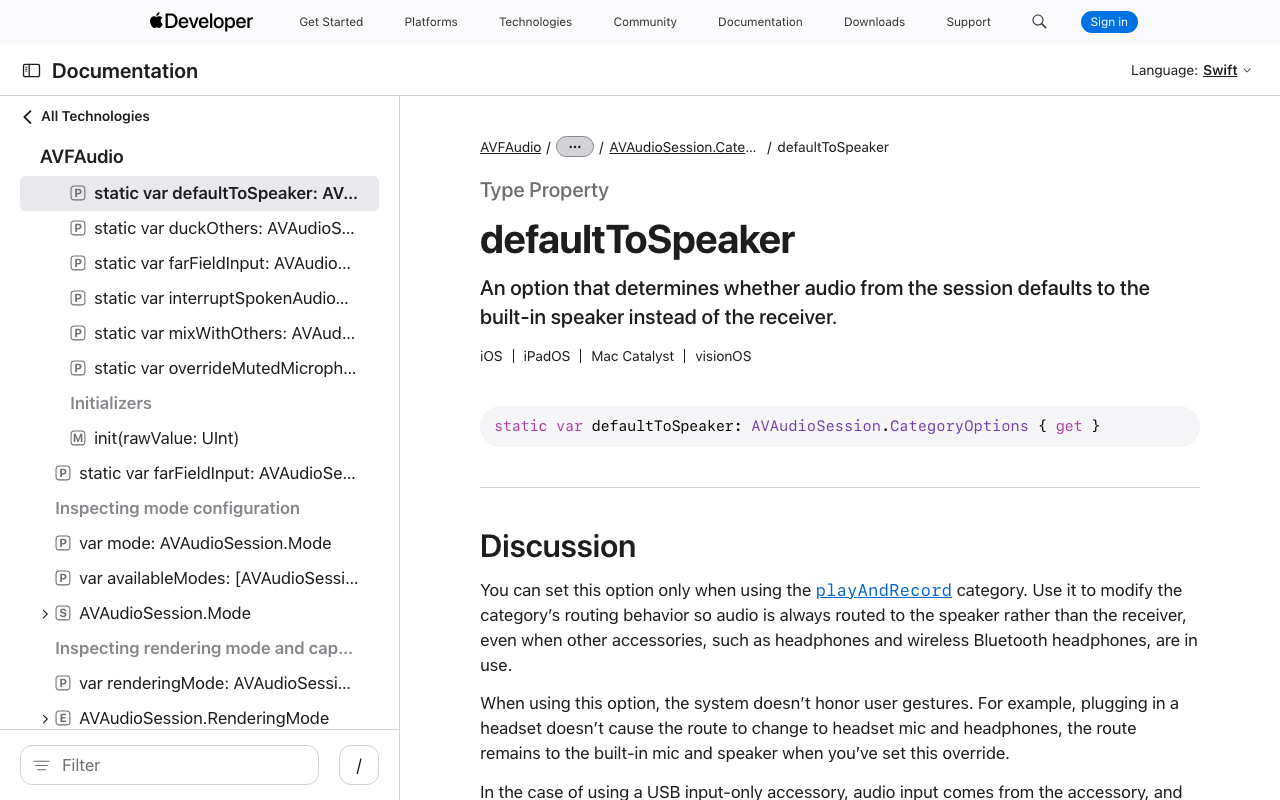
To record and play at the same time, the session has to be playAndRecord. Most recorder and speech plugins switch to it for you when the mic opens. Under playAndRecord, if no headset is connected, the default output is the receiver, the small speaker you hold to your ear on a phone call. Apple's documentation says this directly: without the defaultToSpeaker option, audio plays through the receiver.
So nothing is broken. iOS thinks you are making a phone call.
Symptom table
| Symptom | Cause | Fix |
|---|---|---|
| Reply is quiet and comes from the top of the iPhone | playAndRecord without defaultToSpeaker |
Add AVAudioSessionCategoryOptions.defaultToSpeaker |
| No sound at all with the silent switch on | Session is still ambient or soloAmbient when the reply plays |
Configure playAndRecord before playing, and stop other plugins resetting it |
| Bluetooth headset drops out when the mic opens | No Bluetooth option on the category | Add allowBluetooth (and allowBluetoothA2dp) |
| AirPods audio turns low quality during the call | Mic input switched the headset to the hands-free profile | Expected, see the Bluetooth section |
| Silence after a phone call or Siri | Session was deactivated by an interruption | Reactivate on interruption end |
| Reply goes to the earpiece after unplugging a headset | Route fell back without defaultToSpeaker, or a manual override was cleared |
Set the option, or reapply the override on route change |
| Android reply comes from the earpiece | voiceCommunication usage routes like a call |
Pick the speaker as the communication device |
The audio_session config that fixes it
Add the package:
dependencies:
  audio_session: ^0.2.4
You also need NSMicrophoneUsageDescription in Info.plist, or iOS will kill the app when the mic opens.
Configure the session once, before the mic opens and before any reply audio plays:
import 'package:audio_session/audio_session.dart';

Future<AudioSession> configureVoiceSession() async {
  final session = await AudioSession.instance;

  await session.configure(AudioSessionConfiguration(
    avAudioSessionCategory: AVAudioSessionCategory.playAndRecord,
    avAudioSessionCategoryOptions:
        AVAudioSessionCategoryOptions.defaultToSpeaker |
            AVAudioSessionCategoryOptions.allowBluetooth |
            AVAudioSessionCategoryOptions.allowBluetoothA2dp,
    avAudioSessionMode: AVAudioSessionMode.voiceChat,
    androidAudioAttributes: const AndroidAudioAttributes(
      contentType: AndroidAudioContentType.speech,
      usage: AndroidAudioUsage.voiceCommunication,
    ),
    androidAudioFocusGainType: AndroidAudioFocusGainType.gain,
  ));

  await session.setActive(true);
  return session;
}
What each piece does:
playAndRecordlets the mic and the speaker run together. It is also one of the categories the Ring/Silent switch does not mute.defaultToSpeakersends output to the loudspeaker when nothing else is connected. It only works withplayAndRecord. A connected headset still wins, which is what users expect.voiceChattunes the session for two-way conversation and turns on the system voice processing that keeps the assistant from hearing its own reply. Apple notes it also enables theallowBluetoothoption as a side effect. Setting the option explicitly keeps the intent readable.allowBluetoothmakes hands-free Bluetooth devices available as input and output.
One naming note: in the Xcode 26 SDK, Apple deprecated the native allowBluetooth name in favour of allowBluetoothHFP. The behaviour is the same, and the Dart constant in audio_session 0.2.4 is still allowBluetooth.
No sound with the silent switch on
If the reply is muted in silent mode, the session was not playAndRecord at the moment the audio played. ambient and soloAmbient (the iOS default) are the categories the switch silences.
Two common ways to end up there:
- The reply plays before the mic has ever opened, so nothing has changed the default category yet.
- Your audio player plugin sets its own category when it starts. The
audio_sessionREADME warns about this: plugins can overwrite each other's global audio settings.
Call configureVoiceSession() at the start of the voice screen, and check your player's own audio context settings so it does not put the category back. If the route changes right after playback starts, that is the sign of a plugin fighting you.
Bluetooth headsets
Without a Bluetooth option on the category, a paired headset is simply not an eligible route for a recording session, so the reply jumps to the phone when the mic opens.
With allowBluetooth, the headset works for both directions, but through the hands-free profile, which is mono and noticeably lower quality. That is a Bluetooth limitation when the headset mic is in use. allowBluetoothA2dp allows high quality output, and it applies when the input is not the Bluetooth mic.
To give users a speaker button, there is overrideOutputAudioPort:
await AVAudioSession().overrideOutputAudioPort(
  AVAudioSessionPortOverride.speaker,
);
Two cautions. The package docs mark this method as untested, so try it on a real device. And the override is temporary: iOS clears it on the next route change, so defaultToSpeaker is the better default and the override is for a manual toggle only.
Restore the route after an interruption or unplug
A phone call, Siri or an alarm interrupts the session. When it ends, iOS does not hand everything back in working order, so reactivate and restart your pipeline:
void watchSession(AudioSession session, Future<void> Function() resume) {
  session.interruptionEventStream.listen((event) async {
    if (event.begin) {
      // Stop the mic and any reply that is playing.
    } else {
      if (await session.setActive(true)) {
        await resume();
      }
    }
  });

  session.becomingNoisyEventStream.listen((_) {
    // Headset was unplugged. Pause or lower the reply so it does not
    // blast from the speaker in public.
  });

  session.devicesChangedEventStream.listen((event) {
    // Refresh a speaker / headset toggle, and reapply any manual
    // overrideOutputAudioPort here, since a route change clears it.
  });
}
With defaultToSpeaker set, an unplug falls back to the loudspeaker on its own. Without it, the fallback is the earpiece, which is the bug you started with.
The Android equivalent
Android has the same idea with different names. AndroidAudioUsage.voiceCommunication gives you call-style processing, and call-style routing to the earpiece.
On Android 12 (API 31) and later, choose the output with the communication device API. setSpeakerphoneOn is the fallback for older versions:
Future<void> routeToSpeakerAndroid() async {
  final manager = AndroidAudioManager();
  try {
    final devices = await manager.getAvailableCommunicationDevices();
    final speaker = devices.firstWhere(
      (d) => d.type == AndroidAudioDeviceType.builtInSpeaker,
    );
    await manager.setCommunicationDevice(speaker);
  } catch (_) {
    // Below API 31, or no speaker in the list.
    await manager.setSpeakerphoneOn(true);
  }
}
Call clearCommunicationDevice() when the call ends so you do not leave the phone in a call route. getAvailableCommunicationDevices is marked untested in the package docs, so verify on a physical device, and guard these calls with a platform check since they are Android only.
FlutterFlow
In FlutterFlow this lives in a custom action. Add audio_session as a dependency of the action, paste configureVoiceSession(), and run it on page load of the voice screen, before the action that opens the mic. Turn on the microphone permission in the project's permission settings so the usage string reaches Info.plist. If a FlutterFlow voice assistant has audio not playing only on iPhone, it is almost always the category, as in the table above.
Or let the widget own the audio session
Everything above is plumbing you maintain forever: category options, interruptions, route changes, two platforms and the web.
WidgetChat is an AI support chatbot you embed in Flutter and FlutterFlow apps, and its live voice chat runs inside the same widget you already embed. The user taps the mic and gets a real-time, speech-to-speech call: the assistant listens, replies out loud in a natural voice, and can be interrupted mid-sentence. There are live captions, and it can show product cards on screen while it speaks. It works across iOS, Android and web Flutter apps, and the provider API keys stay server-side.
The mic and the spoken reply are handled inside the widget, so the routing work in this post is not yours to write. Voice is plan-gated by a monthly voice-minute pool, and the dashboard's Voice section lets you enable it per project and set the voice name, max session length and captions default. Text chat keeps working in the same conversation, streamed over SSE from POST https://api.widgetchat.app/v1/chat/stream.
If you are building the pipeline yourself, these posts cover the next problems you will hit:
- Stop Flutter Voice AI Hearing Itself: Echo + Barge-In
- Fix False Barge-In in Flutter Voice AI
- Flutter Voice Call Dies in Background? The 3-Layer Fix
Try WidgetChat free
Add a talking AI assistant to your Flutter or FlutterFlow app without owning the audio session. Try WidgetChat free and turn on voice from the dashboard.

Comments
Comments are coming soon. We'd love to hear your thoughts!