

Flutter AI Typing Indicator That Hands Off to Streaming
Most Flutter chat tutorials get you to animated dots and stop. So you ship a flutter chat typing indicator that pulses for 20 seconds while the model generates the full answer — then the whole reply slams in at once. The dots weren't lying, exactly, but they weren't telling the truth either: nothing was "typing."
The real UX problem isn't the animation. It's the handoff: the moment the first streamed token arrives, the indicator should disappear and become a growing message bubble. That means your typing state can't be a boolean you flip around an await. It has to be wired to the streaming lifecycle itself:
- On send → show the typing indicator.
- On the first
data:chunk → remove the indicator, insert an assistant bubble, start appending tokens. - On done (or error) → finalize the bubble (or show a retry state).
This post builds exactly that, first as plain Flutter, then as a FlutterFlow custom action pattern. The examples stream from WidgetChat's SSE endpoint (POST https://api.widgetchat.app/v1/chat/stream, which returns token-by-token data: events), but the lifecycle wiring is identical for any SSE backend.
Why a boolean isTyping isn't enough
The naive version looks like this: set isTyping = true, await the API call, set it back to false. With a non-streaming call that's your only option — and it's why users stare at frozen dots. Once you stream, a single boolean can't represent "waiting" versus "receiving." Model the reply as a tiny state machine instead:
enum ReplyPhase { idle, waiting, streaming, done, error }
waiting shows the indicator. streaming shows a live bubble. The transition between them is driven by the byte stream, not a timer.
The SSE lifecycle in Flutter
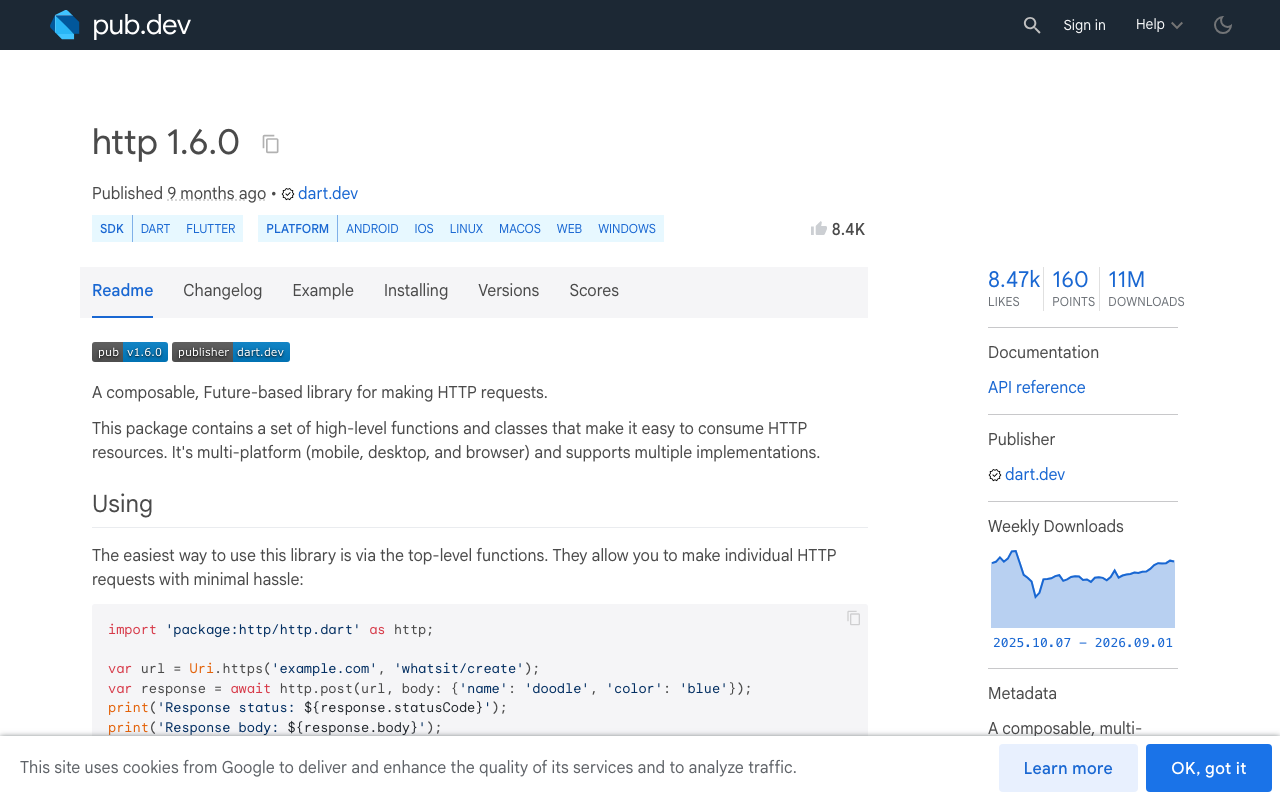
Dart's http package (1.6.0 at the time of writing) gives you incremental access to a response via Client.send(), which returns a StreamedResponse instead of buffering the whole body. Split it into lines, parse data: events, and flip phases as chunks arrive:
import 'dart:async';
import 'dart:convert';
import 'package:http/http.dart' as http;

class ChatController extends ChangeNotifier {
  final messages = <ChatMessage>[];
  ReplyPhase phase = ReplyPhase.idle;
  final _client = http.Client();

  Future<void> send(String userText) async {
    messages.add(ChatMessage(role: 'user', text: userText));
    phase = ReplyPhase.waiting; // 1. dots appear immediately
    notifyListeners();

    final req = http.Request(
      'POST',
      Uri.parse('https://api.widgetchat.app/v1/chat/stream'),
    )
      ..headers['Content-Type'] = 'application/json'
      ..headers['Accept'] = 'text/event-stream'
      ..body = jsonEncode({'message': userText});

    try {
      final res = await _client.send(req);
      final lines = res.stream
          .transform(utf8.decoder)
          .transform(const LineSplitter());

      await for (final line in lines) {
        if (!line.startsWith('data:')) continue;
        final payload = line.substring(5).trim();
        if (payload == '[DONE]') break;

        final token = jsonDecode(payload)['token'] as String? ?? '';
        if (phase == ReplyPhase.waiting) {
          // 2. THE HANDOFF: first token → dots become a bubble
          messages.add(ChatMessage(role: 'assistant', text: token));
          phase = ReplyPhase.streaming;
        } else {
          messages.last = messages.last.append(token);
        }
        notifyListeners();
      }
      phase = ReplyPhase.done; // 3. finalize
    } catch (e) {
      phase = ReplyPhase.error; // dots → inline retry bubble, never stuck dots
    }
    notifyListeners();
  }
}
The load-bearing lines are inside the loop: the first data: token is the event that kills the indicator. You never set phase = streaming anywhere else, so the dots can't outlive the first real character — and they can't disappear before it, either. That's the entire trick, and it's what generic flutter ai chatbot loading indicator tutorials skip.
Check the exact event shape against your backend's docs before parsing — the data: line format (plain token vs. JSON envelope, [DONE] sentinel or not) varies by provider, and mismatched parsing is the most common reason a stream "never starts."
Rendering: one list, phase-aware tail
In the message list, render the indicator as a pseudo-item that only exists during waiting:
ListView.builder(
  itemCount: controller.messages.length +
      (controller.phase == ReplyPhase.waiting ? 1 : 0),
  itemBuilder: (context, i) {
    if (i == controller.messages.length) return const TypingDots();
    return MessageBubble(message: controller.messages[i]);
  },
)
Because the handoff adds the assistant message in the same notifyListeners tick that ends waiting, the dots are replaced in place by the bubble — no flicker, no empty row. A minimal TypingDots is three circles staggered on one looping AnimationController:
class TypingDots extends StatefulWidget {
  const TypingDots({super.key});
  @override
  State<TypingDots> createState() => _TypingDotsState();
}

class _TypingDotsState extends State<TypingDots>
    with SingleTickerProviderStateMixin {
  late final _c = AnimationController(
      vsync: this, duration: const Duration(milliseconds: 900))
    ..repeat();

  @override
  Widget build(BuildContext context) => AnimatedBuilder(
        animation: _c,
        builder: (_, __) => Row(
          mainAxisSize: MainAxisSize.min,
          children: List.generate(3, (i) {
            final t = (_c.value + i * 0.2) % 1.0;
            final dy = -4 * (t < 0.5 ? t * 2 : 2 - t * 2);
            return Padding(
              padding: const EdgeInsets.symmetric(horizontal: 3),
              child: Transform.translate(
                offset: Offset(0, dy),
                child: const CircleAvatar(radius: 4),
              ),
            );
          }),
        ),
      );

  @override
  void dispose() { _c.dispose(); super.dispose(); }
}
Once tokens flow, the list should stay pinned to the newest text — we cover the scroll mechanics separately in Pin ListView to Bottom While Streaming.
The FlutterFlow version
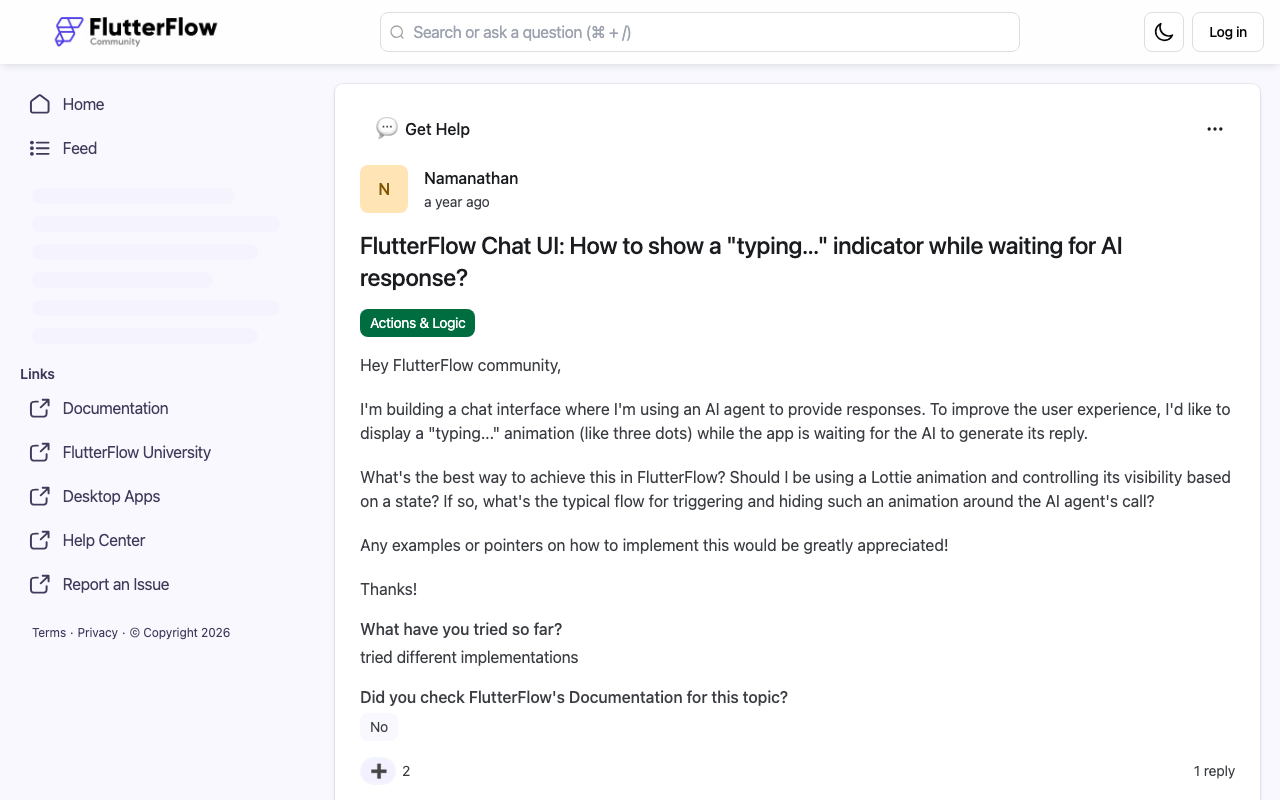
On the FlutterFlow community, the standard answer to "flutterflow typing indicator while waiting for AI response" is a Lottie animation with conditional visibility bound to a page state variable. That's the right rendering approach — the missing piece is again who flips the state. If your action chain is set isAwaiting → API call → unset isAwaiting, the indicator sits there for the full generation, which is precisely the flutterflow chat waiting for api response complaint.
Instead, let a custom action own the whole lifecycle. Use three pieces of page state:
isAwaitingReply(bool) — drives the indicator's conditional visibilitystreamingText(String) — the in-flight assistant bubblechatMessages(List) — finalized history
The custom action wraps the same SSE loop as above (WidgetChat needs no proprietary SDK — a plain HTTP client in a custom action is the supported path):
// FlutterFlow custom action (simplified)
Future streamReply(String message) async {
  FFAppState().update(() => FFAppState().isAwaitingReply = true);

  // ... open the SSE request exactly as in the Flutter example ...
  await for (final token in tokenStream) {
    if (FFAppState().isAwaitingReply) {
      // first chunk: hide dots, show live bubble
      FFAppState().update(() {
        FFAppState().isAwaitingReply = false;
        FFAppState().streamingText = token;
      });
    } else {
      FFAppState().update(
          () => FFAppState().streamingText += token);
    }
  }

  FFAppState().update(() {
    FFAppState().chatMessages.add(FFAppState().streamingText);
    FFAppState().streamingText = '';
  });
}
In the UI, the Lottie (or a custom TypingDots widget) is visible when isAwaitingReply is true, and a bubble bound to streamingText is visible when it's non-empty. The full custom action — request wiring, event parsing, error paths — is in Stream AI Tokens Live From a FlutterFlow Custom Action; this post is the indicator layer on top of it.
That's the honest version of flutter show typing animation streaming response: the animation is a promise that text is coming, and the stream keeps the promise within a second or two instead of twenty.
Edge cases that bite in production
Flutter web buffers your stream. The default XHR-backed client on web has historically delivered SSE bodies only after completion (see the long-running dart-lang/http issue on this). If your handoff works on iOS/Android but the dots freeze on web, switch to a fetch-based streaming client for the web build.
Errors must clear the dots. Every failure path — timeout, non-2xx, parse error — must move waiting to error and render something actionable (an inline "Couldn't reply — tap to retry" bubble). Dots that never resolve are worse than no indicator.
Add a first-token timeout. If no chunk arrives within ~15–20 s, treat it as an error rather than animating forever. A simple Timer you cancel on the first token is enough.
Don't debounce the handoff. Some implementations wait to accumulate a few tokens "so it looks smoother." Don't — perceived latency is set by the first visible character. Swap on token one.
Skip the plumbing entirely
If what you actually need is an AI support chatbot in your Flutter or FlutterFlow app — not an SSE parser to maintain — WidgetChat gives you an embeddable assistant that answers from your own content and streams token-by-token over SSE out of the box, so the indicator-to-stream handoff above works against it unchanged. There's also live voice chat in the same widget if your users would rather talk than type.
Try WidgetChat free — embed it in your Flutter or FlutterFlow app and your typing indicator will finally have something real to hand off to.

Comments
Comments are coming soon. We'd love to hear your thoughts!