

Stop Flutter Chat Jank on Every Streamed SSE Token
A streaming chatbot feels great for the first ten messages. Then the conversation gets long, the next reply starts streaming, and the page drops frames on every token. Scrolling stutters, the keyboard animation hitches, and on older Android phones the whole screen freezes for a beat.
The cause is almost always the same: every Server-Sent Events chunk calls setState on the page widget, so Flutter rebuilds the entire message list, including fifty finished bubbles that have not changed. Here is how to confirm that, and how to fix it so only the bubble that is actually receiving tokens rebuilds. The examples use the WidgetChat streaming endpoint, POST https://api.widgetchat.app/v1/chat/stream, which returns token-by-token data: SSE events, but the pattern applies to any streaming backend.
Measure it first with Track Widget Builds
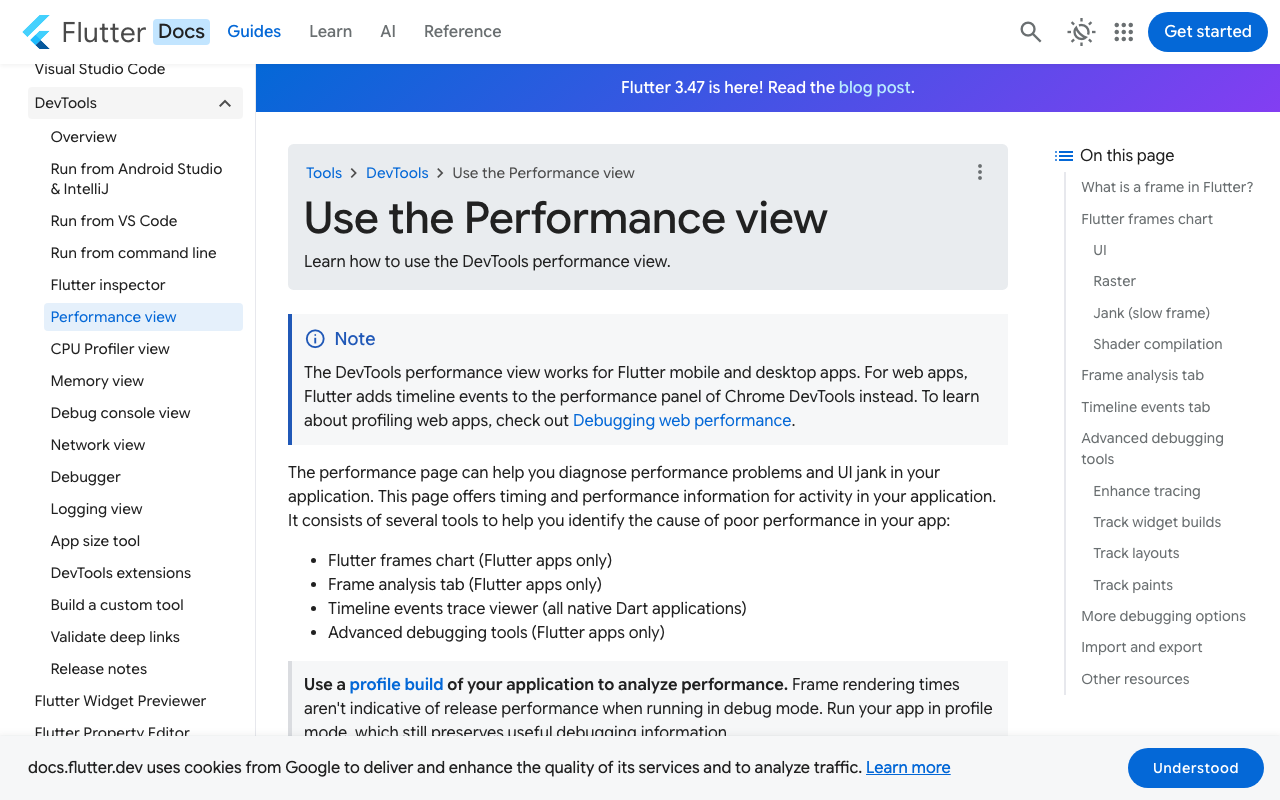
Do not guess. Run the app in profile mode (flutter run --profile), open DevTools, and go to the Performance view. Under the Enhance tracing dropdown, turn on Track Widget Builds. Flutter will then record a timeline event for every build() call with the widget's name. Recent DevTools versions also offer a widget build counts setting, which adds per-frame counts to Frame Analysis and an aggregate Rebuild Stats view.
Send a long question and watch the frames while the reply streams. The tell-tale pattern looks like this:
- Every frame during the stream shows the page widget rebuilding, and under it the
ListViewand everyMessageBubble. - Build counts for old bubbles climb at the same rate as the streaming bubble, even though their text never changed.
- Frame time grows with conversation length. Ten messages are fine, eighty are not.
If you see finished bubbles rebuilding dozens of times per second, you have the problem this post fixes. The documentation warns that tracing itself slows frames, so compare relative numbers rather than absolute milliseconds.
Why setState per chunk hurts
A fast model can emit tens of tokens per second. If each one does this:
setState(() => _messages.last = _messages.last.copyWith(text: _messages.last.text + token));
then the State that owns _messages marks itself dirty, and Flutter rebuilds its whole subtree. ListView.builder only builds visible children, but every visible bubble is still rebuilt, and if your bubbles render Markdown, each rebuild re-parses the whole message. Multiply that by the visible count and by the token rate, and you are doing far more work per frame than the 16 ms budget allows.
The fix has three parts: keep finished messages immutable and keyed, keep the in-progress reply in its own ValueNotifier, and cap how many messages live in memory.
Consume the SSE stream with package:http
First the transport. The http package can stream a body with Client.send, which gives you a StreamedResponse whose stream you can decode line by line. Check your project in the WidgetChat dashboard for the exact request fields and auth header, and adjust the body here to match.
import 'dart:convert';
import 'package:http/http.dart' as http;

Stream<String> streamReply(Map<String, dynamic> body, Map<String, String> authHeaders) async* {
  final client = http.Client();
  try {
    final request = http.Request(
      'POST',
      Uri.parse('https://api.widgetchat.app/v1/chat/stream'),
    )
      ..headers.addAll({
        'Content-Type': 'application/json',
        'Accept': 'text/event-stream',
        ...authHeaders,
      })
      ..body = jsonEncode(body);

    final response = await client.send(request);
    final lines = response.stream
        .transform(utf8.decoder)
        .transform(const LineSplitter());

    await for (final line in lines) {
      if (!line.startsWith('data:')) continue;
      yield line.substring(5).trimLeft();
    }
  } finally {
    client.close();
  }
}
Nothing here touches the UI. That separation matters: the stream is a plain Stream<String>, and the widget layer decides how little to rebuild.
Rebuild only the last message
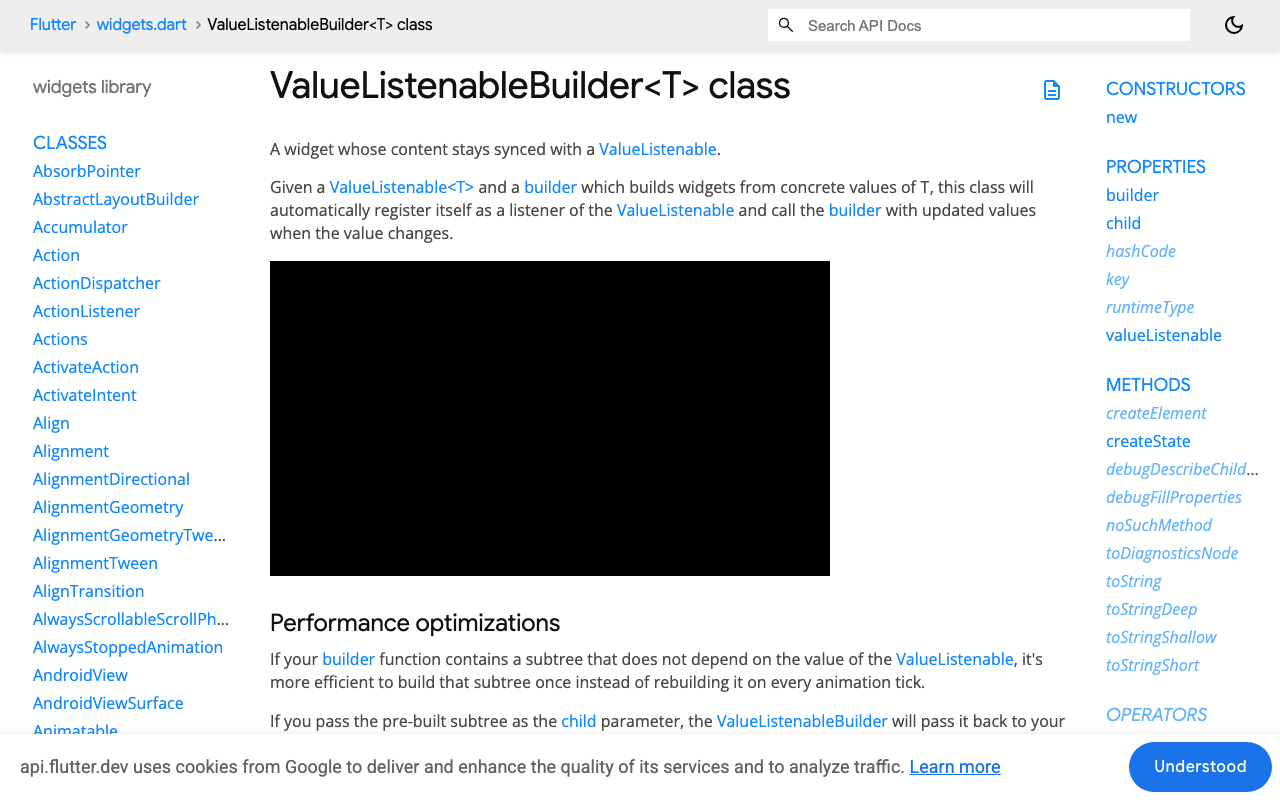
Now the page. Finished messages live in a List<ChatMessage> and only change when a message completes. The reply in flight lives in a ValueNotifier<String>. The last bubble wraps a ValueListenableBuilder, so each token repaints exactly one widget.
class ChatMessage {
  const ChatMessage({required this.id, required this.text, required this.fromUser});
  final String id;
  final String text;
  final bool fromUser;
}

class ChatPage extends StatefulWidget {
  const ChatPage({super.key});
  @override
  State<ChatPage> createState() => _ChatPageState();
}

class _ChatPageState extends State<ChatPage> {
  static const _maxMessages = 200;

  final List<ChatMessage> _messages = [];
  final ValueNotifier<String> _draft = ValueNotifier('');
  bool _streaming = false;

  Future<void> send(String text) async {
    _append(ChatMessage(id: 'u-${DateTime.now().microsecondsSinceEpoch}', text: text, fromUser: true));
    setState(() => _streaming = true);

    final buffer = StringBuffer();
    await for (final token in streamReply({'message': text}, authHeaders)) {
      buffer.write(token);
      _draft.value = buffer.toString(); // one bubble repaints, not the page
    }

    _append(ChatMessage(id: 'a-${DateTime.now().microsecondsSinceEpoch}', text: buffer.toString(), fromUser: false));
    _draft.value = '';
    setState(() => _streaming = false);
  }

  void _append(ChatMessage m) {
    setState(() {
      _messages.add(m);
      if (_messages.length > _maxMessages) {
        _messages.removeRange(0, _messages.length - _maxMessages);
      }
    });
  }

  @override
  void dispose() {
    _draft.dispose();
    super.dispose();
  }

  @override
  Widget build(BuildContext context) {
    final extra = _streaming ? 1 : 0;
    return ListView.builder(
      reverse: true,
      itemCount: _messages.length + extra,
      itemBuilder: (context, i) {
        if (_streaming && i == 0) {
          return ValueListenableBuilder<String>(
            valueListenable: _draft,
            builder: (_, text, __) => MessageBubble(
              key: const ValueKey('draft'),
              text: text,
              fromUser: false,
            ),
          );
        }
        final m = _messages[_messages.length - 1 - (i - extra)];
        return MessageBubble(key: ValueKey(m.id), text: m.text, fromUser: m.fromUser);
      },
    );
  }
}
What changed, and why each piece matters:
_draft.value = ...instead ofsetState. The page'sbuildnever runs during the stream. Only theValueListenableBuilderrebuilds, and it rebuilds oneMessageBubble.ValueKey(m.id)on every bubble. When a new message is appended and the list shifts, stable keys let Flutter reuse existing elements rather than rebuilding every bubble whose index moved. Use an id from the server if you have one.reverse: true. The newest message sits at index 0, so the streaming bubble is always at the bottom and the list stays anchored without a scroll controller fighting the layout._maxMessages. Capping the in-memory list bounds both memory and the cost of anysetStatethat does happen. Two hundred is generous; pick what your bubble widget can afford.
If your MessageBubble renders Markdown, you may also want to render the streaming bubble as plain text and switch to Markdown only once the message is complete. Parsing Markdown forty times a second is wasteful even when it is scoped to one widget.
Optional: coalesce tokens to one update per frame
If tokens arrive faster than the display refreshes, several _draft.value writes land inside one frame. Flutter only rebuilds once per frame anyway, so this is usually fine. If you see pressure, buffer tokens and flush them in a SchedulerBinding.instance.addPostFrameCallback, or with a short Timer.periodic, so the notifier changes at most once per frame.
The same fix in a FlutterFlow custom widget
FlutterFlow apps hit this harder, because the obvious design is to write the reply into an App State variable on every chunk. Every widget bound to App State then rebuilds on every token, and a long conversation page slows to a crawl.
The fix is to keep the stream and the draft inside a custom widget, and only write to App State once, when the reply is finished.
- In Custom Code, create a custom widget named
StreamingReplyBubblewith parametersrequestBody(JSON) andonComplete(Action, with aStringparameter). - Add
httpto the widget's pubspec dependencies in the custom code editor. - Paste the widget below, then drop it at the bottom of your chat
ListView. The rest of the list stays bound to your existing messages data.
class StreamingReplyBubble extends StatefulWidget {
  const StreamingReplyBubble({
    super.key,
    this.width,
    this.height,
    required this.requestBody,
    required this.onComplete,
  });

  final double? width;
  final double? height;
  final dynamic requestBody;
  final Future Function(String fullText) onComplete;

  @override
  State<StreamingReplyBubble> createState() => _StreamingReplyBubbleState();
}

class _StreamingReplyBubbleState extends State<StreamingReplyBubble> {
  final ValueNotifier<String> _draft = ValueNotifier('');

  @override
  void initState() {
    super.initState();
    _run();
  }

  Future<void> _run() async {
    final buffer = StringBuffer();
    await for (final token in streamReply(
      Map<String, dynamic>.from(widget.requestBody as Map),
      authHeaders,
    )) {
      buffer.write(token);
      _draft.value = buffer.toString();
    }
    await widget.onComplete(buffer.toString());
  }

  @override
  void dispose() {
    _draft.dispose();
    super.dispose();
  }

  @override
  Widget build(BuildContext context) {
    return ValueListenableBuilder<String>(
      valueListenable: _draft,
      builder: (_, text, __) => Container(
        width: widget.width,
        padding: const EdgeInsets.all(12),
        child: Text(text),
      ),
    );
  }
}
Put streamReply from earlier in a custom code file so both widgets can share it. Wire onComplete to an action chain that appends the finished text to your messages list and hides the streaming widget. During the stream, nothing outside this widget rebuilds. After the stream, one App State update appends one message, exactly as if it had arrived all at once.
Verify the fix
Go back to DevTools with Track Widget Builds on and stream another long reply. You should now see:
- The page widget builds twice per reply: once when streaming starts, once when it ends.
- Only the streaming bubble shows a rising build count during the stream.
- Frame times stay flat whether the conversation has five messages or two hundred.
That is the whole change. No state-management package, no rewrite. Hold the draft in a ValueNotifier, scope the builder to the last bubble, key the rest, and cap the list.
Try WidgetChat free
WidgetChat gives your Flutter or FlutterFlow app an AI support chatbot that answers from your own content, with token-by-token streaming over SSE from the /v1/chat/stream endpoint used above. There is no proprietary SDK to adopt; a custom action and an HTTP client are enough. The same embedded widget also supports live voice chat, so users can tap the mic and talk to the assistant, with barge-in and live captions, on iOS, Android and web. Start on the free tier at widgetchat.app.

Comments
Comments are coming soon. We'd love to hear your thoughts!