

Fix Flutter Streaming Chat Jank: One Rebuild Per Frame
You wired up WidgetChat's SSE endpoint, tokens arrive, text appears. Then you run it on a €180 Android phone and the illusion breaks: the scroll stalls, the list jumps, the CPU graph pins, and a long reply feels like it is being typed through mud.
The cause is almost never the network. It is that your chat is asking Flutter to render far more often than Flutter can render.
The arithmetic behind flutter streaming chat jank
POST https://api.widgetchat.app/v1/chat/stream returns token-by-token data: events. For a normal model, that is roughly 30 to 50 deltas per second. Your screen draws at 60fps, so it has 60 slots per second, and on a mid-range Android device under thermal load it is realistically closer to 45.
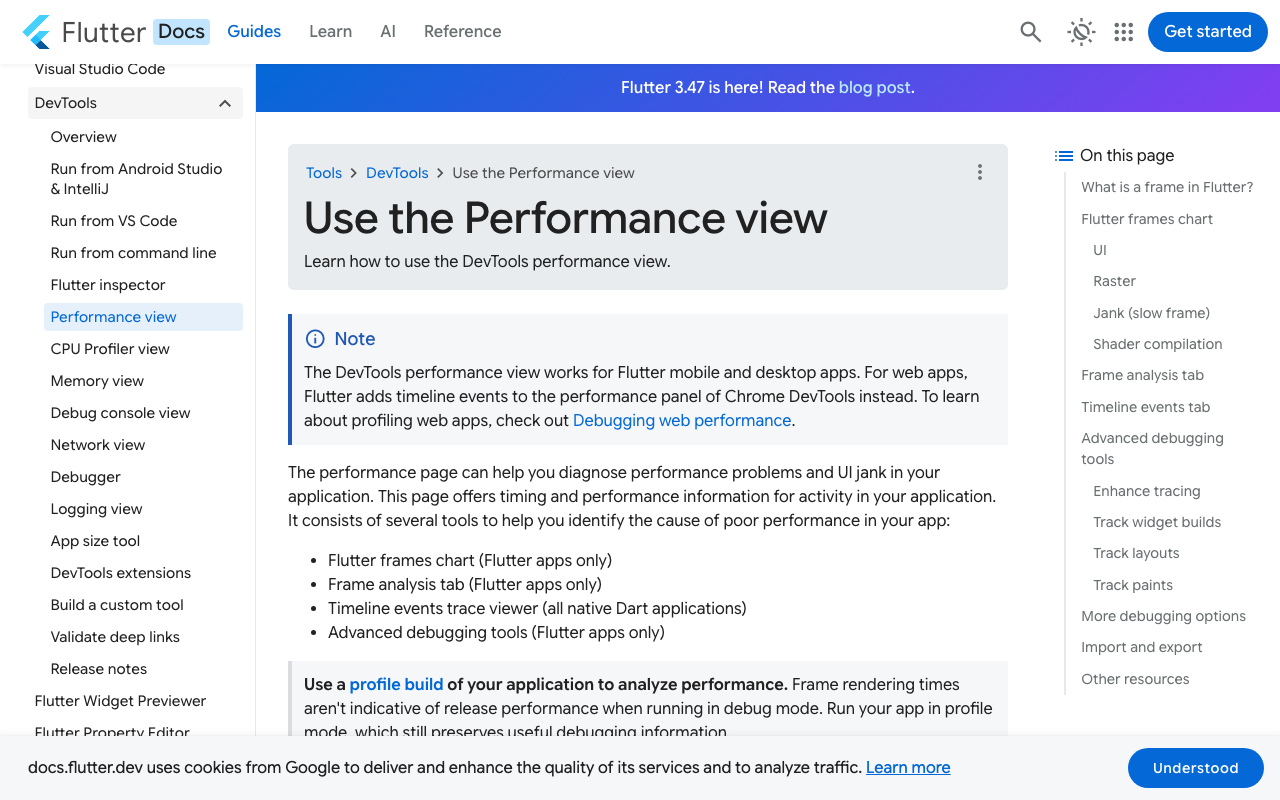
If you call setState on every delta, you request ~40 rebuilds per second. At best they are coalesced by luck; at worst two or three deltas land in the same 16ms budget and every one of them dirties the widget tree, forces layout on a growing Text, and re-runs the ListView.builder above it. The frames that survive are fine. The ones that do not show up red in the DevTools Performance view, with a tall UI bar: Dart code too expensive, not graphics too complex.
So the wasted work is real and measurable. The fix is to decouple the rate of arrival from the rate of drawing.
Step 1: buffer deltas, flush once per frame
Accumulate incoming text in a StringBuffer and publish it exactly once per frame from a post-frame callback. Two details matter and are usually where homegrown versions go wrong:
- Only ever have one flush scheduled at a time. Otherwise you have just reinvented the per-token rebuild with extra steps.
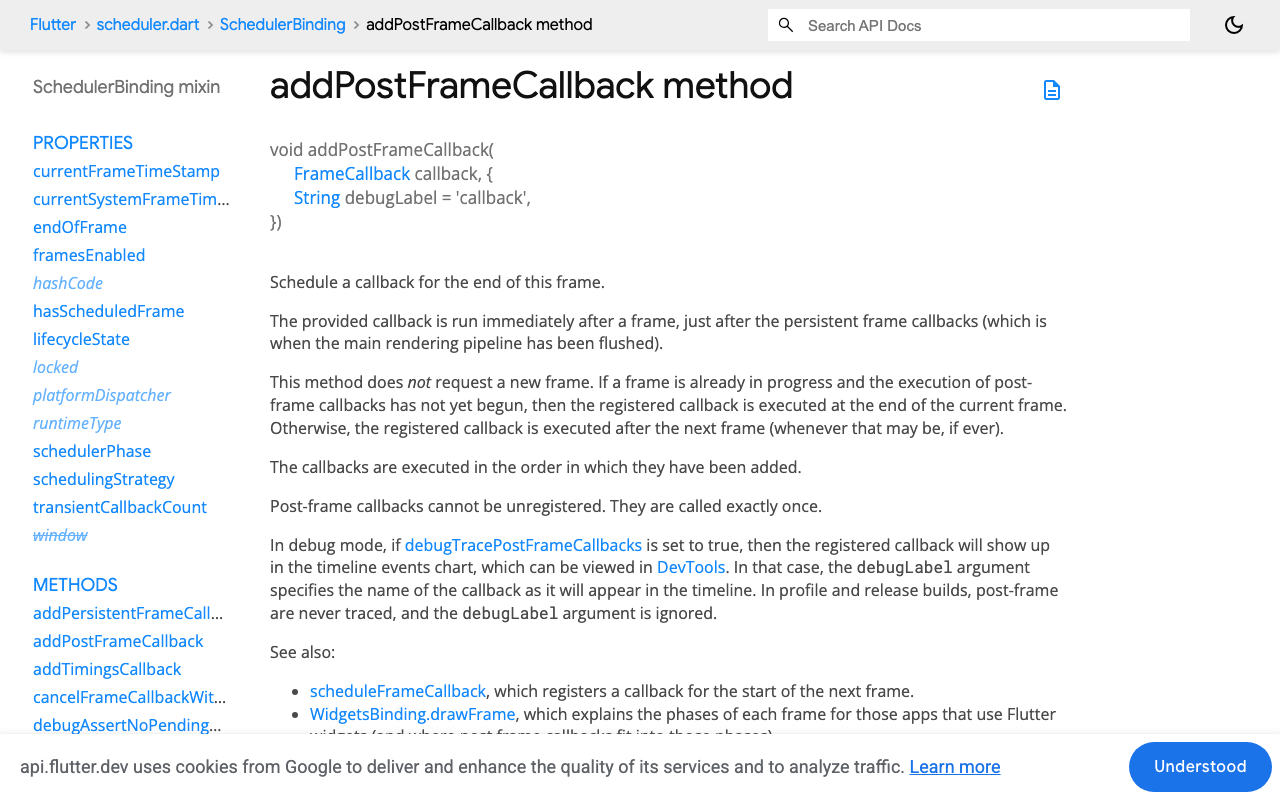
addPostFrameCallbackdoes not request a frame. The Flutter API docs are explicit about this: if no frame is pending, your callback sits there until something else causes one. CallscheduleFrame()yourself.
import 'package:flutter/foundation.dart';
import 'package:flutter/scheduler.dart';

/// Owns the text of a single streaming assistant message.
/// Deltas go in at whatever rate the network delivers them;
/// listeners are notified at most once per rendered frame.
class StreamingMessage {
  StreamingMessage([String initial = '']) : text = ValueNotifier<String>(initial) {
    _buffer.write(initial);
  }

  final ValueNotifier<String> text;
  final StringBuffer _buffer = StringBuffer();
  bool _flushScheduled = false;

  void addDelta(String delta) {
    if (delta.isEmpty) return;
    _buffer.write(delta);
    _scheduleFlush();
  }

  void _scheduleFlush() {
    if (_flushScheduled) return;
    _flushScheduled = true;

    final binding = SchedulerBinding.instance;
    binding.addPostFrameCallback((_) {
      _flushScheduled = false;
      _flush();
    }, debugLabel: 'StreamingMessage.flush');

    // addPostFrameCallback does not request a frame on its own.
    binding.scheduleFrame();
  }

  void _flush() {
    final next = _buffer.toString();
    if (next != text.value) text.value = next;
  }

  /// Call when the stream ends so the tail is never left in the buffer.
  void complete() {
    _flush();
  }

  void dispose() => text.dispose();
}
Note debugLabel: in debug mode with debugTracePostFrameCallbacks = true, the flush shows up by name in the DevTools timeline, which makes the before/after comparison below trivial to read.
That single class is already the whole fix for flutter setState every token rebuild. Forty deltas per second go in, at most sixty notifications per second come out, and in practice fewer, because several deltas collapse into one flush whenever the device is busy.
Step 2: stop the ListView and the app shell rebuilding
Coalescing helps, but if the notification still runs through setState on the page, you rebuild the Scaffold, the AppBar, the input field and every bubble in the list on every flush. On a mid-range device with a 200-message history that is the real cost.
Give the streaming bubble its own ValueListenableBuilder, so the rebuild boundary is a single Text:
class AssistantBubble extends StatelessWidget {
  const AssistantBubble({super.key, required this.message});

  final StreamingMessage message;

  @override
  Widget build(BuildContext context) {
    return Align(
      alignment: Alignment.centerLeft,
      child: Container(
        margin: const EdgeInsets.symmetric(vertical: 4, horizontal: 12),
        padding: const EdgeInsets.all(12),
        decoration: BoxDecoration(
          color: Theme.of(context).colorScheme.surfaceContainerHighest,
          borderRadius: BorderRadius.circular(16),
        ),
        child: ValueListenableBuilder<String>(
          valueListenable: message.text,
          builder: (context, text, _) => Text(text),
        ),
      ),
    );
  }
}
The list itself must not be rebuilt at all during the stream. Append the placeholder message to your list once, with setState, when the request starts; from then on the stream only touches the ValueNotifier the bubble is listening to. ListView.builder never re-runs, so flutter chat listview rebuild streaming stops being a line in your profile.
Two companion rules that matter on real devices:
- Give every message a stable
ValueKey, so element reuse does not shuffle state when the list grows. - Use
reverse: truewith newest-first data instead of auto-scrolling to the bottom on every flush. Animating the scroll controller 40 times a second is its own source of the scroll jumps you are chasing.
Step 3: read the SSE stream without re-buffering it
Here is the consumer side against WidgetChat's streaming endpoint, using package:http. Client.send gives you a StreamedResponse whose body you can decode incrementally; get/post would wait for the whole body and defeat the point.
import 'dart:convert';
import 'package:http/http.dart' as http;

Future<void> streamReply({
  required http.Client client,
  required String apiKey,
  required String prompt,
  required StreamingMessage into,
}) async {
  final request = http.Request(
    'POST',
    Uri.parse('https://api.widgetchat.app/v1/chat/stream'),
  )
    ..headers.addAll({
      'Authorization': 'Bearer $apiKey',
      'Content-Type': 'application/json',
      'Accept': 'text/event-stream',
    })
    ..body = jsonEncode({'message': prompt});

  final response = await client.send(request);
  if (response.statusCode != 200) {
    throw http.ClientException('chat/stream failed: ${response.statusCode}');
  }

  final lines = response.stream
      .transform(utf8.decoder)
      .transform(const LineSplitter());

  try {
    await for (final line in lines) {
      if (!line.startsWith('data:')) continue; // skip comments, event:, blanks
      final payload = line.substring(5).trim();
      if (payload.isEmpty || payload == '[DONE]') continue;

      final delta = _extractDelta(payload);
      if (delta != null) into.addDelta(delta);
    }
  } finally {
    into.complete();
  }
}

/// SSE payloads are JSON. Pull the text out defensively and log, never throw,
/// on a shape you do not recognise: one bad frame must not kill the stream.
String? _extractDelta(String payload) {
  try {
    final decoded = jsonDecode(payload);
    if (decoded is String) return decoded;
    if (decoded is Map<String, dynamic>) {
      for (final key in const ['delta', 'text', 'content']) {
        final value = decoded[key];
        if (value is String) return value;
      }
    }
  } on FormatException {
    return payload; // plain-text data: frame
  }
  return null;
}
Point _extractDelta at whichever field your project's stream actually sends, and keep the fallback. utf8.decoder here also saves you from a subtle bug: multi-byte characters split across TCP chunks, which produce mojibake if you decode each chunk in isolation.
What the DevTools frame chart shows
Profile the two versions on the device that hurts, not on a simulator. Run flutter run --profile, open the Performance view, and stream one long reply.
Before, on a 60Hz mid-range Android: a dense band of frames with UI-thread bars pushing past the 16.7ms line, red bars clustered wherever a delta lands mid-layout, and Timeline events showing repeated build entries for the whole page subtree inside single frames.
After: the raster bars are unchanged, because the pixels were never the problem, and the UI bars drop to a thin, flat line. One StreamingMessage.flush per frame, one Text relayout, no page rebuild. The same reply that produced a sawtooth now produces a wall of green. On the devices I have measured this on, the difference between "unusable" and "smooth" is typically the list rebuild, not the coalescing, so do both.
If you still see red after this, check the usual suspects in order: a Markdown renderer re-parsing the entire message on every flush (cache the parse, or only re-parse on a completed block), shrinkWrap: true on the list, and syntax highlighting running on the UI isolate.
Does this apply to voice too?
It does, and more so. WidgetChat's live voice chat puts live captions on screen while the assistant speaks, with barge-in so the user can interrupt. Caption updates arrive at the same kind of rate as text deltas, and they are competing with audio for the same CPU on a mid-range phone. Drive the caption widget through the same coalesced ValueNotifier and it stays off your page's rebuild path entirely. Voice is enabled per project in the dashboard's Voice section, where you also set the voice, max session length and whether captions are on by default.
Takeaways
- Token deltas arrive faster than frames are drawn, so per-token
setStateis mostly wasted work. - Buffer in a
StringBuffer, flush once per frame fromaddPostFrameCallback, and callscheduleFrame()because that callback does not request a frame. - Publish through a per-message
ValueNotifierso theListView,Scaffoldand input never rebuild mid-stream. - Verify on a real mid-range Android in profile mode, and read the UI bar, not the raster bar.
Try WidgetChat free
WidgetChat drops an AI support chatbot into your Flutter or FlutterFlow app, with token-by-token SSE streaming over POST /v1/chat/stream and no proprietary SDK to adopt: a custom action or a plain HTTP client is enough. Try WidgetChat free and wire the streaming endpoint into the pattern above.

Comments
Comments are coming soon. We'd love to hear your thoughts!