

Fix Flutter's "Stream Has Already Been Listened To"
You wire up a WidgetChat AI assistant, hit send, and tokens stream in beautifully. Then the user taps Retry, or pops back into the chat screen, and the app dies:
Bad state: Stream has already been listened to.
Every search result tells you to slap .asBroadcastStream() on it. Don't. That silences the exception while quietly leaving HTTP connections open and, on the second attempt, often shows an empty assistant reply. The real bug is architectural: your reply stream is created once and listened to twice, and the old StreamSubscription is never cancelled.
Here's the exact failure against POST https://api.widgetchat.app/v1/chat/stream, and the repository shape that fixes it for good.
Why the error fires at all
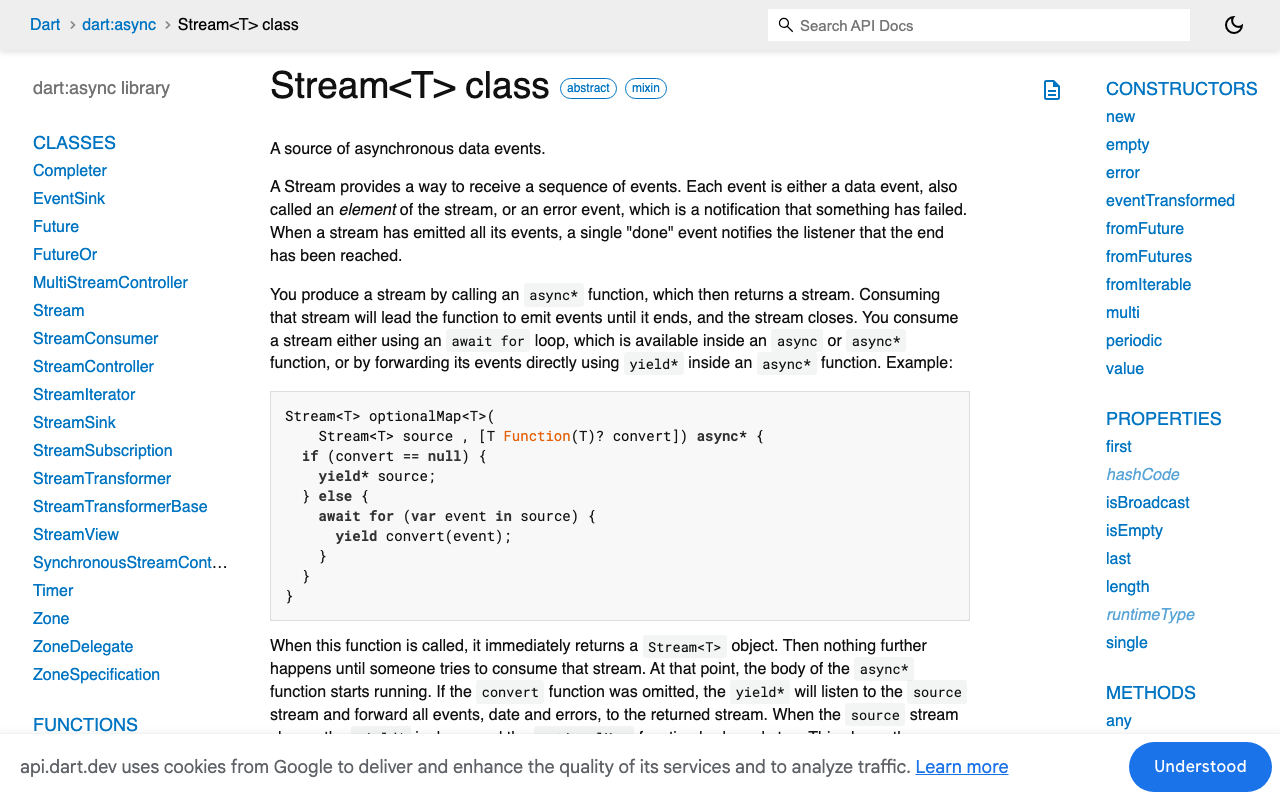
Dart has two kinds of streams. A single-subscription stream — what async* generators, StreamController() (non-broadcast), and http.StreamedResponse.stream all produce — allows one listener for the entire lifetime of the stream object. Not one at a time. One, ever.
That last part surprises people. Cancelling the subscription does not reset the stream:
final sub = stream.listen(print);
await sub.cancel();
stream.listen(print); // Bad state: Stream has already been listened to.
So if you're seeing bad state stream has already been listened to in Flutter chat code, ask one question: is the second listen() hitting the same Stream instance as the first? If yes, no amount of subscription hygiene will save you — you need a new stream per request.
The wrong pattern (this is probably your code)
class ChatRepository {
  final _client = http.Client();

  // ❌ BUG 1: one Stream object, created once, cached forever.
  Stream<String>? _replyStream;

  Stream<String> replyStream(String message) {
    return _replyStream ??= _openStream(message);
  }

  Stream<String> _openStream(String message) async* {
    final req = http.Request('POST', Uri.parse('https://api.widgetchat.app/v1/chat/stream'))
      ..headers['Authorization'] = 'Bearer $apiKey'
      ..headers['Content-Type'] = 'application/json'
      ..headers['Accept'] = 'text/event-stream'
      ..body = jsonEncode({'message': message});

    final res = await _client.send(req);
    await for (final line in res.stream.transform(utf8.decoder).transform(const LineSplitter())) {
      if (line.startsWith('data:')) yield line.substring(5).trim();
    }
  }
}

class _ChatScreenState extends State<ChatScreen> {
  void _send(String text) {
    // ❌ BUG 2: no reference kept, nothing ever cancelled.
    repo.replyStream(text).listen((token) {
      setState(() => _buffer += token); // ❌ BUG 3: no mounted guard.
    });
  }
}
Three independent bugs, and they surface as three different crashes:
- Bug 1 →
Bad state: Stream has already been listened toon the retry tap. - Bug 2 → the first request keeps streaming into a dead widget after you navigate away; the connection is never closed.
- Bug 3 →
setState() called after dispose()a few hundred milliseconds later.
The same shape appears with late final Stream<String> _reply = repo.replyStream(...) in a State, or a StreamBuilder fed from a field that's assigned once. A late final survives setState, so the rebuilt StreamBuilder re-subscribes to a stream that's already spent.
Why asBroadcastStream() is the tempting trap
asBroadcastStream() wraps the single-subscription source and lets many listeners attach — the exception disappears, so it looks like a fix. What it actually does:
- It subscribes to the source on the first listener and stays subscribed until the source ends or you cancel it explicitly. If your screen is disposed mid-answer, the socket to
/v1/chat/streamstays open and tokens keep arriving into nothing. Do this on every retry and you accumulate live connections — a textbook Flutter SSE stream subscription leak. - Broadcast streams don't buffer. A listener that attaches after tokens started gets only what comes next. Rebuild half a second late and the first words of the answer are simply gone.
- Worse for retries: once the source completes, the broadcast wrapper is done. The second
listen()succeeds, receives no events, and immediately getsonDone. That's the "no crash, but the reply is blank" bug — much harder to diagnose than the original exception.
Broadcast streams are the right tool for genuine multi-listener fan-out (a connection-state stream, an app-wide event bus). They are the wrong tool for "one HTTP request, one answer."
The fix: a fresh stream per request
Rule one — replyStream() is a factory, not a getter. Every call constructs a new http.Request and returns a brand-new stream. Nothing is cached.
import 'dart:async';
import 'dart:convert';
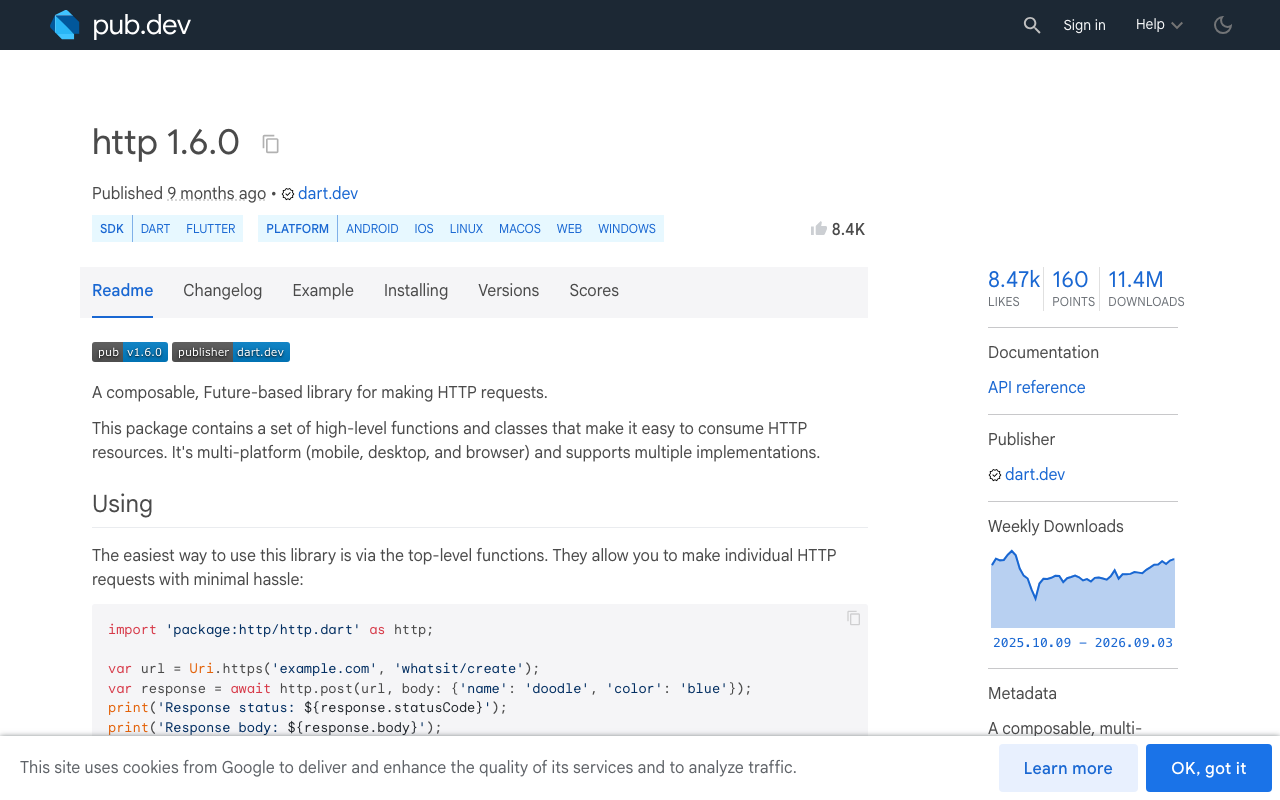
import 'package:http/http.dart' as http;

class ChatRepository {
  ChatRepository({required this.apiKey, http.Client? client})
      : _client = client ?? http.Client();

  final String apiKey;
  final http.Client _client;

  /// Returns a NEW single-subscription stream on every call.
  /// Listen to it exactly once, then throw it away.
  Stream<String> streamReply({
    required String message,
    String? conversationId,
  }) async* {
    final request = http.Request(
      'POST',
      Uri.parse('https://api.widgetchat.app/v1/chat/stream'),
    )
      ..headers.addAll({
        'Authorization': 'Bearer $apiKey',
        'Content-Type': 'application/json',
        'Accept': 'text/event-stream',
      })
      // Use the payload fields shown in your WidgetChat dashboard snippet.
      ..body = jsonEncode({
        'message': message,
        if (conversationId != null) 'conversation_id': conversationId,
      });

    final response = await _client.send(request);
    if (response.statusCode != 200) {
      throw HttpException('WidgetChat returned ${response.statusCode}');
    }

    final lines = response.stream
        .transform(utf8.decoder)
        .transform(const LineSplitter());

    await for (final line in lines) {
      if (line.isEmpty || line.startsWith(':')) continue; // keep-alive / comment
      if (!line.startsWith('data:')) continue;            // ignore event:/id:
      final data = line.substring(5).trim();
      if (data == '[DONE]') return;                       // terminal sentinel, if sent
      yield data;
    }
  }

  void dispose() => _client.close();
}
Notes that matter in production:
- SSE frames are line-oriented and several often arrive in one TCP chunk, so
LineSplitteris not optional — without it you'll get half-tokens glued together. - Blank lines separate SSE events and lines starting with
:are comments (many servers use them as heartbeats). Skip both. - Reuse one
http.Clientfor keep-alive, andclose()it when the repository dies.
Rule two: cancel the previous subscription before starting a new one
Even with a fresh stream per request, an in-flight subscription from the previous attempt will happily keep writing into your buffer. Cancel it first, and always await the cancel.
class _ChatScreenState extends State<ChatScreen> {
  StreamSubscription<String>? _sub;
  final _repo = ChatRepository(apiKey: kWidgetChatKey);
  String _reply = '';
  bool _streaming = false;

  Future<void> send(String text) async {
    await _sub?.cancel(); // kills the old request AND the old listener
    _sub = null;

    if (!mounted) return;
    setState(() {
      _reply = '';
      _streaming = true;
    });

    _sub = _repo.streamReply(message: text).listen(
      (token) {
        if (!mounted) return;              // guards setState after dispose
        setState(() => _reply += token);
      },
      onError: (Object e) {
        if (!mounted) return;
        setState(() {
          _streaming = false;
          _reply = 'Something went wrong. Tap retry.';
        });
      },
      onDone: () {
        if (!mounted) return;
        setState(() => _streaming = false);
      },
      cancelOnError: true,
    );
  }

  @override
  void dispose() {
    _sub?.cancel(); // dispose() is sync — fire and forget, don't await
    _repo.dispose();
    super.dispose();
  }
}
The mounted checks are belt-and-braces: State.dispose() is synchronous while StreamSubscription.cancel() returns a Future, so a token already in flight can land between the two. That gap is exactly where setState() called after dispose() comes from.
Killing the socket, not just the listener
Cancelling the subscription stops delivery, but if you want the request itself torn down deterministically, http 1.5+ ships AbortableRequest with an abortTrigger. Complete the trigger on retry or dispose and the response future (or the in-flight byte stream) fails with RequestAbortedException, which you catch and treat as a normal cancellation. Supported by IOClient, BrowserClient, and RetryClient when you go through Client.send.
Using it with StreamBuilder
If you prefer StreamBuilder, the same rule applies — never build the stream inside build(), because every rebuild creates a fresh request. Store the stream in a field, replace it inside setState when the user sends or retries, and let StreamBuilder unsubscribe from the old one for you:
Stream<String>? _current;

void _retry(String text) =>
    setState(() => _current = _repo.streamReply(message: text));

@override
Widget build(BuildContext context) => StreamBuilder<String>(
      stream: _current, // new instance == new subscription, safely
      builder: (context, snap) => Text(snap.data ?? ''),
    );
The checklist
- Does the second
listen()touch the sameStreamobject? → make it a factory method. - Is there a
StreamSubscriptionfield, cancelled before every new send and indispose()? - Is every
setStateinside a callback guarded bymounted? - Did you reach for
asBroadcastStream()? Remove it unless you truly have multiple simultaneous listeners.
Get those four right and retry, back-navigation, and hot restart all stop crashing — because each one is just another ordinary first-and-only listen on a brand-new stream.
Try WidgetChat free
WidgetChat drops an AI support assistant into your Flutter or FlutterFlow app with token-by-token SSE streaming over POST /v1/chat/stream — no proprietary SDK, just an HTTP client or a FlutterFlow custom action. Users can also tap the mic for a real-time voice call with the same assistant: it replies out loud, supports barge-in, and shows live captions in the same widget. Try WidgetChat free.

Comments
Comments are coming soon. We'd love to hear your thoughts!