

Flutter SSE Chat: Fix Garbled Emoji & UTF-8 Chunks
You wired a token-by-token AI chat into your Flutter app, pointed it at a streaming endpoint, and the reply builds beautifully — until it hits café, Grüße, or 🙂. Then you get caf�, a stray box glyph, a word glued to the next one, or a token that shows up twice.
Two separate bugs produce that one symptom, and most tutorials ship both. Here is what is actually happening at the byte level, and a drop-in parser you can paste into a Flutter or FlutterFlow project today.
The symptom, in bytes
UTF-8 is variable width. é (U+00E9) is two bytes: 0xC3 0xA9. ü (U+00FC) is 0xC3 0xBC. 🙂 (U+1F642) is four: 0xF0 0x9F 0x99 0x82.
Your HTTP stream does not emit characters. It emits whatever bytes happened to land in a TCP segment. A chunk can — and eventually will — end after 0xF0 0x9F with the remaining two bytes arriving 30 ms later. Decode that chunk on its own and the decoder sees a truncated sequence. Dart's one-shot utf8.decode throws a FormatException; with allowMalformed: true it quietly substitutes U+FFFD, the replacement character �. Either way the real bytes are gone, because the next chunk starts with an orphaned continuation byte that is equally undecodable.
This is why the bug looks random. ASCII-only replies are fine forever. The first accented word or emoji that straddles a boundary breaks.
Bug 1: utf8.decode(chunk) is not a streaming decoder
The broken pattern, straight out of a dozen blog posts:
// WRONG — every chunk is decoded in isolation
response.stream.listen((List<int> chunk) {
  final text = utf8.decode(chunk, allowMalformed: true); // hello, U+FFFD
  handle(text);
});
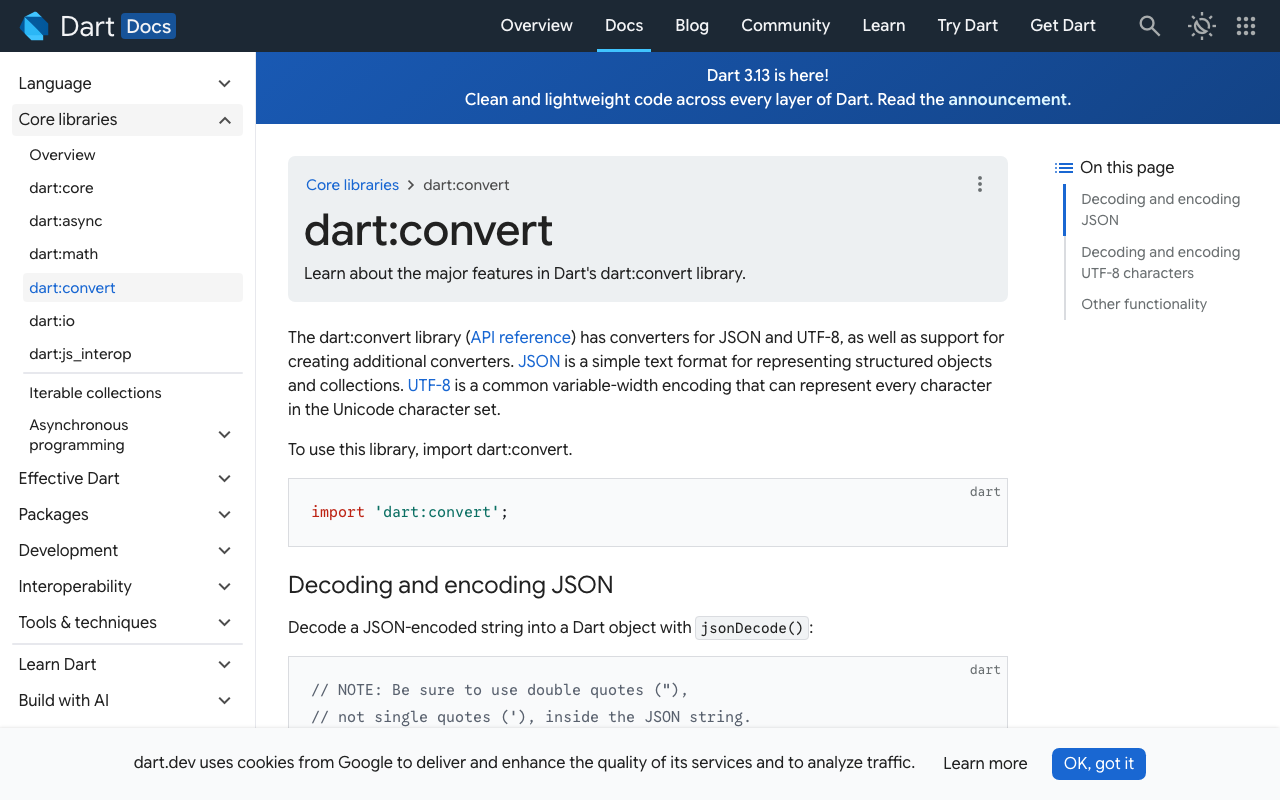
The fix is one line. const Utf8Decoder() (exposed as utf8.decoder) implements chunked conversion: when you bind it to a stream, it keeps the partial multi-byte sequence in internal state and finishes it when the next chunk arrives.
// RIGHT — one decoder for the life of the connection
final Stream<String> text = response.stream.transform(const Utf8Decoder());
Same idea as TextDecoder(..., {stream: true}) in the browser. Create it once, bind it once, never call the one-shot utf8.decode on a chunk again.
Bug 2: one chunk is not one SSE event
Fixing the decoder alone still leaves you with dropped and duplicated tokens, because the second half of the tutorial is also wrong:
// WRONG — assumes chunk boundaries align with event boundaries
for (final block in text.split('\n\n')) {
  final line = block.replaceAll('data: ', '').trim();
  append(line);
}
Three defects in four lines:
- A chunk can carry half a frame.
data: Helarrives, thenlo\n\n. Splitting on\n\ndiscards the half that has no terminator yet — that is your "dropped token". - A chunk can carry three frames. That part works by luck.
replaceAll('data: ', '')strips that substring anywhere, including inside the model's own text. And.trim()deletes the leading space in" world", which is exactly how you end up withHelloworld.
Per the SSE spec, an event stream is framed by lines, terminated by LF, CR, or CRLF; data: values accumulate across lines and the event dispatches on a blank line. Exactly one optional space after the colon is stripped — no more.
So you need two pieces of carried-over state: one inside the line splitter (for a half-arrived line) and one in your parser (for a half-arrived event). LineSplitter handles the first for you, including the nasty case of a lone \r at the end of a chunk that might turn out to be a CRLF. The second is yours to keep.
The drop-in parser
Dart 3, package:http only. No dart:io, so it compiles for web too.
import 'dart:convert';

class SseEvent {
  const SseEvent({required this.event, required this.data, this.id});
  final String event;
  final String data;
  final String? id;
}

/// Turns a stream of *lines* into a stream of *complete* SSE events.
Stream<SseEvent> parseSse(Stream<String> lines) async* {
  final dataBuffer = StringBuffer();
  String? eventType;
  String? lastId;
  var sawData = false;
  var checkedBom = false;

  await for (var line in lines) {
    if (!checkedBom) {
      checkedBom = true;
      if (line.startsWith('\uFEFF')) line = line.substring(1);
    }

    // Blank line dispatches the buffered event.
    if (line.isEmpty) {
      if (sawData) {
        var data = dataBuffer.toString();
        if (data.endsWith('\n')) data = data.substring(0, data.length - 1);
        yield SseEvent(event: eventType ?? 'message', data: data, id: lastId);
      }
      dataBuffer.clear();
      eventType = null;
      sawData = false;
      continue;
    }

    if (line.startsWith(':')) continue; // comment / keep-alive ping

    final colon = line.indexOf(':');
    final field = colon == -1 ? line : line.substring(0, colon);
    var value = colon == -1 ? '' : line.substring(colon + 1);
    if (value.startsWith(' ')) value = value.substring(1); // exactly one

    switch (field) {
      case 'data':
        dataBuffer..write(value)..write('\n');
        sawData = true;
      case 'event':
        eventType = value;
      case 'id':
        if (!value.contains('\u0000')) lastId = value;
    }
  }
  // Deliberately no flush here — see "duplicate tokens" below.
}
Wiring it to the WidgetChat stream endpoint
WidgetChat streams token-by-token data: frames from POST https://api.widgetchat.app/v1/chat/stream. Use Client.send with a Request — http.post buffers the whole body and defeats the point.
import 'dart:convert';
import 'package:http/http.dart' as http;

Stream<SseEvent> widgetChatStream({
  required String apiKey,
  required String message,
  String? conversationId,
  http.Client? client,
}) async* {
  final c = client ?? http.Client();
  final req = http.Request(
    'POST',
    Uri.parse('https://api.widgetchat.app/v1/chat/stream'),
  )
    ..headers.addAll({
      'Authorization': 'Bearer $apiKey',
      'Content-Type': 'application/json',
      'Accept': 'text/event-stream',
      'Cache-Control': 'no-cache',
    })
    ..body = jsonEncode({
      'message': message,
      if (conversationId != null) 'conversation_id': conversationId,
    });

  final res = await c.send(req);
  if (res.statusCode != 200) {
    throw Exception('WidgetChat stream ${res.statusCode}: '
        '${await res.stream.bytesToString()}');
  }

  yield* parseSse(
    res.stream                        // Stream<List<int>>
        .transform(const Utf8Decoder())   // stateful across chunk boundaries
        .transform(const LineSplitter()), // stateful across chunk boundaries
  );
}
Use the exact request keys your project is configured with — the parser above is payload-agnostic, which is the whole point. Same for the token payload: handle both JSON and raw text so a schema change never breaks the UI.
Stream<String> widgetChatTokens({
  required String apiKey,
  required String message,
  String? conversationId,
}) async* {
  await for (final e in widgetChatStream(
      apiKey: apiKey, message: message, conversationId: conversationId)) {
    if (e.data == '[DONE]') return;
    yield _token(e.data);
  }
}

String _token(String data) {
  try {
    final decoded = jsonDecode(data);
    if (decoded is Map) {
      for (final k in const ['token', 'delta', 'text', 'content']) {
        if (decoded[k] is String) return decoded[k] as String;
      }
    }
  } on FormatException {
    // Not JSON — the frame *is* the token.
  }
  return data;
}
The dio version
dio hands you Stream<Uint8List>, which needs a cast before Utf8Decoder will accept it. Everything after that is identical.
final res = await dio.post<ResponseBody>(
  'https://api.widgetchat.app/v1/chat/stream',
  data: {'message': message},
  options: Options(
    responseType: ResponseType.stream,
    headers: {'Accept': 'text/event-stream'},
  ),
);

final events = parseSse(
  res.data!.stream
      .cast<List<int>>()
      .transform(const Utf8Decoder())
      .transform(const LineSplitter()),
);
FlutterFlow custom action
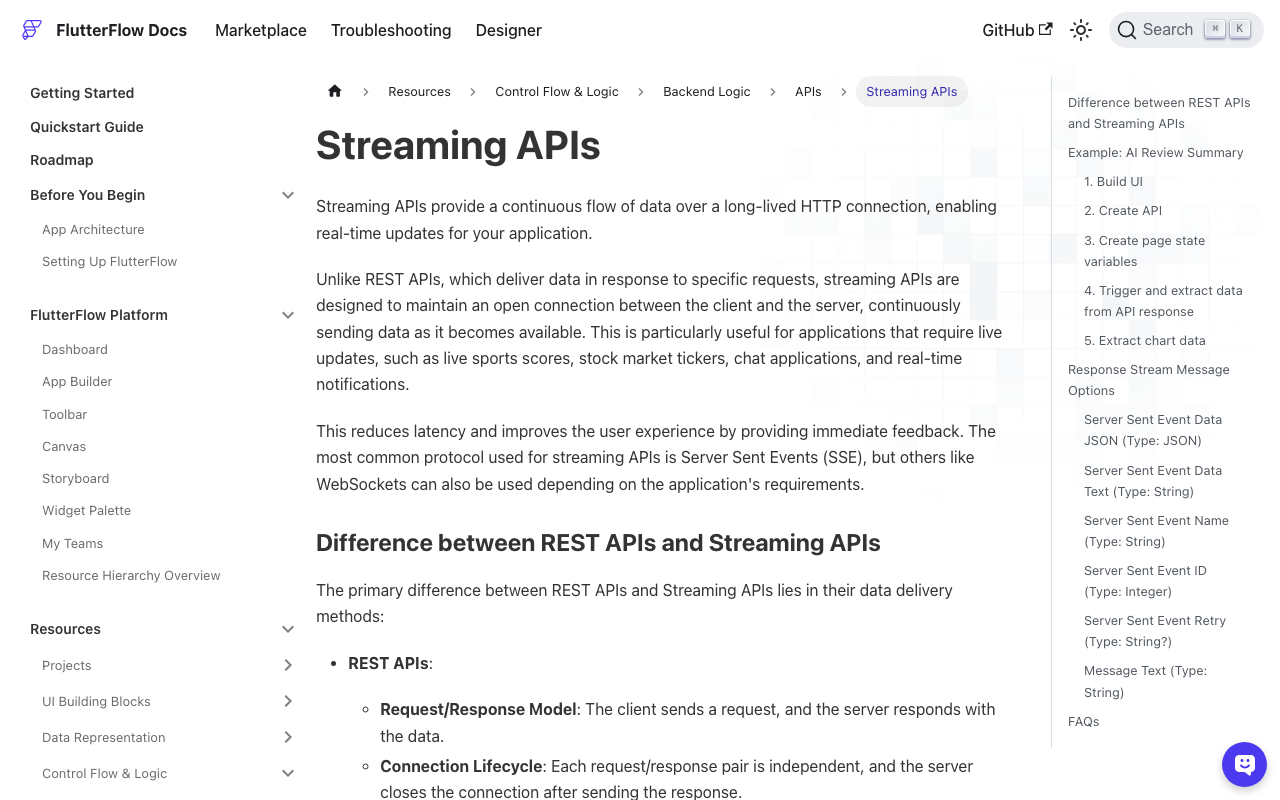
FlutterFlow custom actions return a Future, so stream the partial text into App State and let the UI rebuild. Add http: ^1.6.0 under Pubspec Dependencies, create an App State string (streamedReply), and add an optional Callback Action if you want to trigger anything per token.
// Custom Action: streamWidgetChatReply
// Args: message (String), apiKey (String)
// Callback Action: onToken  ->  Future Function()? onToken
Future<String> streamWidgetChatReply(
  String message,
  String apiKey,
  Future Function()? onToken,
) async {
  final buffer = StringBuffer();
  FFAppState().update(() => FFAppState().streamedReply = '');

  await for (final token
      in widgetChatTokens(apiKey: apiKey, message: message)) {
    buffer.write(token);
    FFAppState().update(() {
      FFAppState().streamedReply = buffer.toString();
    });
    await onToken?.call();
  }
  return buffer.toString();
}
Bind a Text widget to streamedReply and it types itself out. Put parseSse, widgetChatStream and widgetChatTokens in the same custom action file or a shared custom code file.
Where dropped and duplicated tokens actually come from
Once decoding is correct, the remaining oddities have boring causes:
- Duplicated last token. A carry-over buffer that flushes on both the blank line and
onDone. The server sends a terminating blank line, so a flush at end-of-stream re-emits an event you already yielded. That is whyparseSsehas no final flush. - The whole reply duplicated. The stream-returning function is called inside
build(), so a rebuild starts a second request. - Words glued together.
.trim()on the data value. Strip one space after the colon, never more. - Text mangled where the model quoted itself.
replaceAll('data: ', '')instead of splitting at the first colon.
Emoji that still look broken after the fix
Correct UTF-8 decoding gives you correct code points, not complete grapheme clusters. 🇫🇷 is two regional indicators; 👨👩👧 is three emoji joined by ZWJ. Mid-stream you will briefly see the halves. That is not a decoding bug — it resolves on the next frame. If you truncate or animate the accumulated string, slice it with characters (bundled with Flutter) rather than by index:
import 'package:characters/characters.dart';
final preview = reply.characters.take(120).toString();
Flutter web: if the entire reply arrives at once
On web, the default browser client has historically buffered the response body instead of surfacing chunks, so a correct parser still renders in one shot. If you see that, swap the client for fetch_client — it implements the package:http Client interface, so it is a genuine drop-in and the rest of the code above is unchanged.
Test it by feeding one byte at a time
The strongest regression test is the pathological case: every chunk is a single byte.
test('multi-byte characters survive chunk boundaries', () async {
  final bytes = utf8.encode('data: caf\u00e9 \u{1F642}\n\n');
  final chunks = [for (final b in bytes) <int>[b]];

  final events = await parseSse(
    Stream<List<int>>.fromIterable(chunks)
        .transform(const Utf8Decoder())
        .transform(const LineSplitter()),
  ).toList();

  expect(events.single.data, 'caf\u00e9 \u{1F642}');
});
If that passes, no real network will ever surprise you.
Try WidgetChat free
WidgetChat is an AI support chatbot you embed in Flutter and FlutterFlow apps — streaming SSE replies from your own content over a plain HTTP client, no proprietary SDK. Once your text stream is solid, users can also tap the mic for a real-time voice call in the same widget: speech-to-speech with barge-in, live captions, and product cards on screen while it speaks. Try WidgetChat free.

Comments
Comments are coming soon. We'd love to hear your thoughts!