

Flutter SSE Reconnect: AI Chat Cut Off Mid-Sentence
Your AI chat screen streams beautifully at your desk. Then a real user walks out of the coffee shop, the phone hands off Wi-Fi to cellular, and the assistant's answer stops at "To reset your password, go to Settings and". Sometimes you get a red log line:
ClientException: Connection closed while receiving data, uri=https://api.widgetchat.app/v1/chat/stream
Sometimes you get nothing at all — the socket just goes quiet forever.
This post fixes both, without the classic "add a retry" bug where the reply restarts from the top and the user watches the same paragraph get typed twice.
Why your timeout never fires
The first thing most people try is a timeout:
final res = await client.send(request).timeout(const Duration(seconds: 20));
That timeout guards the DNS lookup, the TLS handshake, and the response headers. The moment the server flushes 200 OK + Content-Type: text/event-stream, that future completes and the timeout is gone. Everything after — the entire token stream — runs with no deadline at all.
HttpClient.idleTimeout doesn't save you either: it controls how long idle keep-alive connections in the pool are held open, not how long you'll wait for the next byte of an active response.
So when the phone switches interfaces, the old TCP connection is orphaned. The server thinks it's still writing; the client thinks it's still reading. Depending on the platform and the exact failure, you get one of three outcomes:
ClientException: Connection closed while receiving data— the socket was reset andpackage:httpsurfaced it.- A
SocketException(Connection reset by peer,Software caused connection abort). - Nothing. A half-open socket where no FIN and no RST ever arrives. This is the one that hangs your spinner for two minutes.
Case 3 is why you need an idle watchdog, not a request timeout.
Step 1: a per-chunk idle watchdog
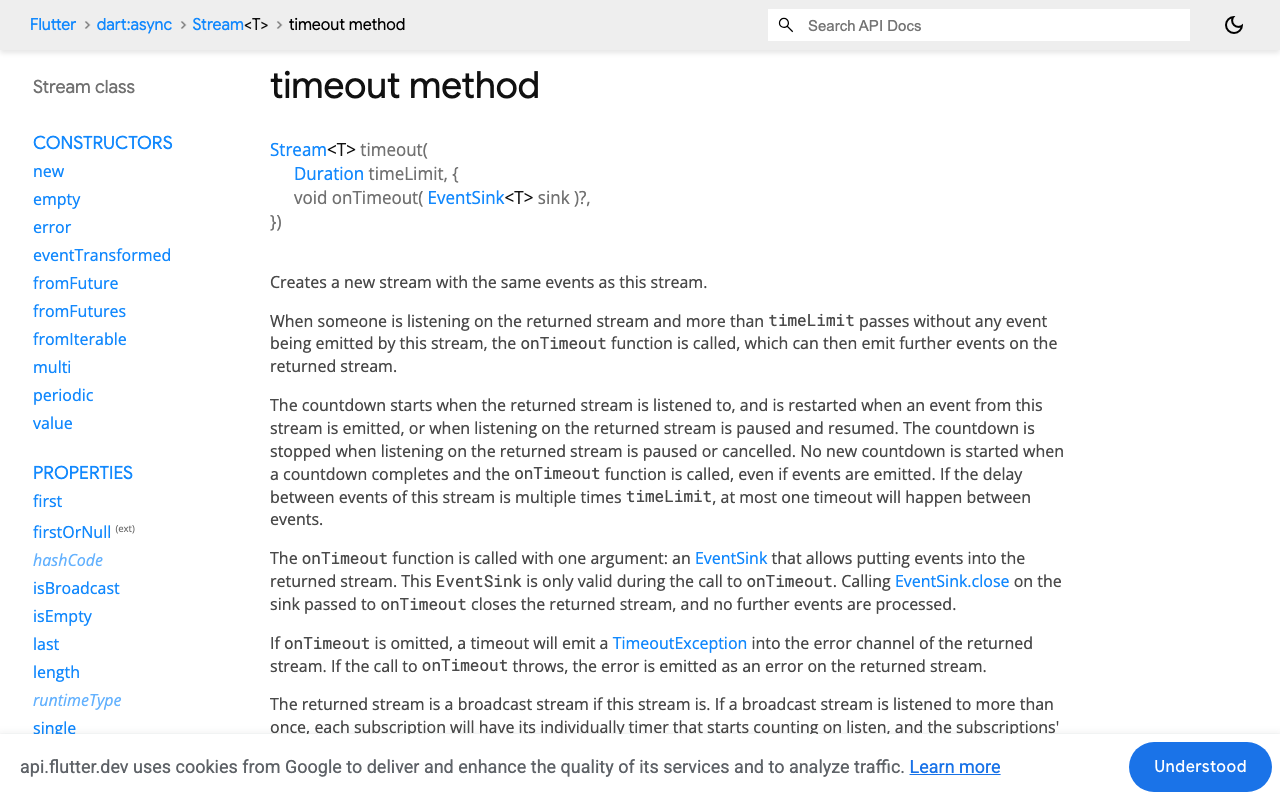
Stream.timeout is exactly the right tool, and its semantics are worth reading carefully: the countdown starts when the stream is listened to and restarts every time an event is forwarded. For a token-by-token SSE stream, "an event" is a chunk of bytes arriving — so a 8-second idle timeout means "8 seconds since the last token," not "8 seconds total."
Put it on the raw byte stream, before decoding:
final lines = res.stream
    .timeout(idleTimeout)            // ← fires on silence, not on total duration
    .transform(utf8.decoder)         // handles multi-byte chars split across chunks
    .transform(const LineSplitter());
Two details that matter:
- Use
utf8.decoderas a stream transformer, notutf8.decode(chunk)per chunk. A single emoji or accented character can straddle a chunk boundary; the transformer buffers the partial sequence, the one-shot call throws. - Cancelling the subscription (which
await fordoes when it rethrows) is what actually tears the dead socket down. Without it you leak a stuck connection per failure.
Step 2: merge, don't replay
Here is the part everyone skips. You reconnect, the model answers again — and unless your backend can resume from a byte offset, it answers from the beginning. Naively appending gives the user the answer twice.
The fix that needs zero server support is prefix reconciliation: keep the text you've already shown, and on the new connection, silently swallow tokens as long as they match what you already have. Start appending only where the replay runs past your buffer.
/// Returns the updated (shownText, replayedChars) after folding in [token].
(String, int) _merge(String shown, int replayLen, String token) {
  if (replayLen >= shown.length) {
    // Past everything we already have — this is genuinely new text.
    final next = shown + token;
    return (next, next.length);
  }
  final overlap = min(token.length, shown.length - replayLen);
  if (shown.substring(replayLen, replayLen + overlap) == token.substring(0, overlap)) {
    if (token.length > overlap) {
      final next = shown + token.substring(overlap);
      return (next, next.length);   // replay ended mid-token; take the tail
    }
    return (shown, replayLen + overlap);  // pure replay — emit nothing
  }
  // The model took a different path this time. Cut back to the common prefix
  // and follow the new answer instead of showing two of them.
  final next = shown.substring(0, replayLen) + token;
  return (next, next.length);
}
That last branch is the honest one. LLM output isn't deterministic, so a resumed answer can diverge. Truncating to the common prefix means the user sees the tail of a sentence get rewritten — annoying, but nothing like a duplicated paragraph.
Step 3: the full resilient client
import 'dart:async';
import 'dart:convert';
import 'dart:io' show HandshakeException, SocketException;
import 'dart:math';

import 'package:http/http.dart' as http;

const _endpoint = 'https://api.widgetchat.app/v1/chat/stream';

class ChatState {
  const ChatState(this.text, {this.reconnecting = false, this.done = false, this.stalled = false});
  final String text;
  final bool reconnecting;
  final bool done;
  final bool stalled;   // gave up — offer a manual resend
}

class _Status implements Exception {
  const _Status(this.code);
  final int code;
}

class WidgetChatStream {
  WidgetChatStream({
    required this.apiKey,
    required this.conversationId,
    this.idleTimeout = const Duration(seconds: 8),
    this.headerTimeout = const Duration(seconds: 15),
    this.maxAttempts = 4,
    this.resumeWindow = const Duration(seconds: 60),
  });

  final String apiKey;
  final String conversationId;
  final Duration idleTimeout, headerTimeout, resumeWindow;
  final int maxAttempts;
  final _rng = Random();

  Stream<ChatState> send(String message) async* {
    var shown = '';      // what the user has already read — never cleared
    var replayLen = 0;   // chars this connection has re-sent
    var attempt = 0;
    var giveUpAt = DateTime.now().add(resumeWindow);

    while (true) {
      // A fresh Client per attempt. dart:io pools keep-alive sockets, and the
      // pooled socket is exactly the one that just died.
      final client = http.Client();
      var progressed = false;
      try {
        await for (final frame in _open(client, message)) {
          if (frame == null) {                 // terminal frame
            yield ChatState(shown, done: true);
            return;
          }
          final before = shown;
          (shown, replayLen) = _merge(shown, replayLen, frame);
          if (shown != before) {
            progressed = true;
            yield ChatState(shown);
          }
        }
        yield ChatState(shown, done: true);     // clean end of stream
        return;
      } catch (e) {
        if (!_isTransient(e)) rethrow;
        if (progressed) {                      // real progress earns a fresh budget
          attempt = 0;
          giveUpAt = DateTime.now().add(resumeWindow);
        }
        attempt++;
        if (attempt > maxAttempts || DateTime.now().isAfter(giveUpAt)) {
          yield ChatState(shown, stalled: true);
          return;
        }
        replayLen = 0;                         // next connection replays from zero
        yield ChatState(shown, reconnecting: true);
        await Future.delayed(_backoff(attempt));
      } finally {
        client.close();
      }
    }
  }

  Stream<String?> _open(http.Client client, String message) async* {
    final req = http.Request('POST', Uri.parse(_endpoint))
      ..headers.addAll({
        'Authorization': 'Bearer $apiKey',
        'Content-Type': 'application/json',
        'Accept': 'text/event-stream',
        'Cache-Control': 'no-cache',
      })
      ..body = jsonEncode({'conversation_id': conversationId, 'message': message});

    final res = await client.send(req).timeout(headerTimeout);
    if (res.statusCode != 200) throw _Status(res.statusCode);

    final lines = res.stream
        .timeout(idleTimeout)
        .transform(utf8.decoder)
        .transform(const LineSplitter());

    await for (final line in lines) {
      if (!line.startsWith('data:')) continue;  // skip ':' comments, event:, id:, retry:
      final payload = line.substring(5).trimLeft();
      if (payload.isEmpty) continue;
      if (payload == '[DONE]') { yield null; return; }
      final token = _textOf(payload);
      if (token.isNotEmpty) yield token;
    }
  }

  /// Log one raw frame from your project and pin this to the actual field.
  String _textOf(String payload) {
    try {
      final d = jsonDecode(payload);
      if (d is String) return d;
      if (d is Map) {
        for (final k in const ['delta', 'text', 'content', 'token']) {
          if (d[k] is String) return d[k] as String;
        }
      }
    } on FormatException {
      return payload;   // plain-text data: frames
    }
    return '';
  }

  bool _isTransient(Object e) {
    if (e is _Status) return e.code == 429 || e.code >= 500;
    if (e is TimeoutException) return true;      // our idle watchdog
    if (e is SocketException) return true;       // reset by peer, network unreachable
    if (e is HandshakeException) return true;    // TLS torn down mid-stream
    if (e is http.ClientException) return true;  // "Connection closed while receiving data"
    return false;
  }

  Duration _backoff(int attempt) {
    final cap = min(8000, 250 * (1 << (attempt - 1)));
    return Duration(milliseconds: 150 + _rng.nextInt(cap));  // full jitter
  }
}
Three things to notice:
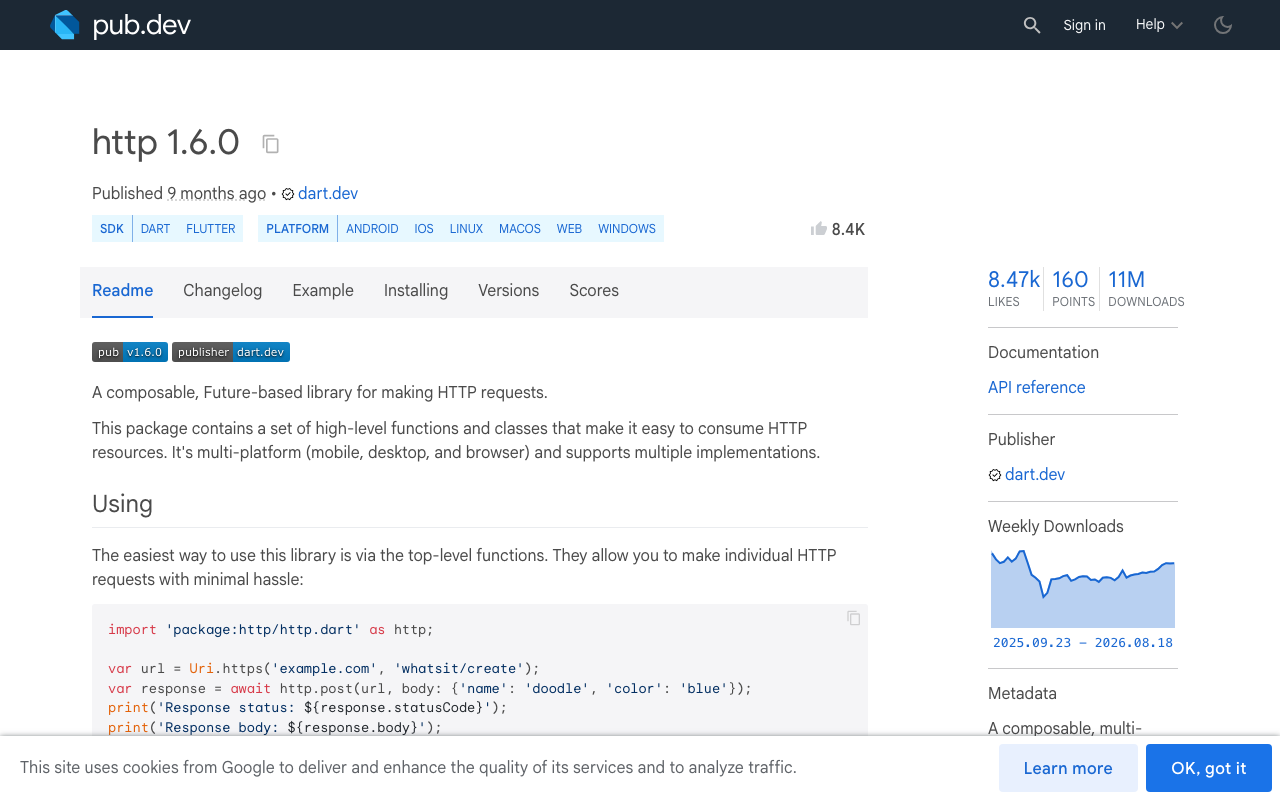
Match on type, never on the message string. "Connection closed while receiving data" is what package:http's IOClient produces. Swap in package:cupertino_http or package:cronet_http — both good ideas for production, neither migrates a live connection across interfaces — and the same failure arrives with a completely different message. Catch ClientException itself.
Fresh Client per attempt. Reusing one client risks pulling the dead pooled connection straight back out.
Progress resets the budget. A reply that streams for 40 seconds across three tunnels shouldn't hit a fixed 4-attempt ceiling; a reply that fails four times having produced nothing should stop.
Targeting Flutter web too?
dart:iowon't compile there. Drop theSocketException/HandshakeExceptioncases behind a conditional import —ClientExceptionandTimeoutExceptioncover the browser.
Skip the backoff when the network comes back
Sleeping 4 seconds when the radio reconnected 200 ms ago wastes the user's patience. Race the delay against a connectivity event — current connectivity_plus emits a List<ConnectivityResult>:
final sub = Connectivity().onConnectivityChanged.listen(null);
// ...or simply: await Future.any([Future.delayed(d), _nextOnlineEvent()]);
Keep the backoff as the ceiling and the connectivity event as the early exit — and remember to cancel that subscription, or every retry leaks one.
Step 4: a reconnect UI that doesn't erase what they read
The whole point of the buffer is that the user keeps reading. Never clear the bubble on error.
StreamBuilder<ChatState>(
  stream: _reply,
  builder: (context, snap) {
    final s = snap.data;
    if (s == null) return const SizedBox.shrink();
    return Column(
      crossAxisAlignment: CrossAxisAlignment.start,
      children: [
        Text(s.text),                       // same widget, same key, grows in place
        if (s.reconnecting)
          const Padding(
            padding: EdgeInsets.only(top: 6),
            child: Text('Reconnecting…', style: TextStyle(fontSize: 12)),
          ),
        if (s.stalled)
          TextButton(onPressed: _resend, child: const Text('Finish this reply')),
      ],
    );
  },
)
Don't swap the bubble for a full-width error card, and don't rebuild the list with a new key — Flutter will animate the message out and back in, which reads as "my answer disappeared." A 12pt Reconnecting… under the partial text is enough.
FlutterFlow: where the built-in streaming toggle stops
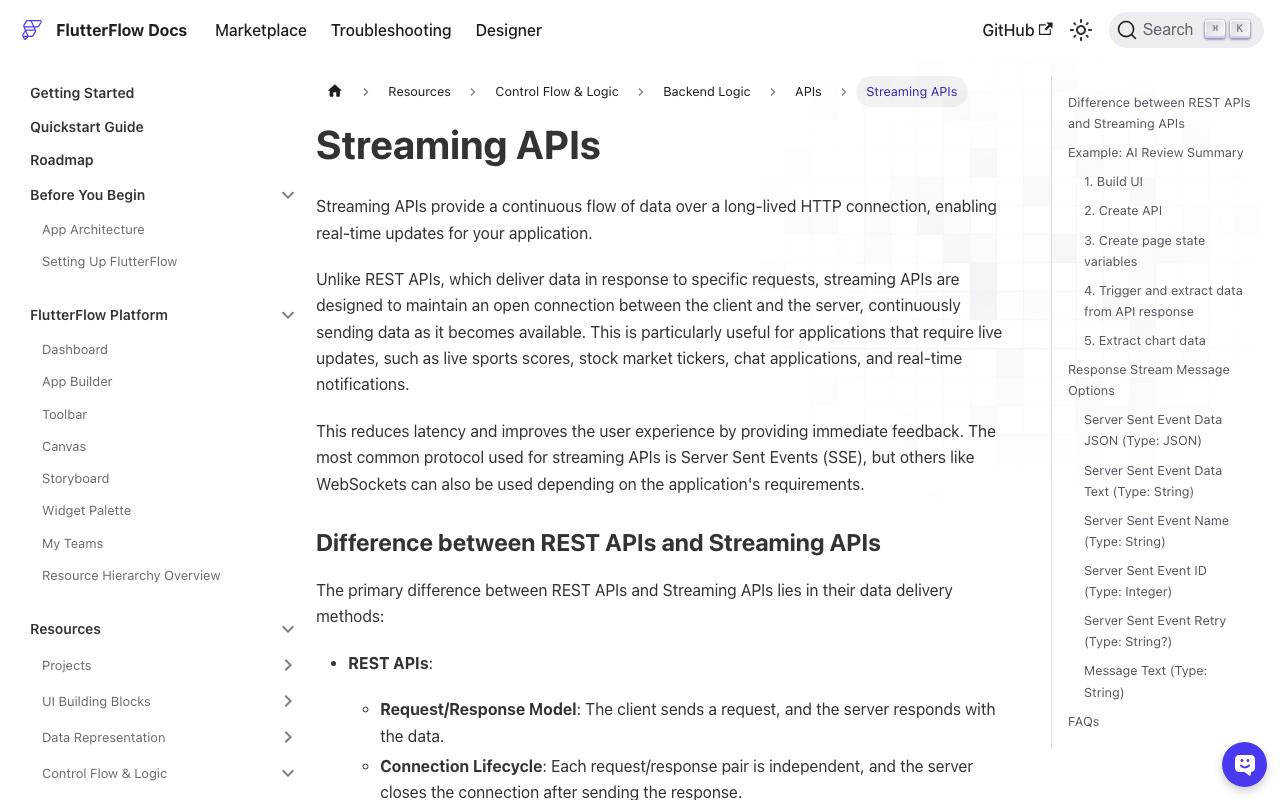
FlutterFlow's API call settings include a Process Streaming Response toggle that gives you onMessage, onError, and onClose actions, with the SSE data available as JSON or text. That's a fine way to get tokens on screen — but onError is a dead end: it fires, and your reply is over. There's no resume, and no place to hold the accumulated buffer across a reconnect.
So put the class above in a Custom Action and write each snapshot into App State:
Future streamReply(String message) async {
  final stream = WidgetChatStream(
    apiKey: FFAppState().widgetChatKey,
    conversationId: FFAppState().conversationId,
  ).send(message);

  await for (final s in stream) {
    FFAppState().update(() {
      FFAppState().replyText = s.text;
      FFAppState().isReconnecting = s.reconnecting;
      FFAppState().canResend = s.stalled;
    });
  }
}
Bind your chat bubble's Text to replyText, show a conditional "Reconnecting…" row on isReconnecting, and a resend button on canResend. Add http and connectivity_plus under Custom Code → Dependencies.
Reproducing it before your users do
The simulator won't show you this. On a real device: send a question that produces a long answer, and while it's streaming, flip Wi-Fi off in Control Center. Cellular takes over, the old socket is orphaned, and you should see Reconnecting… then the answer continue — not restart. Toggle Airplane mode on and off for the give-up path. Apple's Network Link Conditioner (100% Loss profile) reproduces the silent half-open case that only the idle watchdog catches.
If you find the watchdog firing on healthy streams, your idle timeout is under your model's think time before the first token. 8 seconds is a reasonable floor; measure your own p99 gap between tokens and add headroom.
Try WidgetChat free
WidgetChat is a drop-in AI support chatbot for Flutter and FlutterFlow apps — token-by-token SSE streaming from POST https://api.widgetchat.app/v1/chat/stream, no proprietary SDK required, so patterns like the one above are just your own HTTP client. It also does live voice chat: users tap the mic for a real-time speech-to-speech call in the same widget, with barge-in, live captions, and product cards on screen while it speaks — across iOS, Android, and web.
Try WidgetChat free and ship a chat screen that survives the elevator.

Comments
Comments are coming soon. We'd love to hear your thoughts!