

Fix Flutter SSE Streams That Die When the App Backgrounds
Your Flutter AI chatbot streams beautifully in testing: tokens render one by one, the reply grows, everyone is happy. Then a real user switches to another app mid-reply — or the phone locks — and comes back to a bubble frozen at "Sure, the first step is to…" forever. No error, no completion, nothing.
This is the part most SSE tutorials skip. They show you how to render tokens; they don't tell you that both iOS and Android suspend your app's sockets when it goes to the background, and a suspended Server-Sent Events connection usually doesn't die loudly. It just stops. Your StreamSubscription never gets an onError or onDone while the app is paused, so when the user returns, the UI is stuck in a permanent "streaming" state.
Here's the production-grade fix: treat the app lifecycle as part of your streaming state machine. Cancel the subscription cleanly on paused, and re-issue the request on resumed so the reply completes instead of hanging. The examples below run against WidgetChat's streaming endpoint (POST https://api.widgetchat.app/v1/chat/stream), which returns token-by-token data: SSE frames — but the pattern applies to any SSE-based AI backend.
Why the stream dies (and why you get no error)
When a Flutter app is backgrounded:
- iOS suspends the process shortly after it leaves the foreground (unless you've declared special background modes, which a chat reply doesn't qualify for). Suspended apps can't service sockets; the OS may silently tear the TCP connection down while you're suspended. There are long-standing reports of Dart sockets being closed out from under iOS apps (see the
dart-lang/sdkissue linked in the sources). - Android freezes cached background processes and, under Doze, restricts network access. Your isolate stops receiving events even if the socket technically survives.
The cruel part: because your Dart code isn't running while paused, the failure often only surfaces after resume — sometimes as a delayed error, sometimes never. Waiting for onError is not a strategy. That's the root cause behind the classic "flutter sse connection closed in background" symptom, and why your flutter chatbot stream stops without ever throwing.
So don't fight the OS. Assume the connection is dead the moment you're backgrounded, shut it down on your own terms, and reconnect on resume.
Step 1: A lifecycle-aware chat screen
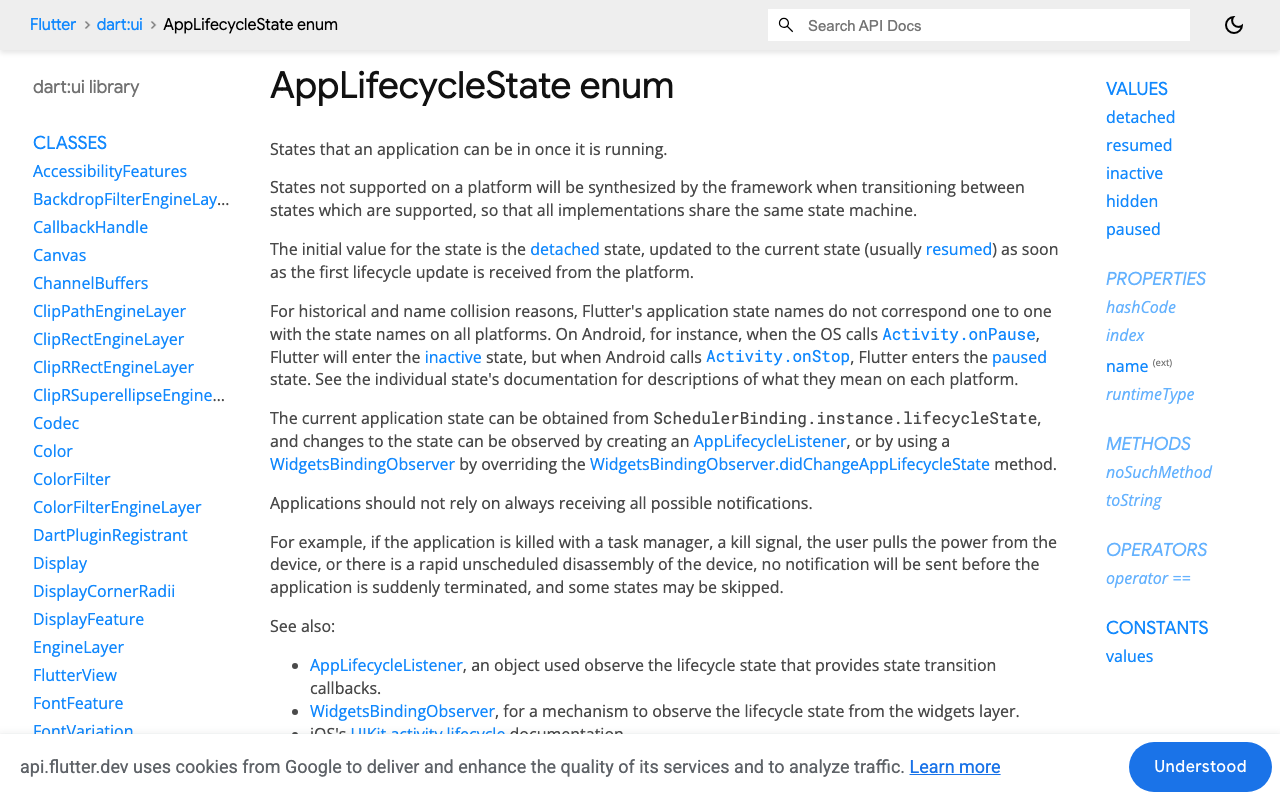
Use WidgetsBindingObserver and override didChangeAppLifecycleState. Register the observer in initState, remove it in dispose. (On Flutter 3.13+ you can also use the standalone AppLifecycleListener, and note that a hidden state was added to the enum — one more reason not to write exhaustive switch statements over lifecycle states.)
React to exactly two states:
paused→ cancel the stream cleanly.resumed→ if a reply was in flight, restart it.
Ignore inactive — it fires for things like Control Center, permission dialogs, and incoming calls, and killing the stream there would make your chatbot flaky in exactly the situations where the connection is still fine.
Step 2: The full implementation
This is a complete State class using only package:http (any recent 1.x, e.g. http: ^1.6.0) — no proprietary SDK, which is exactly how WidgetChat is designed to be integrated.
import 'dart:async';
import 'dart:convert';

import 'package:flutter/material.dart';
import 'package:http/http.dart' as http;

class ChatScreen extends StatefulWidget {
  const ChatScreen({super.key});

  @override
  State<ChatScreen> createState() => _ChatScreenState();
}

class _ChatScreenState extends State<ChatScreen> with WidgetsBindingObserver {
  final List<({String role, String text})> _messages = [];

  http.Client? _client;
  StreamSubscription<String>? _sub;
  Timer? _watchdog;

  // What we need to resume: the conversation and the last user message.
  String? _conversationId;
  String? _pendingUserMessage;
  bool _replyInFlight = false;

  @override
  void initState() {
    super.initState();
    WidgetsBinding.instance.addObserver(this);
  }

  @override
  void dispose() {
    WidgetsBinding.instance.removeObserver(this);
    _teardown(); // StreamSubscription cancel + client close in dispose
    super.dispose();
  }

  @override
  void didChangeAppLifecycleState(AppLifecycleState state) {
    if (state == AppLifecycleState.paused) {
      // The OS is about to freeze our sockets. Shut down on our terms.
      _teardown();
    } else if (state == AppLifecycleState.resumed) {
      if (_replyInFlight) _restartReply();
    }
    // Deliberately ignore inactive / hidden / detached.
  }

  void _teardown() {
    _watchdog?.cancel();
    _sub?.cancel();
    _sub = null;
    _client?.close();
    _client = null;
  }

  Future<void> sendMessage(String text) async {
    setState(() {
      _messages.add((role: 'user', text: text));
      _messages.add((role: 'assistant', text: ''));
    });
    _pendingUserMessage = text;
    await _openStream(userMessage: text);
  }

  Future<void> _restartReply() async {
    // The old socket is dead. Reset the frozen bubble and re-request
    // the reply for the SAME conversation so it completes this time.
    setState(() => _messages.last = (role: 'assistant', text: ''));
    await _openStream(userMessage: _pendingUserMessage);
  }

  Future<void> _openStream({String? userMessage}) async {
    _teardown();
    _replyInFlight = true;
    _client = http.Client();

    final request = http.Request(
      'POST',
      Uri.parse('https://api.widgetchat.app/v1/chat/stream'),
    )
      ..headers['Content-Type'] = 'application/json'
      ..headers['Accept'] = 'text/event-stream'
      // Auth + exact payload fields come from your project's
      // integration snippet in the WidgetChat dashboard.
      ..body = jsonEncode({
        if (_conversationId != null) 'conversation_id': _conversationId,
        'message': userMessage,
      });

    try {
      final response = await _client!.send(request);

      _sub = response.stream
          .transform(utf8.decoder)
          .transform(const LineSplitter())
          .listen(
            _onSseLine,
            onError: (_) => _onStreamBroken(),
            onDone: _onStreamDone,
            cancelOnError: true,
          );
      _armWatchdog();
    } catch (_) {
      _onStreamBroken();
    }
  }

  void _onSseLine(String line) {
    _armWatchdog(); // any traffic proves the connection is alive
    if (!line.startsWith('data:')) return; // skip comments / blank lines
    final data = line.substring(5).trim();
    if (data.isEmpty) return;
    if (data == '[DONE]') return _onStreamDone();

    if (!mounted) return; // never setState after dispose
    setState(() {
      final last = _messages.last;
      _messages.last = (role: last.role, text: last.text + data);
    });
  }

  void _onStreamDone() {
    _replyInFlight = false;
    _pendingUserMessage = null;
    _watchdog?.cancel();
  }

  void _onStreamBroken() {
    // Broke while foregrounded (network blip): retry with a short delay.
    if (!_replyInFlight) return;
    Future.delayed(const Duration(seconds: 2), () {
      if (mounted && _replyInFlight) _restartReply();
    });
  }

  // If no bytes arrive for 20s mid-reply, assume a half-dead socket.
  void _armWatchdog() {
    _watchdog?.cancel();
    _watchdog = Timer(const Duration(seconds: 20), _onStreamBroken);
  }

  @override
  Widget build(BuildContext context) {
    return ListView(
      children: [
        for (final m in _messages)
          ListTile(title: Text(m.text), subtitle: Text(m.role)),
      ],
    );
  }
}
(Depending on how your backend frames tokens, data: payloads may be raw text or small JSON objects — parse accordingly. The lifecycle logic is identical either way.)
Why each piece matters
Cancel on paused, don't "wait and see." Cancelling the StreamSubscription and closing the http.Client while you still have CPU time means you resume into a known state: no zombie socket, no half-dead subscription that might emit a stale error minutes later. This is the same discipline as cancelling subscriptions in dispose — the paused transition is just a second place where cleanup is mandatory.
Re-issue the request on resumed. SSE has no built-in way to replay the missing middle of a response, so the honest fix is to reset the partial bubble and request the reply again for the same conversation. The user sees the answer stream in fresh and complete — dramatically better than a message frozen mid-sentence. This is the core of a correct flutter app lifecycle resume-stream flow.
The watchdog timer. Backgrounding isn't the only way sockets half-die; Wi-Fi-to-cellular handoffs do it too, and those give you no lifecycle callback at all. A "no bytes in N seconds" timer turns every silent stall into an automatic flutter SSE reconnect.
mounted checks and dispose. Tokens arrive asynchronously, so a route pop mid-reply will otherwise crash with setState() called after dispose(). Cancel in dispose, and guard every setState in a stream callback with mounted.
Don't react to inactive. It's the most common mistake in lifecycle code: inactive fires when a system dialog appears or the user peeks at Control Center. Tearing down there causes pointless reconnects while the socket was perfectly healthy.
Testing it
- Send a message that produces a long streaming answer.
- Mid-stream, background the app (home button / app switcher), wait ~15 seconds, and return. The frozen-bubble version stays stuck; this version resets the bubble and streams the full reply.
- Repeat with the screen lock, and with airplane mode toggled mid-reply to exercise the watchdog path.
Do this on a physical device — simulators are far more forgiving about background socket suspension than real iOS and Android builds.
Ship the chatbot, keep the fix
Everything above is generic plumbing you'd need around any flutter SSE streaming AI response. WidgetChat gives you the other side of it: an embeddable AI support chatbot for Flutter and FlutterFlow that answers users from your own content, streams token-by-token over SSE from POST https://api.widgetchat.app/v1/chat/stream, and integrates through a plain HTTP client or FlutterFlow custom action — no proprietary SDK to fight with. And if typing isn't enough, the same widget now supports live voice chat: users tap the mic for a real-time speech-to-speech call with barge-in and live captions, in the same conversation and dashboard as text.
Try WidgetChat free and pair a chatbot that streams properly with a client that survives the background.


Comments
Comments are coming soon. We'd love to hear your thoughts!