

Flutter SSE Stream Hangs? Add an Idle-Timeout Watchdog
The bug report always reads the same way: "the assistant started answering, then just stopped mid-sentence." Or: "the typing dots never go away." It only happens on cellular, never on your office Wi-Fi, and your try/catch around the stream never logs a thing.
That is not a bug in your parsing. It is a dead TCP connection. And a dead TCP connection, from Dart's point of view, is indistinguishable from a server that is thinking very hard.
Why try/catch and connectTimeout never fire
When a carrier-grade NAT, a captive portal, or a handoff between cell towers drops the state for your socket, nobody sends a FIN and nobody sends a RST. The bytes simply stop arriving. Your app still holds an open StreamSubscription, the OS still believes the socket is established, and Dart will happily wait for the next chunk until the heat death of the universe.
So:
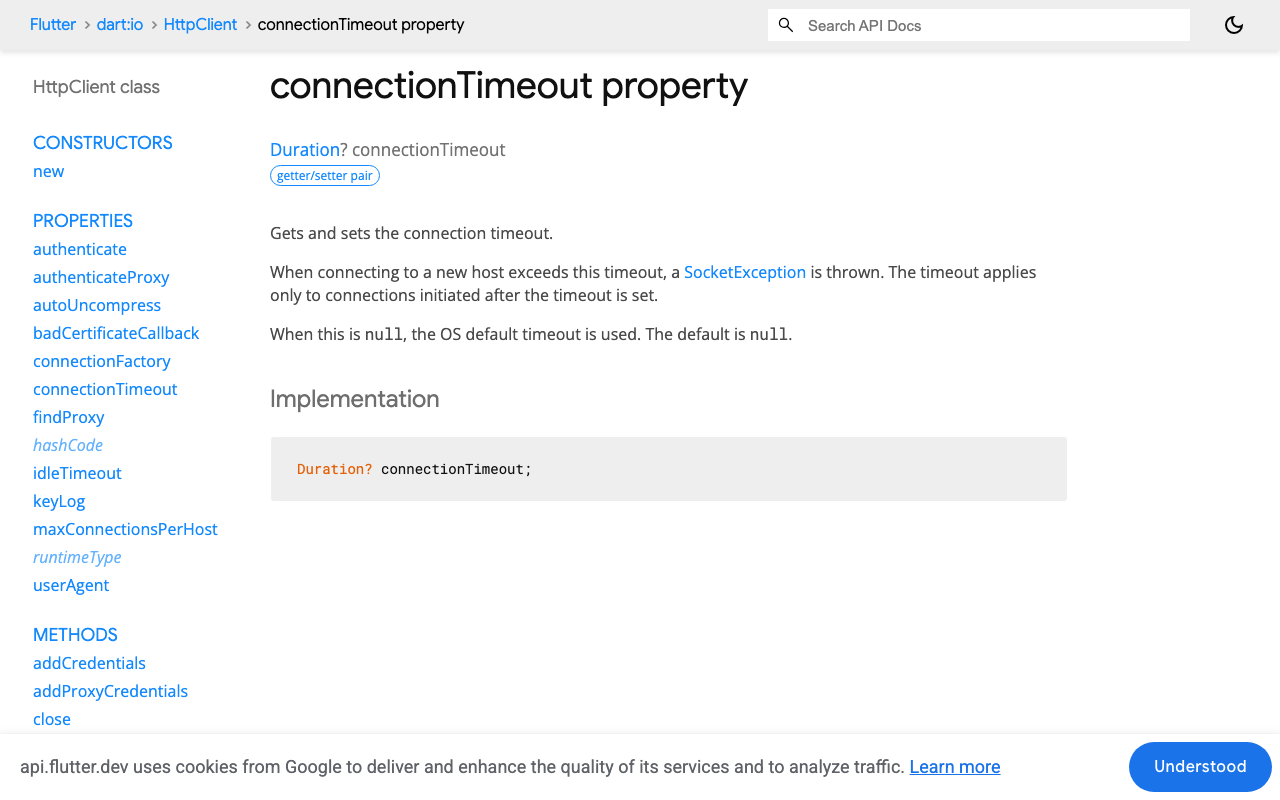
onErrornever fires — there is no error. Nothing failed; nothing happened.onDonenever fires — the response body was never terminated.HttpClient.connectionTimeoutdoes not help. It only covers establishing a new connection to a host and throws aSocketExceptionat that stage. Once you have a 200 and a body stream, it is out of the picture.HttpClient.idleTimeout(default 15 s) does not help either. That governs how long non-active keep-alive connections sit in the pool waiting to be reused. A response stream you are actively listening to is not idle in that sense.
This is the core of flutter sse stream hangs no error: there is no flutter http streamedresponse timeout knob for "the body went quiet." You have to build it.
Why Stream.timeout alone isn't the fix
The obvious reach is stream.timeout(Duration(seconds: 12)). It is genuinely useful — the countdown restarts on every event emitted — but read the contract carefully before you rely on it:
- On timeout it injects a
TimeoutExceptioninto the returned stream. It does not cancel the source subscription. Your HTTP response stream is still live, still holding a socket, still capable of delivering a late burst into a bubble you already gave up on. - Once
onTimeouthas fired, no further countdown is started, even if events resume.
So .timeout() tells you something is wrong. It does not clean up. For an AI chat stream you need both: notice the silence and tear the request down deterministically, so the spinner stops and the socket is released.
The watchdog: a Timer reset on every data: line
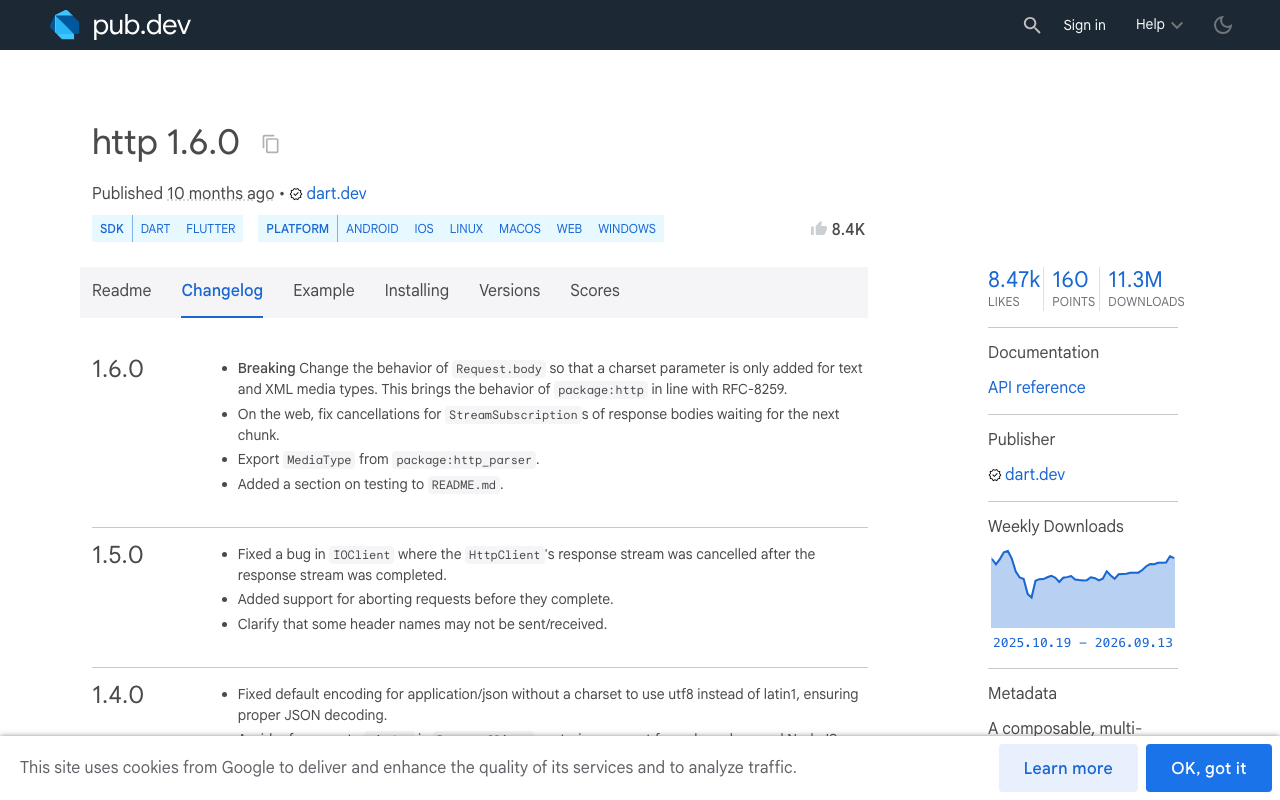
Since package:http 1.5.0 (latest release at time of writing: 1.6.0), you can build an AbortableRequest with an abortTrigger future. Complete that future and the request is torn down; if you were mid-body, the response stream surfaces a RequestAbortedException. That gives you a real kill switch instead of a dangling subscription.
Wire a Timer that you cancel and re-arm on every chunk. Reset it on data: lines and on SSE comment lines, so a server heartbeat counts as proof-of-life.
import 'dart:async';
import 'dart:convert';
import 'package:http/http.dart' as http;

class StreamStalledException implements Exception {
  final Duration idleFor;
  StreamStalledException(this.idleFor);
  @override
  String toString() => 'SSE stream silent for ${idleFor.inSeconds}s';
}

/// Token-by-token reply from WidgetChat, with a per-chunk idle watchdog.
Stream<String> streamReply({
  required String message,
  required String conversationId,
  required String apiKey,
  Duration idleTimeout = const Duration(seconds: 12),
}) {
  final controller = StreamController<String>();
  final abort = Completer<void>();
  final client = http.Client();
  Timer? watchdog;
  StreamSubscription<String>? sub;
  var finished = false;

  void shutdown() {
    if (finished) return;
    finished = true;
    watchdog?.cancel();
    if (!abort.isCompleted) abort.complete(); // deterministic teardown
    sub?.cancel();
    client.close();
  }

  void fail(Object error, [StackTrace? st]) {
    if (finished) return;
    shutdown();
    controller.addError(error, st);
    controller.close();
  }

  void done() {
    if (finished) return;
    shutdown();
    controller.close();
  }

  void kick() {
    watchdog?.cancel();
    if (finished) return;
    watchdog = Timer(idleTimeout, () => fail(StreamStalledException(idleTimeout)));
  }

  Future<void> run() async {
    final request = http.AbortableRequest(
      'POST',
      Uri.parse('https://api.widgetchat.app/v1/chat/stream'),
      abortTrigger: abort.future,
    )
      ..headers['Authorization'] = 'Bearer $apiKey'
      ..headers['Content-Type'] = 'application/json'
      ..headers['Accept'] = 'text/event-stream'
      ..body = jsonEncode({
        'conversation_id': conversationId,
        'message': message,
      });

    kick(); // headers can hang too — arm before we even send
    final response = await client.send(request);

    if (response.statusCode != 200) {
      fail(http.ClientException('HTTP ${response.statusCode}', request.url));
      return;
    }

    sub = response.stream
        .transform(utf8.decoder)
        .transform(const LineSplitter())
        .listen(
      (line) {
        kick(); // ANY byte from the server resets the clock
        if (line.isEmpty || line.startsWith(':')) return; // heartbeat/comment
        if (!line.startsWith('data:')) return;            // ignore event:/id:

        final payload = line.substring(5).trim();
        if (payload == '[DONE]') { done(); return; }

        final decoded = jsonDecode(payload);
        // Adapt the field name to the payload you see on the wire.
        final token = decoded is Map ? decoded['delta'] ?? decoded['text'] : null;
        if (token is String && token.isNotEmpty) controller.add(token);
      },
      onError: fail,
      onDone: done,
      cancelOnError: true,
    );
  }

  controller.onCancel = shutdown; // user left the screen → drop the socket
  run().catchError(fail);
  return controller.stream;
}
The important lines are kick() and abort.complete(). kick() turns "no events" into an event. abort.complete() makes the teardown real instead of merely cosmetic — which is exactly what plain .timeout() leaves out.
Picking the idle window
Token streams emit far faster than people read, so silence is a strong signal. Start at 10–15 seconds of silence. Go lower and you will abort healthy streams during a slow first token (model cold start, a long retrieval step); go higher and your user has already force-quit the app. Keep the first-token window a little more generous than the between-token window if you want to be precise — arm the watchdog at 20 s before send, then re-arm at 10 s once the first data: lands.
Keepalive comments: make silence mean something
A watchdog is only as good as the traffic it measures. If your assistant is legitimately quiet for 30 seconds while a tool call runs, a 12-second watchdog will kill a perfectly healthy stream.
The SSE format has an answer built in: a line starting with : is a comment and every client ignores it. The HTML spec explicitly recommends sending one roughly every 15 seconds to stop proxies from dropping the connection. WidgetChat's POST /v1/chat/stream gives you token-by-token data: lines directly; if you proxy it through your own backend to keep keys off-device, keep the heartbeat flowing rather than buffering it away:
// Express proxy in front of api.widgetchat.app
res.setHeader('Content-Type', 'text/event-stream');
res.setHeader('Cache-Control', 'no-cache, no-transform');
res.setHeader('Connection', 'keep-alive');
res.flushHeaders();

const ping = setInterval(() => res.write(': ping\n\n'), 15000);
req.on('close', () => clearInterval(ping));
This matters beyond the Flutter client. An AWS ALB idles connections out after 60 s by default, and nginx's proxy_read_timeout is also 60 s — both reset on traffic. A : ping every 15 s keeps every hop convinced the stream is alive, and gives your watchdog a steady pulse to measure against. Also send no-transform in Cache-Control: a proxy that buffers your response will make a perfectly healthy stream look frozen for flutter chat stuck loading no response reasons that have nothing to do with the network dying.
Recovering instead of showing a frozen bubble
Once the watchdog fires you have something you never had before: a real error, at a known point, with the partial text already in hand. Retry rather than dumping the user back to an empty state.
Future<void> sendWithRetry(String message) async {
  var partial = '';
  for (var attempt = 0; attempt < 3; attempt++) {
    try {
      var isFirstToken = true;
      await for (final token in streamReply(
        message: message,
        conversationId: conversationId,
        apiKey: apiKey,
      )) {
        if (isFirstToken && attempt > 0) {
          partial = '';         // fresh generation — replace, don't append
          isFirstToken = false;
        }
        partial += token;
        setState(() => bubble.text = partial);
      }
      return; // clean finish
    } on StreamStalledException {
      setState(() => bubble.status = BubbleStatus.reconnecting);
      await Future.delayed(Duration(milliseconds: 400 * (1 << attempt)));
    }
  }
  setState(() => bubble.status = BubbleStatus.failed); // tappable "Retry"
}
Two deliberate choices here. First, the stalled partial stays on screen while reconnecting, and is only swapped out when the new stream's first token arrives — so the user never stares at a blank bubble. Second, there is a terminal failed state with a retry affordance. "Failed, tap to retry" is a vastly better experience than an eternal spinner, and it is the state flutter stream never completes cellular reports are really asking you for.
If you want the retry to genuinely continue rather than restart, include the partial text as context in the follow-up message you send — you are just composing message content, no special API surface required.
Testing it without a cell tower
You can reproduce the exact failure on a desk. Start the stream on a physical device over cellular, then put the phone in airplane mode mid-reply — no FIN is sent, and you will watch the stream go silent forever without your watchdog. On the simulator, the Network Link Conditioner's "100% Loss" profile does the same thing. Add a sse idle timeout flutter log line in the fail() path and you will have a metric worth alerting on.
Ship it once, forget the bug report
The whole fix is about forty lines: a Timer you re-arm on every line from the wire, an abortTrigger that makes teardown deterministic, a : ping heartbeat so silence actually means something, and a retry path that keeps the conversation on screen. Everything runs against the same POST https://api.widgetchat.app/v1/chat/stream SSE endpoint you already integrate with — no proprietary SDK, just an HTTP client or a FlutterFlow custom action.
And once your text stream is hardened, the same conversation and the same dashboard back WidgetChat's live voice chat: users tap the mic for a real-time, speech-to-speech call with barge-in and live captions, on iOS, Android and web, with provider keys staying server-side.
Try WidgetChat free and give your Flutter or FlutterFlow app an AI support assistant whose replies never hang.

Comments
Comments are coming soon. We'd love to hear your thoughts!