

Flutter Mic Permission permanentlyDenied on iOS? Podfile Fix
You added permission_handler, wired Permission.microphone.request() behind a mic button, and on iOS it returns PermissionStatus.permanentlyDenied instantly — on a fresh install, without the system prompt ever appearing. There isn't even a Microphone toggle for your app in the iOS Settings app. Meanwhile the exact same code works on Android.
If you're adding a voice feature — say, a talking AI support assistant inside your Flutter or FlutterFlow app — this is a hard blocker: no mic permission, no voice call. The good news is that the fix is a two-line Podfile change once you know where to look.
Why iOS never shows the prompt (hint: it's not Info.plist)
Almost every answer to "flutter microphone permission denied ios" tells you to check NSMicrophoneUsageDescription. You do need it — but a missing usage description doesn't produce this symptom. If iOS actually tried to access the mic without one, your app would crash at request time, not silently report permanentlyDenied.
The real cause: permission_handler compiles permission support out of your iOS build by default. Apple's App Store review scans binaries for permission-related APIs, and apps that merely link against APIs they never use can get flagged or forced to add unrelated usage descriptions. To avoid that, the plugin's iOS implementation (permission_handler_apple) wraps each permission's native code in preprocessor guards. Unless you define PERMISSION_MICROPHONE=1 at build time, the microphone code path literally does not exist in your compiled app.
So when your Dart code calls Permission.microphone.request(), the native side has no implementation to invoke, and the plugin reports the permission as permanentlyDenied. That single design decision explains every confusing symptom:
- The system prompt never appears — there's no native request code to trigger it.
- It happens on first launch, before the user could possibly have denied anything.
- Your app has no Microphone row in iOS Settings — iOS only lists permissions an app has actually requested.
openAppSettings()sends users somewhere with nothing to toggle.
This exact behavior is reported again and again in the plugin's issue tracker (e.g. #574, #1462, #1419) — and the answer is always the same macro.
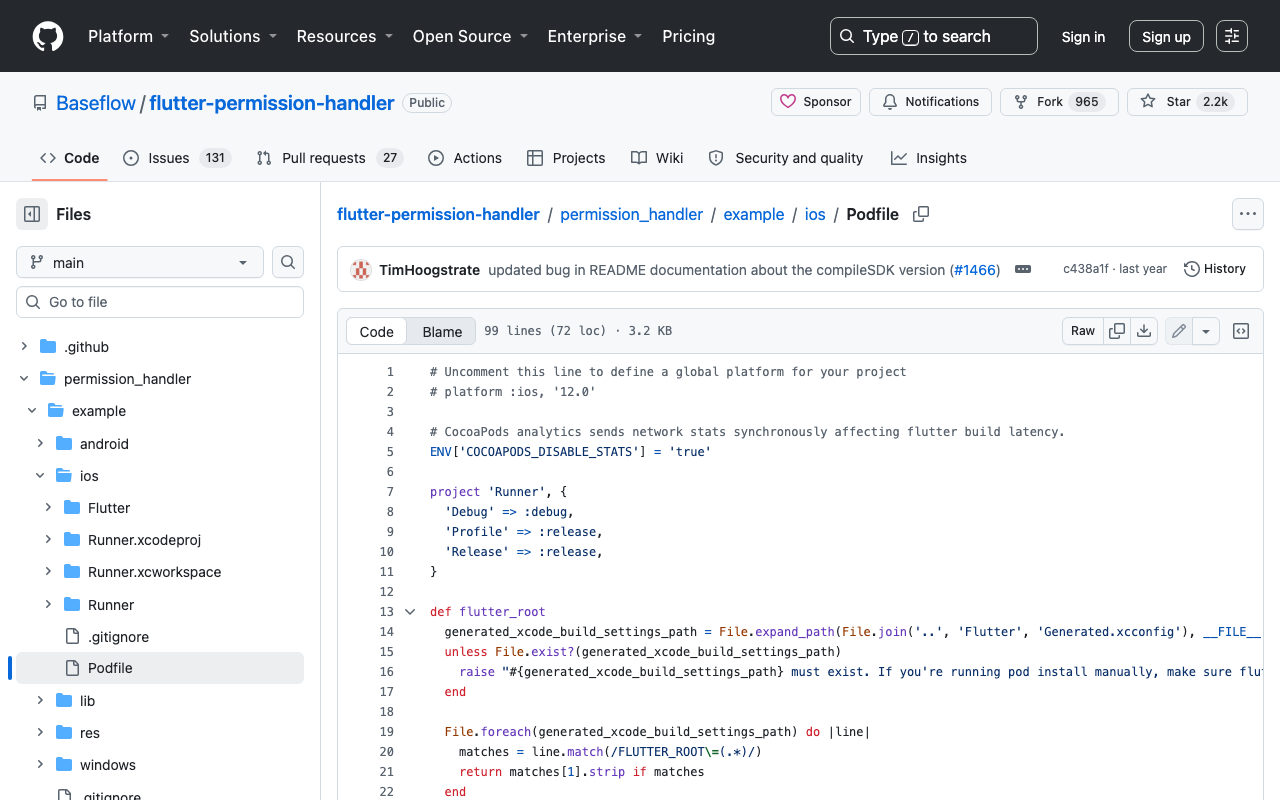
Step 1: set PERMISSION_MICROPHONE=1 in ios/Podfile
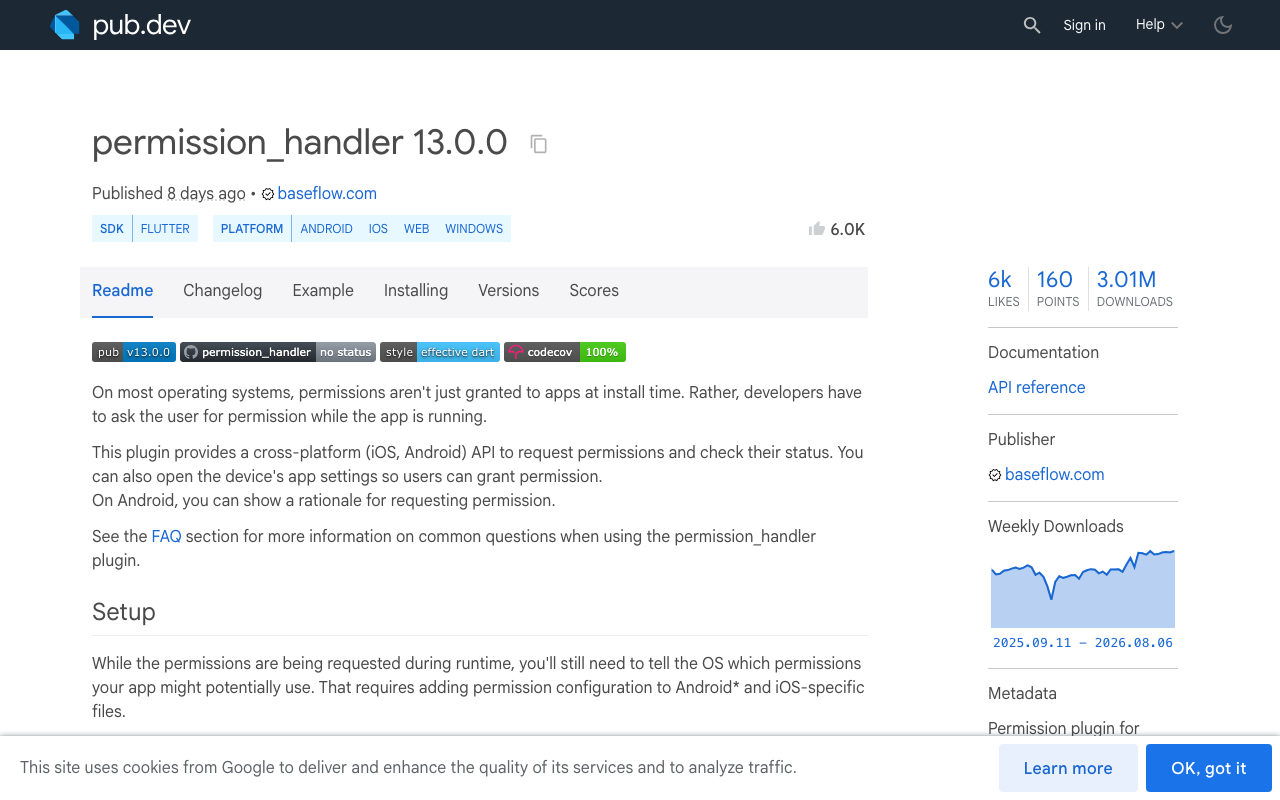
Open ios/Podfile and add the macro to the post_install block (as of permission_handler 13.0.0 this is the documented setup on pub.dev):
post_install do |installer|
  installer.pods_project.targets.each do |target|
    flutter_additional_ios_build_settings(target)
    target.build_configurations.each do |config|
      config.build_settings['GCC_PREPROCESSOR_DEFINITIONS'] ||= [
        '$(inherited)',

        ## dart: PermissionGroup.microphone
        'PERMISSION_MICROPHONE=1',
      ]
    end
  end
 end
Two things people get wrong here:
- Keep
'$(inherited)'as the first entry, or you'll clobber definitions other pods rely on. - If your
post_installblock already setsGCC_PREPROCESSOR_DEFINITIONS, append'PERMISSION_MICROPHONE=1'to the existing array instead of adding a second assignment —||=only applies when the setting is nil.
Because this is a compile-time flag, a hot restart changes nothing. Do a real rebuild, and delete the app from the device or simulator first so iOS forgets any stale permission state:
flutter clean
cd ios && pod install && cd ..
flutter run
Step 2: NSMicrophoneUsageDescription (still required)
The Podfile macro compiles the permission in; Info.plist tells iOS why you want it. In ios/Runner/Info.plist:
<key>NSMicrophoneUsageDescription</key>
<string>The microphone lets you talk to our support assistant in a live voice call.</string>
Write a specific string — App Review rejects vague ones like "This app needs the microphone." And note the search phrase "NSMicrophoneUsageDescription not working flutter" is usually this same bug in disguise: the plist key was never the problem, the missing permission_handler PERMISSION_MICROPHONE podfile macro was.
If your voice pipeline runs server-side (as it does with WidgetChat — more below), the mic is the only device permission you need. You only need PERMISSION_SPEECH_RECOGNIZER=1 and NSSpeechRecognitionUsageDescription if you call Apple's on-device speech APIs yourself.
Step 3: don't burn your one prompt — a graceful rationale flow
Here's the part that matters even after the macro fix: iOS asks exactly once. If the user taps "Don't Allow," every future request() returns permanentlyDenied — legitimately this time — and only the Settings app can undo it. So show your own rationale before triggering the system prompt, and handle the locked-out case with openAppSettings():
import 'package:permission_handler/permission_handler.dart';

Future<bool> ensureMicPermission(BuildContext context) async {
  var status = await Permission.microphone.status;
  if (status.isGranted) return true;

  if (status.isDenied) {
    // Not asked yet (on iOS). Explain first, then request.
    final wantsVoice = await showDialog<bool>(
      context: context,
      builder: (ctx) => AlertDialog(
        title: const Text('Talk to support?'),
        content: const Text(
            'To start a live voice call with our assistant, '
            'we need access to your microphone.'),
        actions: [
          TextButton(
              onPressed: () => Navigator.pop(ctx, false),
              child: const Text('Not now')),
          FilledButton(
              onPressed: () => Navigator.pop(ctx, true),
              child: const Text('Continue')),
        ],
      ),
    );
    if (wantsVoice != true) return false;
    status = await Permission.microphone.request();
    if (status.isGranted) return true;
  }

  if (status.isPermanentlyDenied) {
    final goToSettings = await showDialog<bool>(
      context: context,
      builder: (ctx) => AlertDialog(
        title: const Text('Microphone is off'),
        content: const Text(
            'Enable the microphone in Settings to use voice chat. '
            'You can keep chatting by text in the meantime.'),
        actions: [
          TextButton(
              onPressed: () => Navigator.pop(ctx, false),
              child: const Text('Cancel')),
          FilledButton(
              onPressed: () => Navigator.pop(ctx, true),
              child: const Text('Open Settings')),
        ],
      ),
    );
    if (goToSettings == true) await openAppSettings();
  }
  return false;
}
Important debugging note: if you test this before applying the Podfile fix, the flow jumps straight to the isPermanentlyDenied branch on first launch — which is precisely the bug this post is about. After the fix, a fresh install reports denied (meaning "not asked yet"), shows your rationale, then the real system prompt.
FlutterFlow: where this lives
In FlutterFlow, go to App Settings → Permissions, enable Microphone, and enter your iOS permission message — FlutterFlow wires the Info.plist entry and permission configuration into its builds for you. The Podfile macro above is what you check when you've exported the code (or use a custom action calling permission_handler directly) and run it locally: open the exported ios/Podfile and make sure PERMISSION_MICROPHONE=1 is present before shipping.
Now wire the mic into a live voice support call
Here's the payoff for all this permission plumbing. WidgetChat — the embeddable AI support chatbot for Flutter and FlutterFlow apps — now includes live voice chat: users tap the mic inside the same widget they already use for text chat and get a real-time, speech-to-speech call. The assistant listens and replies out loud in a natural voice, supports barge-in (users can interrupt mid-sentence), shows live captions during the call, and can even display rich product cards on screen while it speaks. It's the same conversation and the same dashboard as your text chat, and it works across iOS, Android, and web Flutter apps.
Because the voice pipeline runs on WidgetChat's side — provider API keys stay server-side, never shipped in your app — your app's only job on iOS is exactly what you just fixed: get mic permission cleanly. Gate the voice entry point with the helper above:
Future<void> onVoiceSupportTapped(BuildContext context) async {
  final micReady = await ensureMicPermission(context);
  if (!micReady) return; // user keeps the text chat, no dead-end

  // Mic is granted: open the screen hosting your WidgetChat widget
  // and let the user start the call from its mic button.
  await Navigator.of(context).pushNamed('/support');
}
Then enable voice for your project in the WidgetChat dashboard's Voice section, where you can toggle it on, pick the voice, set a max session length, and choose whether captions are on by default. Voice usage is metered by a monthly voice-minute pool on your plan, so you can roll it out without surprise costs.
Quick checklist if it's still failing
PERMISSION_MICROPHONE=1spelled exactly, insidepost_install, with'$(inherited)'kept.- Only one
GCC_PREPROCESSOR_DEFINITIONSassignment in the block (append, don't re-assign). - Ran
flutter cleanandpod install, then a full rebuild — not a hot restart. - Deleted the app from the device first to reset permission state.
NSMicrophoneUsageDescriptionpresent inios/Runner/Info.plistwith a specific reason.- Status still
permanentlyDeniedafter a real prompt was shown and denied? That's the user's choice now — youropenAppSettings()fallback is the correct path.
With the macro in place, the prompt appears, the grant sticks, and your users can talk to your app instead of typing at it. Try WidgetChat free and add a real-time voice support call to your Flutter or FlutterFlow app this week.

Comments
Comments are coming soon. We'd love to hear your thoughts!