

Stop Flutter Chat Markdown Flashing on Every SSE Token
Your streaming reply works. Tokens arrive, the bubble grows. Then the model starts a code block and the bubble shows three raw backticks, snaps into a grey code box, and jumps in height. Tables arrive as a line of pipes before turning into a grid. Bold text shows ** for a few frames.
This is the flutter markdown streaming flicker, and the network is not the cause. The parser is being handed a document that is not finished yet.
Why the bubble flashes
The usual setup appends each delta to a string and passes the whole string to a markdown widget:
MarkdownBody(data: _reply) // rebuilt on every token
Each rebuild parses _reply from the first character. That costs CPU, but the visible flash comes from something else: for a few tokens the text is ambiguous, and the parser changes its mind.
- Code fences. The opener arrives as
`, then``, then```, then```dart. Depending on the parser, the early states render as literal backticks or an empty inline span. One token later the same characters are a code block with a background, padding and a monospace font. The whole subtree is replaced and the height changes. - Tables. A GFM table only exists once the delimiter row (
| --- | --- |) has arrived. Until then the header row is an ordinary paragraph full of pipes. This is the largest jump of the three. - Bold.
**Nothas no closer, so the asterisks are literal text. When**arrives they vanish and the run reflows.
So a flutter chatbot markdown code block flashing is a state flip: plain text, then styled block, sometimes several times per second. There are two ways out. Make the text unambiguous before the parser sees it, or use a renderer built for partial input.
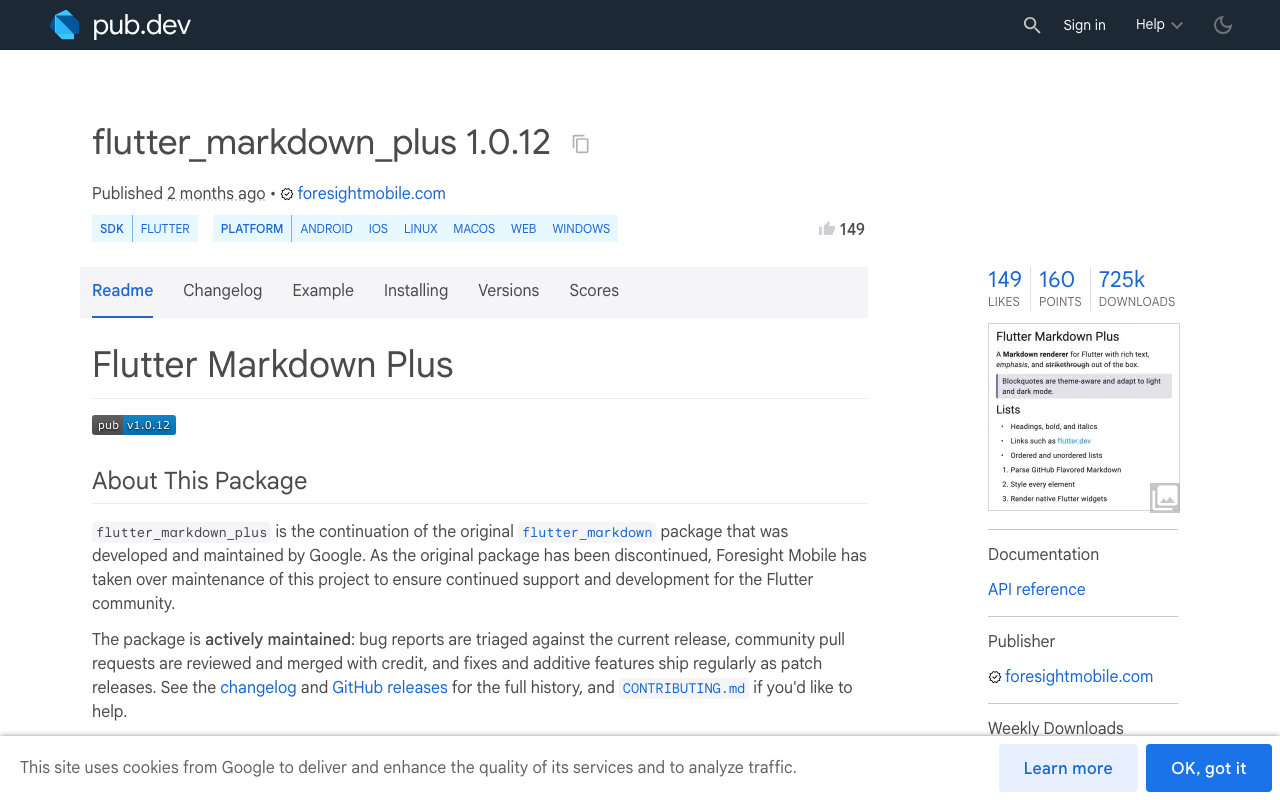
One note on packages first. Google's flutter_markdown is discontinued. Its continuation is flutter_markdown_plus (1.0.12 at the time of writing), maintained by Foresight Mobile, with the same Markdown and MarkdownBody widgets. If you search for "flutter_markdown streaming llm response", that is the package to apply Fix 1 to.
Fix 1: close what is still open before rendering
Keep your current widget. Add a pure function that takes the partial reply and returns a version where every open construct is closed. The stored string is never modified, only the copy that goes to the parser.
final _fence = RegExp(r'^ *(`{3,}|~{3,})', multiLine: true);

String closeOpenMarkdown(String src) {
  // A fence that is still arriving ("`" or "``"): hold it back a token.
  src = src.replaceFirst(RegExp(r'\n *`{1,2}$'), '');

  String? open;
  for (final line in src.split('\n')) {
    final m = _fence.firstMatch(line);
    if (m == null) continue;
    final mark = m.group(1)!;
    final rest = line.trimLeft().substring(mark.length);
    if (open == null) {
      open = mark;
    } else if (mark[0] == open[0] &&
        mark.length >= open.length &&
        rest.trim().isEmpty) {
      open = null;
    }
  }
  if (open != null) {
    return src.endsWith('\n') ? '$src$open' : '$src\n$open';
  }
  return _closeInline(_closeTable(src));
}

String _closeTable(String src) {
  final lines = src.split('\n');
  var i = lines.length;
  while (i > 0 && lines[i - 1].trimLeft().startsWith('|')) {
    i--;
  }
  final rows = lines.sublist(i);
  // No table, or the delimiter row is already complete.
  if (rows.isEmpty || rows.length > 2) return src;

  final kept = lines.sublist(0, i);
  final header = rows.first.trimRight();
  final cols = '|'.allMatches(header).length - 1;
  // Header still arriving: hide it until the row is whole.
  if (!header.endsWith('|') || cols < 1) return kept.join('\n');

  final rule = '|${List.filled(cols, ' --- ').join('|')}|';
  return [...kept, header, rule].join('\n');
}

String _closeInline(String src) {
  final cut = src.lastIndexOf('\n\n');
  final head = cut < 0 ? '' : src.substring(0, cut + 2);
  var tail = cut < 0 ? src : src.substring(cut + 2);
  // Never append after a code block that sits in the live paragraph.
  if (_fence.hasMatch(tail)) return src;

  if ('`'.allMatches(tail).length.isOdd) tail += '`';
  // Drop a dangling "*" or "**", then close bold if it is still open.
  tail = tail.trimRight().replaceFirst(RegExp(r'\*+$'), '');
  final prose = tail.replaceAll(RegExp(r'`[^`]*`'), '');
  if ('**'.allMatches(prose).length.isOdd) {
    tail = '${tail.trimRight()}**';
  }
  return head + tail;
}
What each step does:
- Fences. Walk the lines and track whether a fence is open, following the CommonMark rule that a closer uses the same character, is at least as long as the opener, and has nothing after it. If one is open, append a matching closer. The block is styled from its first line and only grows.
- Tables. If the reply ends in one or two lines starting with
|, the delimiter row is not complete. A finished header gets a synthetic delimiter with the same column count, so it renders as a table immediately. An unfinished header is hidden for the few tokens it takes to complete. Partial body rows need no help, GFM pads missing cells. - Bold and inline code. Only the last paragraph can still change, so only that is inspected. An odd backtick count gets a closing backtick. A dangling
*is dropped for one frame (it is usually half of**), and an unmatched**gets a closer.
Limits: the column count is wrong for headers that contain escaped pipes, single-asterisk italics are left alone, and real alignment (:---:) appears one or two frames late. This is a display patch for the common cases, it does not parse markdown.
Wire it to the WidgetChat stream
WidgetChat streams the answer token by token as data: SSE from POST https://api.widgetchat.app/v1/chat/stream, and you call it with a plain HTTP client:
import 'dart:convert';
import 'package:http/http.dart' as http;

Stream<String> streamReply(String message, String projectKey) async* {
  final client = http.Client();
  try {
    final req = http.Request(
      'POST',
      Uri.parse('https://api.widgetchat.app/v1/chat/stream'),
    )
      ..headers.addAll({
        'Content-Type': 'application/json',
        'Accept': 'text/event-stream',
        // Use the auth header exactly as your dashboard shows it.
        'Authorization': 'Bearer $projectKey',
      })
      ..body = jsonEncode({'message': message});

    final res = await client.send(req);
    if (res.statusCode != 200) {
      throw Exception('chat/stream ${res.statusCode}');
    }

    final lines = res.stream
        .transform(utf8.decoder)
        .transform(const LineSplitter());

    await for (final line in lines) {
      if (!line.startsWith('data:')) continue;
      final data = line.substring(5).trim();
      if (data == '[DONE]') return;
      try {
        // Match the field name to the payload your stream sends.
        final delta = (jsonDecode(data) as Map)['delta'];
        if (delta is String) yield delta;
      } on FormatException {
        // Skip a malformed record, keep the stream alive.
      }
    }
  } finally {
    client.close();
  }
}
Then render the closed copy while streaming and the raw text once the stream is done:
_sub = streamReply(text, projectKey).listen(
  (delta) => setState(() => _reply += delta),
  onDone: () => setState(() => _streaming = false),
);

// in build()
MarkdownBody(
  data: _streaming ? closeOpenMarkdown(_reply) : _reply,
)
Remember to cancel _sub in dispose().
The line-based reader above is the short version. For multi-line data: records and heartbeat comments, use the event framing from Flutter SSE: Fix Missing Tokens When Chunks Split.
Fix 2: a renderer that only re-parses the live tail
Fix 1 removes the flash, but the full string is still parsed on every token. For long answers, a parser that freezes finished blocks solves both problems. Three packages on pub.dev do this.
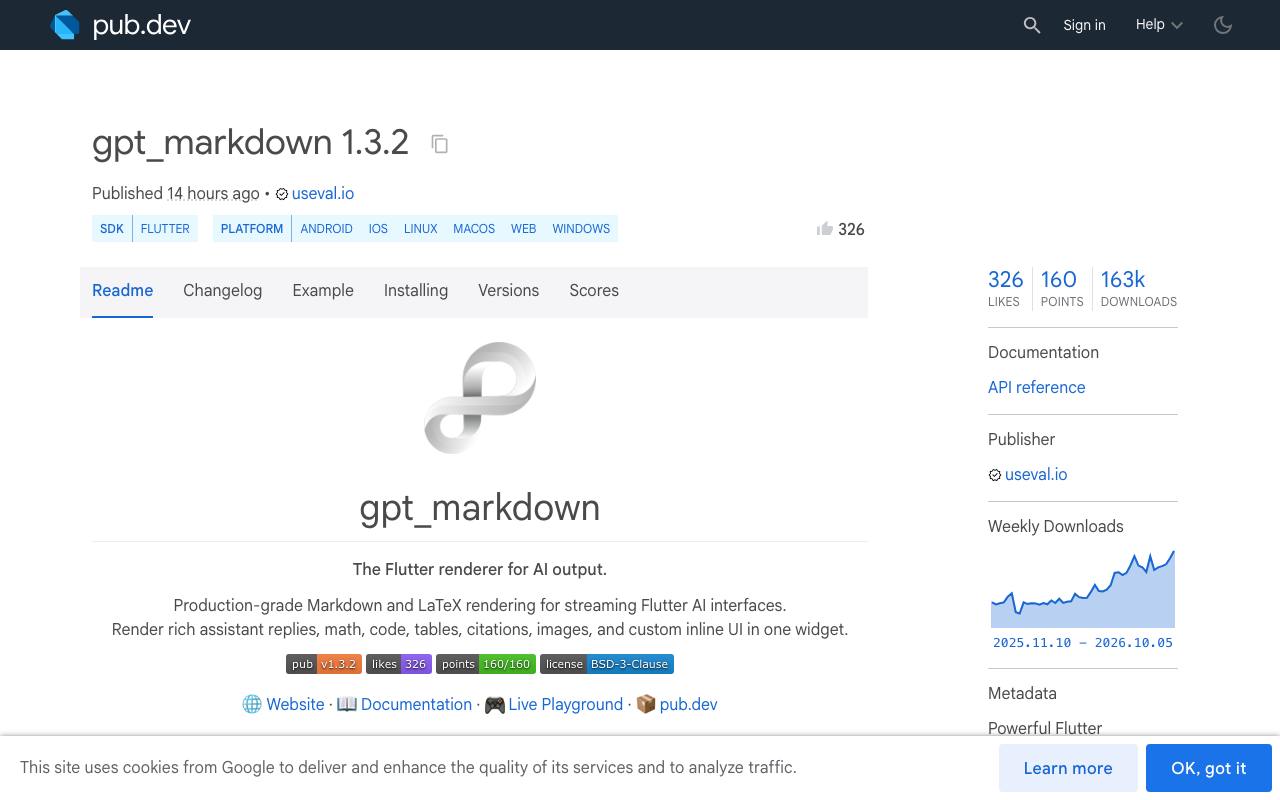
gpt_markdown (1.3.2). You keep passing the full text. Its docs say settled segments are reused while the live tail updates, and that unfinished code blocks, tables and bold text keep rendering as text arrives.
import 'package:gpt_markdown/gpt_markdown.dart';

GptMarkdown(_reply)
For very long replies it also ships SliverGptMarkdown for use inside a CustomScrollView.
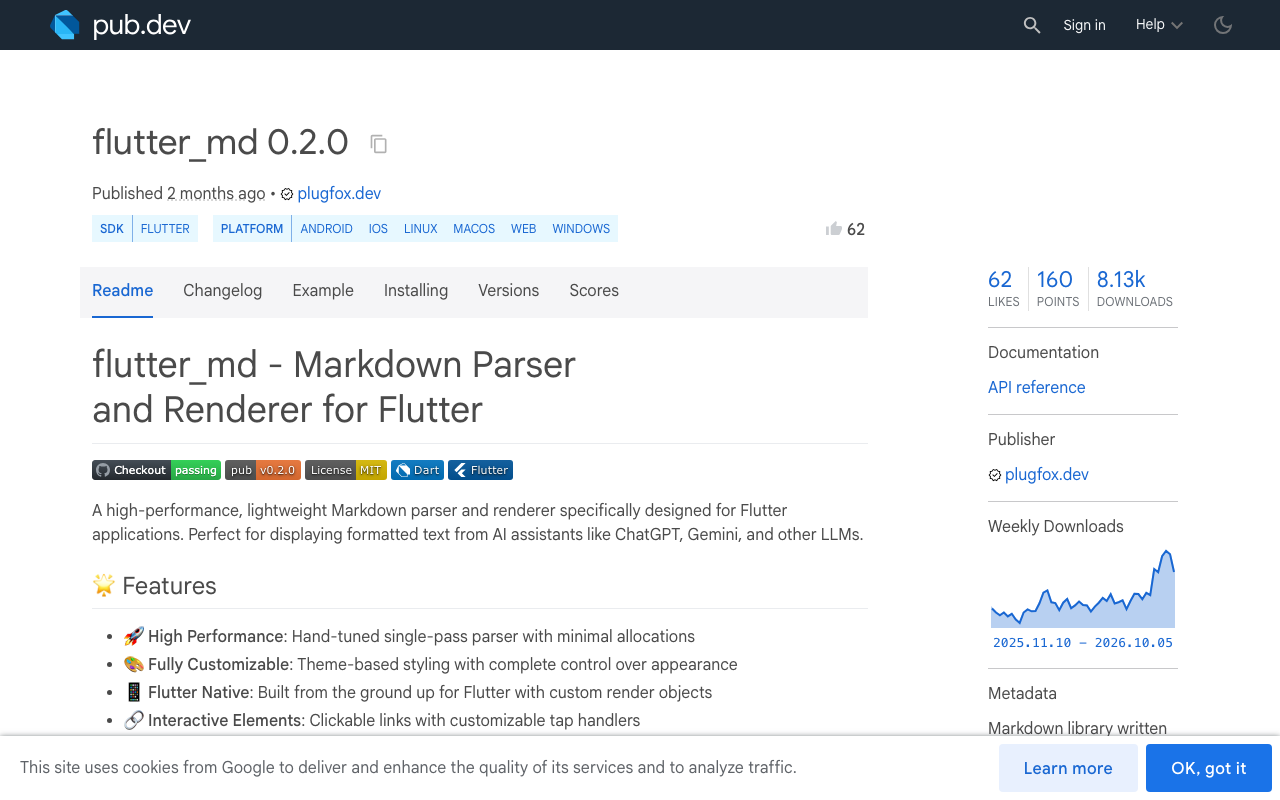
flutter_md (0.2.0, published by plugfox.dev). Its StreamingMarkdownParser takes deltas. Once a block is complete (ended by a blank line and not inside an open fence) it is frozen and never parsed again.
final parser = StreamingMarkdownParser();

_sub = streamReply(text, projectKey).listen((delta) {
  final md = parser.add(delta);
  setState(() => _doc = md);
});

// in build()
MarkdownWidget(markdown: _doc)
streamdown (0.1.1). The widget takes the stream itself: Streamdown(stream: streamReply(text, projectKey)). Its README describes an append-only AST and says an unclosed fence renders as a code block straight away. It is a young package from an unverified uploader, so pin the version and test it before shipping.
gpt_markdown vs flutter_markdown for streaming
flutter_markdown and flutter_markdown_plus are general document renderers. They treat every rebuild as a new document, which is why they need the closer from Fix 1. gpt_markdown is built for model output and treats the reply as something that grows. If your app already uses MarkdownStyleSheet and custom builders, Fix 1 is a ten minute change with no visual regression risk. If you are starting fresh, or replies run long, switch renderer.
FlutterFlow
All of this works in FlutterFlow. Add the package under your custom code dependencies, put the renderer in a Custom Widget that takes the reply text as a parameter, and paste closeOpenMarkdown into the same file if you stay on flutter_markdown_plus. The stream is read in a Custom Action that updates the state variable bound to that widget.
Two things this does not fix
Closing markdown stops the style flip. It does not reduce how often you rebuild, and it does not keep the list pinned while the bubble grows. Those are separate fixes:
- Batch tokens to one rebuild per frame: Fix Flutter Streaming Chat Jank: One Rebuild Per Frame.
- Follow the reply without fighting the user's scroll: Flutter Chat Auto-Scroll That Survives Streaming Replies.
Try WidgetChat free
WidgetChat is an AI support chatbot for Flutter and FlutterFlow apps that answers from your own content and streams replies over SSE from a single endpoint, with no proprietary SDK required. Point the code above at POST https://api.widgetchat.app/v1/chat/stream and you have a flicker-free streaming reply in an afternoon. Try WidgetChat free.

Comments
Comments are coming soon. We'd love to hear your thoughts!