

Fix False Barge-In in Flutter Voice AI
Your assistant is four words into an answer and it stops. The user said "mm-hmm". Or a TV was on in the next room. Or a colleague said something to someone else. The transcript shows an empty user turn, the assistant restarts, and the conversation feels broken.
Two completely different bugs produce that symptom, and people fix the wrong one for days. Let's separate them, then build the gate that actually stops it.
Echo is not false barge-in
Echo: the mic picks up the assistant's own TTS coming out of the speaker. Your VAD sees loud, perfectly speech-shaped audio, calls it a user turn, and kills playback. The assistant literally interrupts itself. This is why searches for flutter voice ai interrupts itself and flutter voice assistant stops talking background noise land on totally different fixes.
False barge-in: real outside sound (a grunt, a TV, a nearby conversation) is correctly detected as speech, but it isn't your user taking a turn.
Thirty-second triage: plug in headphones. If the self-interruptions disappear, it's echo, and no VAD threshold in the world will fix it. If it still cuts off in a noisy room, it's false barge-in.
Fix echo at the capture layer, not in Dart
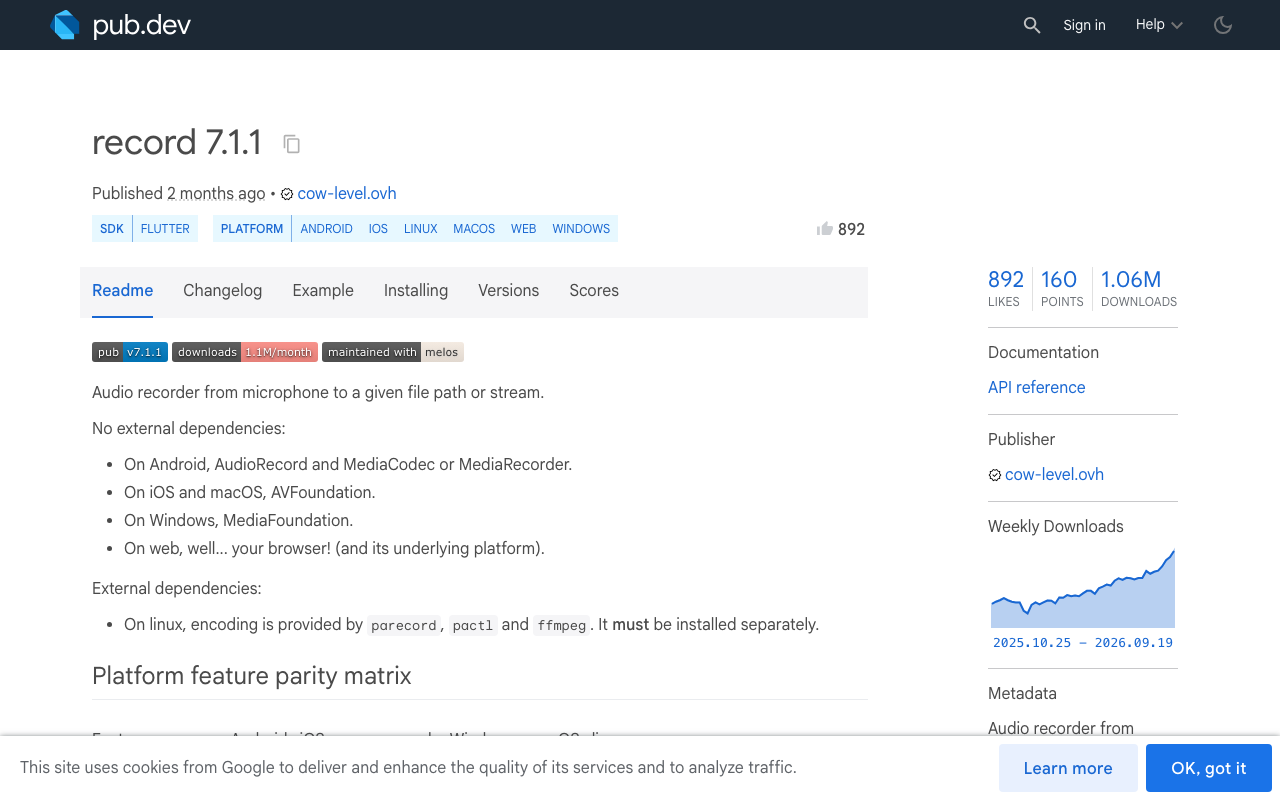
Echo cancellation needs the speaker signal as a reference, which means it has to happen in the platform audio stack. With record (7.1.1 at time of writing) it's three booleans on RecordConfig:
import 'package:record/record.dart';

final recorder = AudioRecorder();

final stream = await recorder.startStream(
  const RecordConfig(
    encoder: AudioEncoder.pcm16bits,
    sampleRate: 16000,   // Silero VAD wants 16 kHz
    numChannels: 1,
    echoCancel: true,    // AEC: strips the assistant's own voice
    noiseSuppress: true, // Android + iOS only
    autoGain: false,     // leave off: AGC breaks fixed dBFS gates
  ),
);
Three things the package's feature matrix will bite you with:
echoCancelandautoGainare stream-mode only on iOS, Windows and macOS. If you are recording to a file, you do not have AEC.noiseSuppressis Android and iOS only. Flutter web gets whatever the browser'sgetUserMediaconstraints give you.- On iOS, enabling voice processing switches the audio unit and can change your sample rate and route mid-session. Configure playback and capture together, once, at call start.
Turn autoGain off. Automatic gain control rescales quiet audio up, which means a silent room drifts toward the same RMS as real speech and every absolute threshold you pick stops meaning anything.
One more echo-adjacent fix that costs nothing: arm barge-in ~300 ms after playback starts. AEC filters need time to converge, and the first few frames after the speaker kicks in are the leakiest.
The three-gate barge-in detector
Energy alone is useless. A closing door is loud. Silero alone is not enough either: it correctly says "this is speech" about the TV. You need all three gates to agree.
- Energy gate: is anything actually there?
-45 dBFSin a quiet room,-35 dBFSin an open office. Below that, don't even run the classifier. - Speech gate: is it speech, not a chair scrape? Silero VAD probability. Default
0.5; raise to0.7-0.8while the assistant is speaking. - Duration gate: did it last? 200-300 ms of sustained voice. This is the one that kills "mm-hmm", coughs, and single TV syllables, and it's the single highest-value guard in the stack.
Gate 3 costs you ~250 ms of barge-in latency. That is the trade, and it is worth it: a barge-in that fires 250 ms late feels attentive, a barge-in that fires on a cough feels broken.
dBFS in Dart
import 'dart:math' as math;
import 'dart:typed_data';

/// RMS level in dBFS for 16-bit PCM. 0 dBFS = full scale.
double dbfsFromPcm16(Uint8List bytes) {
  final samples = bytes.buffer.asInt16List(
    bytes.offsetInBytes,
    bytes.lengthInBytes ~/ 2,
  );
  if (samples.isEmpty) return -100;

  var sumSquares = 0.0;
  for (final s in samples) {
    final x = s / 32768.0;
    sumSquares += x * x;
  }
  final rms = math.sqrt(sumSquares / samples.length);
  return rms <= 1e-9 ? -100 : 20 * math.log(rms) / math.ln10;
}
The gate itself
class BargeInGate {
  BargeInGate({
    this.energyFloorDbfs = -45,        // -35 in a loud room
    this.speechProbability = 0.75,     // strict while TTS is playing
    this.sustainedMs = 250,            // 200-300ms of real voice
    this.frameMs = 32,                 // Silero v5 @ 16 kHz = 512 samples
    this.armDelay = const Duration(milliseconds: 300),
  });

  final double energyFloorDbfs;
  final double speechProbability;
  final int sustainedMs;
  final int frameMs;
  final Duration armDelay;

  int _voicedFrames = 0;
  DateTime? _playbackStartedAt;

  int get _framesNeeded => (sustainedMs / frameMs).ceil(); // 250/32 -> 8

  void onAssistantStartedSpeaking() {
    _playbackStartedAt = DateTime.now();
    _voicedFrames = 0;
  }

  void onAssistantStoppedSpeaking() => _playbackStartedAt = null;

  /// Returns true exactly once, on the frame that confirms a real interruption.
  bool accept({required double dbfs, required double isSpeech}) {
    final startedAt = _playbackStartedAt;
    if (startedAt == null) return false; // not speaking, nothing to interrupt
    if (DateTime.now().difference(startedAt) < armDelay) return false;

    final voiced = dbfs > energyFloorDbfs && isSpeech >= speechProbability;
    if (!voiced) {
      _voicedFrames = 0; // one quiet frame resets: no credit for gaps
      return false;
    }

    _voicedFrames++;
    if (_voicedFrames < _framesNeeded) return false;
    _voicedFrames = 0;
    return true;
  }
}
The reset on the first non-voiced frame is deliberate. A TV produces speech in bursts with gaps; a human interrupting produces a continuous 250 ms+ run. If you let the counter survive gaps, the TV wins.
Wiring Silero VAD
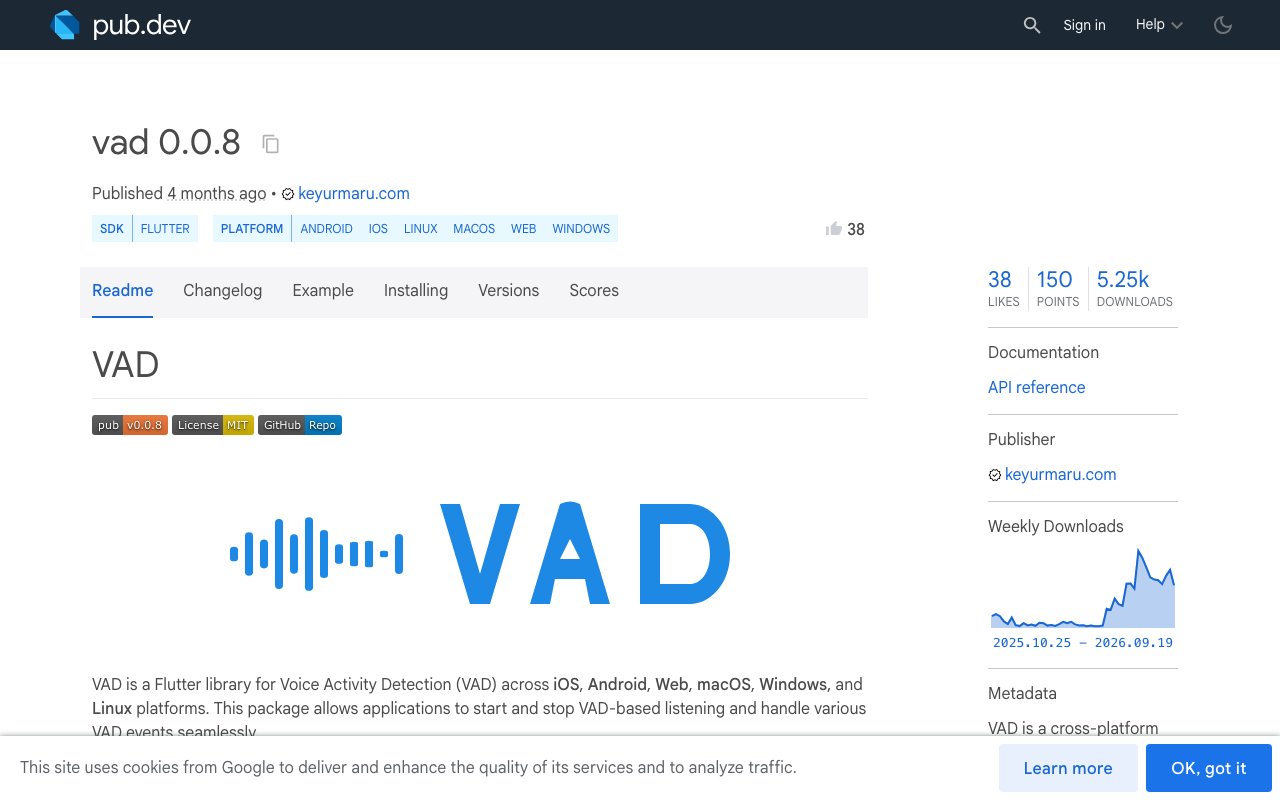
The vad package (0.0.8) gives you Silero v4/v5 through ONNX Runtime FFI on mobile/desktop and dart:js_interop on web, so silero vad flutter is one dependency rather than a native build:
import 'package:vad/vad.dart';

final vad = VadHandler.create(isDebug: false);
final gate = BargeInGate();

await vad.startListening(
  model: 'v5',
  frameSamples: 512,             // v5 requires 512; legacy/v4 uses 1536
  positiveSpeechThreshold: 0.75, // strict, we are hunting interruptions
  negativeSpeechThreshold: 0.60,
  minSpeechFrames: 8,            // 8 x 32ms = 256ms sustained
  redemptionFrames: 8,           // 256ms of silence ends the turn
);

vad.onFrameProcessed.listen((frame) {
  final dbfs = dbfsFromFloat32(frame.frame); // same RMS math, float samples
  if (gate.accept(dbfs: dbfs, isSpeech: frame.isSpeech)) {
    stopAssistantPlayback();
    startUserTurn();
  }
});

vad.onVADMisfire.listen((_) {
  // Speech started but never reached minSpeechFrames. This is your
  // "mm-hmm" counter: if it spikes, your thresholds are too loose.
});
Note the frame sizes: Silero v5 wants 512 samples at 16 kHz (32 ms), v4/legacy wants 1536 (96 ms). Get this wrong and minSpeechFrames: 8 means 768 ms instead of 256 ms, and barge-in feels dead.
Log onVADMisfire to analytics. Misfires per minute is the metric for flutter VAD threshold voice chat tuning: near zero means your gate is too tight and real interruptions are being swallowed, dozens per minute means a noisy environment is still leaking through.
What still gets through, honestly
A person talking nearby, in the same room, at normal volume, passes all three gates. Energy: yes. Silero: yes, that is genuinely human speech. Duration: yes. Nothing in an energy-plus-classifier stack can tell you whose voice it is.
Two mitigations that are practical today:
- Confirm at the transcript layer. Let the gate pause playback optimistically, but if the first ~500 ms of ASR comes back as a backchannel ("mm-hmm", "yeah", "right", "okay") or empty, resume the assistant instead of committing to a new turn. Pausing and resuming feels far better than restarting an answer.
- Cap the session. A voice session left open next to a TV burns minutes and generates junk turns. A hard max session length ends it.
Speaker-conditioned VAD (personal VAD, enrolled on the user's voice) is the real answer and it is where the research is going, but it is not something you want to ship and maintain inside a Flutter app this year.
Or skip the whole stack: WidgetChat's live voice
Everything above is what you build if you are hand-rolling voice. If your goal is an assistant that answers users from your own content, WidgetChat's live voice chat already ships with barge-in built in: users tap the mic in the same WidgetChat widget you already embed, get a real-time speech-to-speech call, and can interrupt the assistant while it is speaking. Tuning is ours, not yours.
The knobs you actually get are in the dashboard's Voice section, per project: enable/disable voice, voice name, max session length, and whether live captions are on by default. That max session length setting is the guard against a session quietly running next to a TV. Provider API keys stay server-side, never shipped in your app binary, and it works across iOS, Android and web Flutter apps. Voice minutes come from a monthly plan pool.
For FlutterFlow, the same integration path applies: the widget is the entry point, so flutterflow voice assistant noise handling isn't a custom action you write. Text chat still streams token-by-token over SSE, same conversation and same dashboard as the voice call:
import 'dart:convert';
import 'package:http/http.dart' as http;

Stream<String> streamReply(String message, String conversationId) async* {
  final req = http.Request(
    'POST',
    Uri.parse('https://api.widgetchat.app/v1/chat/stream'),
  )
    ..headers.addAll({
      'Content-Type': 'application/json',
      'Accept': 'text/event-stream',
    })
    ..body = jsonEncode({
      'message': message,
      'conversation_id': conversationId,
    });

  final res = await http.Client().send(req);

  await for (final line in res.stream
      .transform(utf8.decoder)
      .transform(const LineSplitter())) {
    if (!line.startsWith('data:')) continue;
    final token = line.substring(5).trim();
    if (token.isEmpty) continue;
    yield token;
  }
}
Checklist
- Headphone test first: echo and false barge-in are different bugs.
echoCancel: true,noiseSuppress: true,autoGain: false, 16 kHz mono.- Arm barge-in 300 ms after playback starts, so AEC can converge.
- Energy gate -45 dBFS quiet / -35 dBFS loud, Silero at 0.75 while speaking, 250 ms sustained.
- Match
frameSamplesto the model: 512 for v5, 1536 for legacy. - Track VAD misfires per minute as your tuning signal.
- Resume, don't restart, when the interruption turns out to be a backchannel.
Try WidgetChat free and add a talking assistant with barge-in to your Flutter or FlutterFlow app without writing a single VAD threshold.

Comments
Comments are coming soon. We'd love to hear your thoughts!