

Fix a Flutter AI Chatbot That Forgets Your Conversation
A user asks "How much is the Pro plan?" and gets a good answer. They follow up with "And the annual price?" — and the bot replies as if it has never heard of a Pro plan. Then they tap into Settings, come back, and the whole thread is gone.
That looks like one bug. It's two, and they live in completely different places. Fixing one leaves the other biting.
First: work out which one you have
- The bot answers message #2 as if it were message #1, without you leaving the screen → Bug 1: your request is stateless.
- The thread looks correct on screen but the list is empty after navigating away and back → Bug 2: Page State was disposed.
- Most people who search flutter ai chatbot forgets previous messages have both.
Bug 1: the endpoint is stateless — you were only ever POSTing the latest message
A chat endpoint is an ordinary HTTP request. WidgetChat's POST https://api.widgetchat.app/v1/chat/stream is a request/response call like any other: nothing on the server side reconstructs your user's thread for you unless you send it. The model's "memory" is literally the array of messages in the request body.
So if your custom action body looks like this:
{ "message": "And the annual price?" }
…the model genuinely received one message. It isn't forgetting. It was never told.
The fix isn't a flag — it's keeping a typed list client-side and sending it. Start with a real model instead of List<Map<String, dynamic>>, because you need two different shapes: one for the wire, one for disk.
class ChatMessage {
  const ChatMessage({required this.role, required this.content, required this.sentAt});

  final String role; // 'system' | 'user' | 'assistant'
  final String content;
  final DateTime sentAt;

  /// What the LLM sees — no timestamps, no local UI fields.
  Map<String, dynamic> toWire() => {'role': role, 'content': content};

  Map<String, dynamic> toJson() =>
      {'role': role, 'content': content, 'sentAt': sentAt.toIso8601String()};

  factory ChatMessage.fromJson(Map<String, dynamic> json) => ChatMessage(
        role: json['role'] as String,
        content: json['content'] as String,
        sentAt: DateTime.parse(json['sentAt'] as String),
      );
}
Keeping toWire() separate matters: send your local id, isSending or avatarUrl fields to the model and you're paying tokens for UI bookkeeping on every single turn.
Bug 2: FlutterFlow destroys Page State on navigate-back
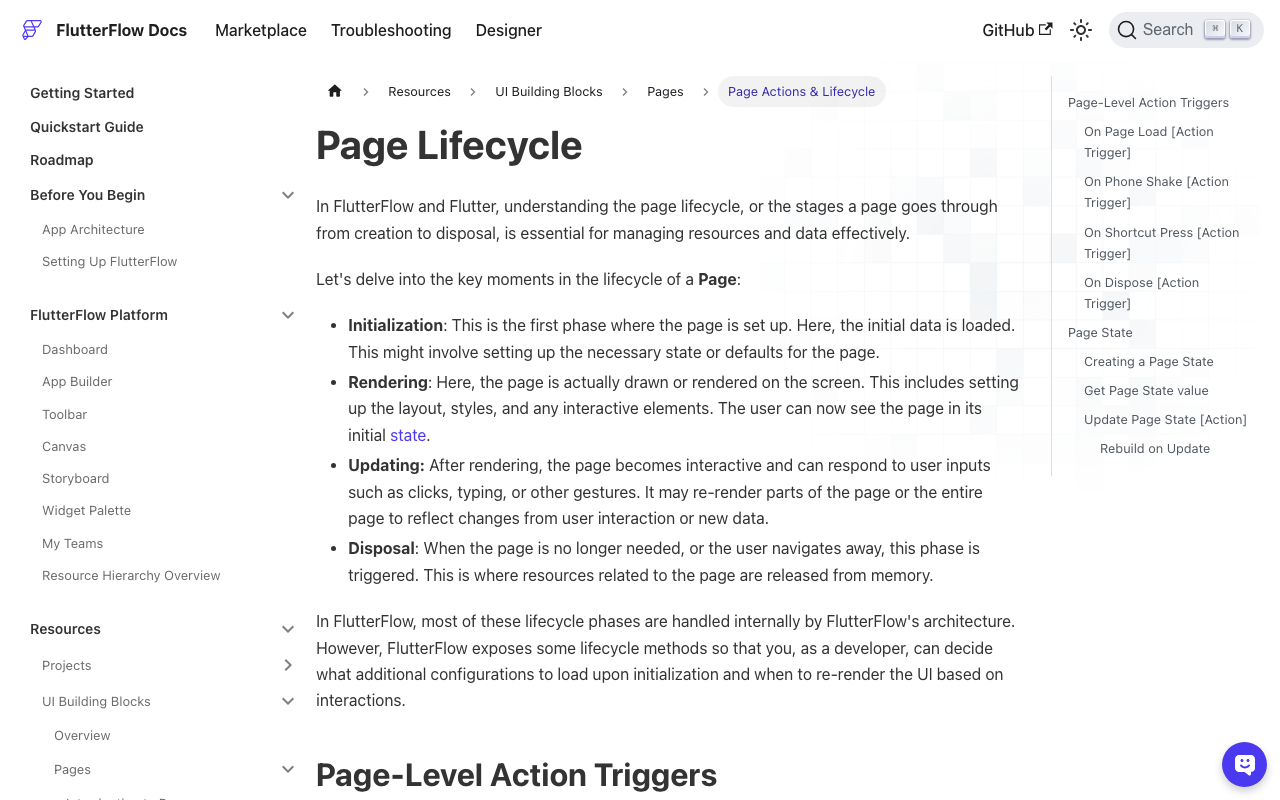
FlutterFlow pages run through initialization → rendering → updating → disposal, and the On Dispose trigger fires "when a page is navigated away from or removed from memory." Page State variables are scoped to that page instance and go down with it.
So if a Page State List<ChatMessage> backs your ListView, coming back to the chat screen builds a brand-new page with a brand-new empty list. Nothing errored — the data was simply never stored anywhere that outlives the route.
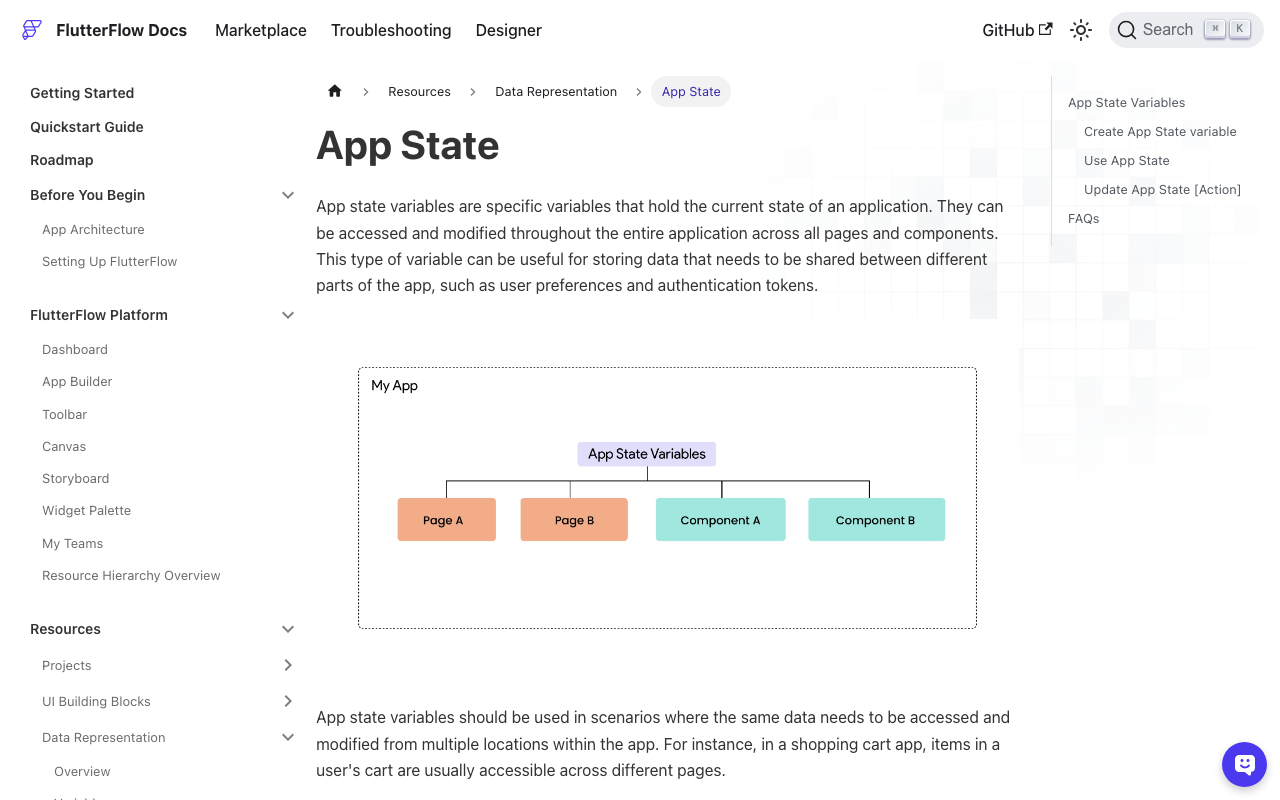
App State is the opposite. The generated FFAppState is a singleton ChangeNotifier — one instance for the whole app lifecycle — so it survives route changes, and marking a field Persisted makes FlutterFlow write it to disk via shared_preferences so it survives app restarts too.
One design constraint to know up front: App State is intended for lightweight types (Firestore Documents and Supabase Rows can't go in App State at all), and lists of custom data types have a long track record of not persisting reliably — FlutterFlow issue #2391 was closed as "not planned." Store your history as a List of String, Persisted, where each entry is a JSON-encoded message. That shape always persists, and it's exactly what you need to rebuild the messages array.
Fix 1: cap history before it caps your token budget
Never send an unbounded array. Conversation length grows without limit, every turn re-sends everything before it, and input cost scales with it — long before you hit any model's context window you'll notice the bill and the latency.
For client-side trimming, OpenAI's published rule of thumb is enough: roughly 1 token ≈ 4 characters of English. Don't ship a tokenizer into a Flutter app to size a chat box.
int estimateTokens(String text) => (text.length / 4).ceil();

List<ChatMessage> trimToBudget(
  List<ChatMessage> history, {
  int maxTokens = 3000,
  int maxTurns = 20,
}) {
  final system = history.where((m) => m.role == 'system').toList();
  final rest = history.where((m) => m.role != 'system').toList();

  final windowed =
      rest.length > maxTurns ? rest.sublist(rest.length - maxTurns) : rest;

  var budget =
      maxTokens - system.fold<int>(0, (sum, m) => sum + estimateTokens(m.content));

  final kept = <ChatMessage>[];
  for (final m in windowed.reversed) {
    final cost = estimateTokens(m.content) + 4; // per-message envelope
    if (budget - cost < 0) break;
    budget -= cost;
    kept.insert(0, m);
  }

  // Never open the window on a reply whose question got trimmed away.
  while (kept.isNotEmpty && kept.first.role == 'assistant') {
    kept.removeAt(0);
  }

  return [...system, ...kept];
}
Two details people skip. The system prompt is pulled out of the window and always re-attached — trim it and the bot forgets its own instructions, which reads exactly like memory loss. And the trailing while loop prevents a window that starts on a dangling assistant turn, which makes replies sound like they're answering a question nobody asked.
Fix 2: persist and rehydrate
In plain Flutter, use SharedPreferencesAsync — since shared_preferences 2.3.0 the legacy SharedPreferences API is slated for deprecation.
import 'dart:convert';
import 'package:shared_preferences/shared_preferences.dart';

class ChatStore {
  static const _key = 'chat_history_v1';
  final _prefs = SharedPreferencesAsync();

  Future<List<ChatMessage>> load() async {
    final raw = await _prefs.getStringList(_key) ?? const <String>[];
    return raw
        .map((s) => ChatMessage.fromJson(jsonDecode(s) as Map<String, dynamic>))
        .toList();
  }

  Future<void> save(List<ChatMessage> messages) async {
    // Disk keeps more than the model sees — the UI can scroll further back.
    final recent =
        messages.length > 100 ? messages.sublist(messages.length - 100) : messages;
    await _prefs.setStringList(
      _key,
      recent.map((m) => jsonEncode(m.toJson())).toList(),
    );
  }
}
Call load() in initState (or On Page Load) and save() twice per turn: once after appending the user message, once after the stream finishes. Note the deliberate asymmetry — disk holds ~100 messages for scrollback, trimToBudget decides what the model actually sees.
Fix 3: POST the rehydrated array to the streaming endpoint
http (1.6.0 at time of writing) has no SSE client, but Client.send() returns a StreamedResponse and SSE is line-oriented, so LineSplitter does the work.
import 'dart:convert';
import 'package:http/http.dart' as http;

Stream<String> streamReply(List<ChatMessage> history) async* {
  final client = http.Client();
  final request = http.Request(
    'POST',
    Uri.parse('https://api.widgetchat.app/v1/chat/stream'),
  )
    ..headers.addAll({
      'Content-Type': 'application/json',
      'Accept': 'text/event-stream',
      // Auth/project fields exactly as your WidgetChat dashboard snippet shows.
    })
    ..body = jsonEncode({
      'messages': trimToBudget(history).map((m) => m.toWire()).toList(),
    });

  try {
    final response = await client.send(request);
    if (response.statusCode != 200) {
      throw Exception('Chat stream failed: ${response.statusCode}');
    }

    await for (final line in response.stream
        .transform(utf8.decoder)
        .transform(const LineSplitter())) {
      if (!line.startsWith('data:')) continue; // skip event:/id:/comments
      final payload = line.substring(5).trim();
      if (payload.isEmpty || payload == '[DONE]') continue;
      yield payload;
    }
  } finally {
    client.close();
  }
}
Three things that break real implementations: don't use http.post (it buffers the whole body, so you lose streaming); do split on lines, because several data: events routinely arrive in one chunk; and accumulate into a StringBuffer rather than binding a StreamBuilder straight to the stream — snapshot.data holds only the newest token, not the reply so far. Decode payload per the JSON shape your project's stream emits, and append the finished assistant message to history when the stream closes.
The FlutterFlow-native version
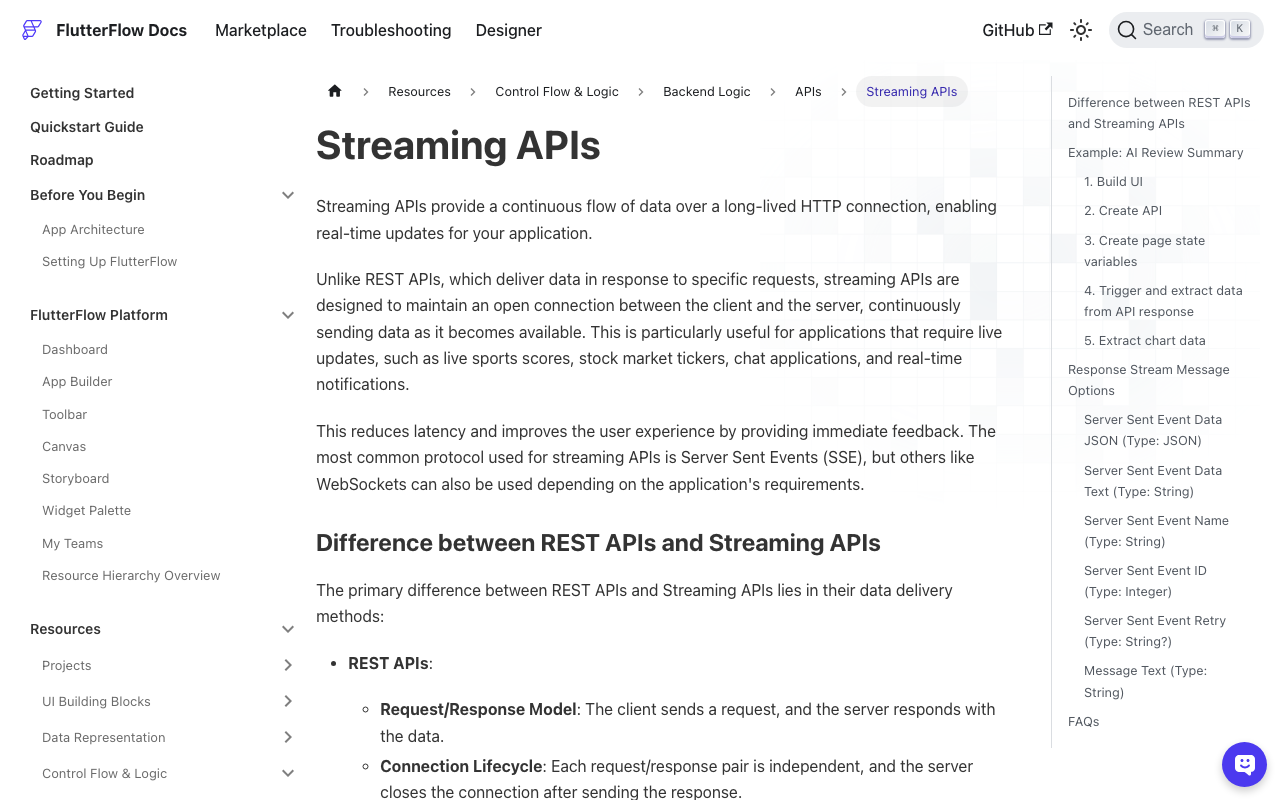
You don't need custom Dart for the transport — FlutterFlow parses SSE itself.
- App State → add
chatHistory, type List of String, Persisted. Each item is a JSON-encoded{"role": ..., "content": ...}. - API call → open Advanced Settings and turn on Process Streaming Response. Build the body with a Custom Function that decodes
chatHistory, appends the new user message, applies the sliding window above, and returns the trimmed list as JSON. (IfjsonDecodedoesn't resolve in a Custom Function, do it in a Custom Action, where you can adddart:convertto the imports.) - onMessage → Update Page State:
streamingText = streamingText + <Server Sent Event Data JSON>, using a JSON path to pull the delta text out of each event. - onClose → Update App State → Add to List on
chatHistorywith the completed assistant message, and clearstreamingText. - ListView → bind it to App State
chatHistory, not Page State. This is the whole fix for flutterflow chat history lost on navigation: the widget now reads from a store that outlives the route.
Leave On Page Load empty for rehydration — persisted App State is already populated before the page builds.
Verify it in 60 seconds
- Send two dependent messages ("What plans do you have?" → "How much is the second one?"). A correct second answer means the messages array is landing.
- Navigate to another page and back. The list should still render.
- Kill and relaunch the app. Persisted App State should restore the thread.
- Log
trimToBudget(history).lengthper request. It should climb, then plateau at your cap — if it climbs forever, you're paying for it.
Gotchas that survive the fix
Double-appending the reply. If you push the streamed assistant message into history inside onMessage and onClose, every turn stores a partial duplicate, and the model starts stuttering back at the user.
Rebuild scope. No Rebuild on an App State update is fine for the streaming buffer, but the final append needs Rebuild Current Page or the last bubble won't render until the next interaction.
Silent trims. When the window drops old turns, the bot really has forgotten them. If your assistant needs long-lived facts, put them in the system prompt or your WidgetChat knowledge content rather than hoping they stay in the window.
Try WidgetChat free
WidgetChat is an AI support chatbot for Flutter and FlutterFlow apps that answers from your own content, streams token-by-token over SSE at POST https://api.widgetchat.app/v1/chat/stream, and integrates through a plain HTTP client or custom action — no proprietary SDK to adopt. Users can also tap the mic for a real-time voice call in the same widget: speech-to-speech with barge-in, live captions, and product cards on screen while it speaks — same conversation, same dashboard as text chat, on iOS, Android and web.
Try WidgetChat free and wire it into your chat screen today.

Comments
Comments are coming soon. We'd love to hear your thoughts!