

Fix Flutter Chat Jank: Stop Rebuilding on Every Token
You wired up a streaming AI assistant, it works, and then someone opens a long conversation on a mid-range Android phone and asks a question with a long answer. The list stutters. The scroll position fights you. The phone gets warm.
The reflex is to blame the SSE stream. It's almost never the stream. It's this line, which nearly every tutorial ships:
// The bug. Every token repaints the entire page.
await for (final token in tokenStream) {
  setState(() => _messages.last.text += token);
}
setState marks the whole chat page dirty. A 400-token answer means 400 full page rebuilds, and each one drags every visible bubble through itemBuilder again. This is the root of flutter setstate jank streaming text and flutterflow chatbot laggy while typing response.
What actually rebuilds (it's not "all items")
One common claim needs correcting. People search for flutter listview.builder rebuilds all items, but ListView.builder does not rebuild all items — it's lazy, and only children inside the viewport plus the cacheExtent are materialized at all. A 500-message history does not produce 500 builds.
What does happen is worse than it sounds anyway. When the page rebuilds, you construct a fresh ListView.builder, which creates a fresh SliverChildBuilderDelegate. SliverChildBuilderDelegate.shouldRebuild returns true by default, so the sliver assumes the delegate's information changed and re-invokes itemBuilder for every materialized child — a dozen or so bubbles, plus whatever is in the cache extent, on every single token.
There is an escape hatch built into the framework. Element.updateChild short-circuits when child.widget == newWidget: it updates the slot if needed and returns the existing child without rebuilding the subtree, and it deliberately emits no timeline event so these no-ops don't pollute your profile. Default == on widgets is identity, which is why const bubbles are free — the canonicalized instance is literally the same object. Real bubbles carry runtime data, so they're new instances every time, and the whole subtree — text layout included — runs again.
So the shape of the fix is: keep itemBuilder returning the same instances it returned last frame, and let exactly one widget hear about the new token.
Prove it in DevTools before you change anything
Don't take my word for it, and don't trust a benchmark table from someone else's device — bubble complexity, font, device and conversation length dominate the result. Measure your own, in two passes:
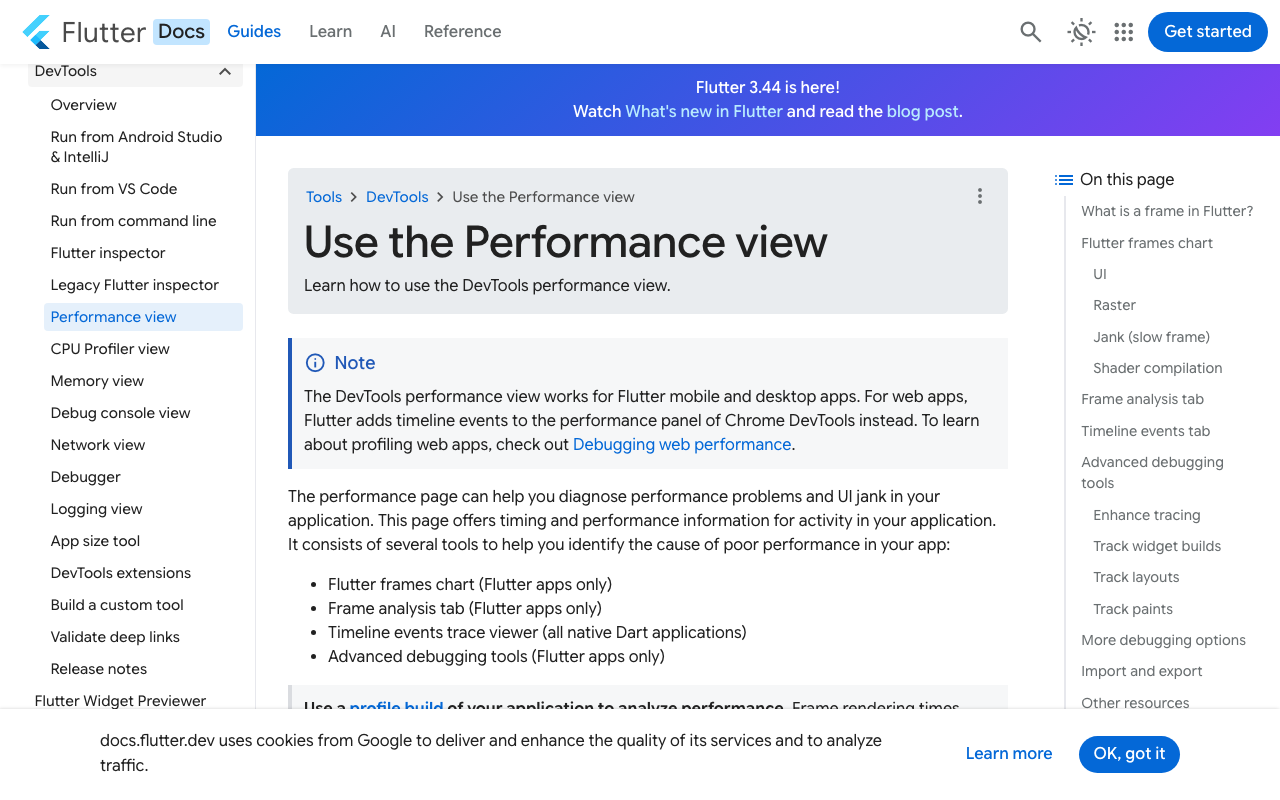
Pass 1 — counts, in debug mode. Open the DevTools Performance page and use Rebuild Stats (added in Flutter 3.24). Send a long message and watch the counters climb. Rebuild counts rely on the trackRebuildDirtyWidgets service extension, so this is debug-mode only.
Pass 2 — milliseconds, in profile mode on a real device. Debug-mode timings are meaningless; profile mode on the actual mid-range Android is the only number that matters. Watch the Flutter frames chart: a frame is janky if it takes more than ~16 ms on a 60 FPS device (~8 ms at 120 Hz), and those get a red overlay. Click a red bar to open the Frame Analysis tab. Turn on Track Widget Builds to see build() events labelled with the widget name.
The diagnostic that tells you you've found this bug rather than a different one: during streaming the UI thread bars are tall and the raster bars are normal. If raster is the tall one, your problem is shaders, opacity layers or blurs — a different fix entirely.
You don't need a stopwatch for the rebuild count, because it's arithmetic, not measurement: builder invocations ≈ tokens emitted × bubbles materialized. A 400-token reply with a dozen bubbles on screen is on the order of five thousand builder invocations for one answer. After the fix, that column reads zero, and the only counter still climbing is a single ValueListenableBuilder — bounded by frames elapsed, not tokens received.
Read the stream into a ValueNotifier, not into setState
Here is the full custom action against WidgetChat's streaming endpoint. It reads POST https://api.widgetchat.app/v1/chat/stream line by line and pushes tokens into a notifier instead of a setState. Add http: ^1.6.0 to your pubspec (or to the Pubspec Dependencies pane in FlutterFlow's code editor).
import 'dart:async';
import 'dart:convert';
import 'package:flutter/foundation.dart';
import 'package:http/http.dart' as http;

/// Holds the in-flight assistant reply. Exactly one widget listens to [text],
/// so a new token repaints one bubble instead of the whole page.
class StreamingReply {
  final ValueNotifier<String> text = ValueNotifier<String>('');
  final StringBuffer _buffer = StringBuffer();
  Timer? _flushTimer;

  void append(String token) {
    _buffer.write(token);
    // Coalesce bursts: at most one dispatch per frame budget.
    _flushTimer ??= Timer(const Duration(milliseconds: 16), flush);
  }

  void flush() {
    _flushTimer?.cancel();
    _flushTimer = null;
    text.value = _buffer.toString();
  }

  void dispose() {
    _flushTimer?.cancel();
    text.dispose();
  }
}

Future<String> streamWidgetChatReply({
  required StreamingReply sink,
  required String projectKey,
  required String conversationId,
  required String message,
}) async {
  final client = http.Client();
  try {
    final request = http.Request(
      'POST',
      Uri.parse('https://api.widgetchat.app/v1/chat/stream'),
    )
      ..headers.addAll({
        'Authorization': 'Bearer $projectKey',
        'Content-Type': 'application/json',
        'Accept': 'text/event-stream',
      })
      ..body = jsonEncode({
        'conversation_id': conversationId,
        'message': message,
      });

    final response = await client.send(request);
    if (response.statusCode != 200) {
      throw Exception('WidgetChat stream failed: ${response.statusCode}');
    }

    // Utf8Decoder and LineSplitter are both stateful across chunks, so a
    // multi-byte emoji or an SSE line split across two packets is handled
    // correctly. Calling utf8.decode() per chunk is where mojibake comes from.
    final lines = response.stream
        .transform(utf8.decoder)
        .transform(const LineSplitter());

    await for (final line in lines) {
      if (!line.startsWith('data:')) continue; // blank lines, comments, event:
      final payload = line.substring(5).trimLeft();
      if (payload == '[DONE]') break;
      sink.append(_tokenOf(payload));
    }
  } finally {
    client.close();
    sink.flush(); // make sure the tail token lands
  }
  return sink.text.value;
}

/// Tolerant token extraction: some `data:` frames are raw text, some are JSON.
/// Check your dashboard's integration snippet for the exact payload shape.
String _tokenOf(String payload) {
  if (!payload.startsWith('{')) return payload;
  try {
    final decoded = jsonDecode(payload);
    if (decoded is Map) {
      for (final key in const ['delta', 'text', 'content', 'token']) {
        final value = decoded[key];
        if (value is String) return value;
      }
    }
  } on FormatException {
    // Not JSON after all — use it verbatim.
  }
  return payload;
}
What the 16 ms buffer actually buys you
Be precise about this, because the usual explanation is wrong. Flutter already coalesces multiple markNeedsBuild calls within one frame into a single build — so even without a buffer you would not get 400 builds, you'd get roughly one per frame. The buffer's real jobs are narrower and still worth it: it caps listener dispatches, and it materializes _buffer.toString() once per frame instead of allocating 400 progressively longer immutable strings. On a long answer that allocation churn is the part that heats the phone.
Wire it into the list
The finished-message bubbles never change, so hoist them and hand itemBuilder the same instances each time — that's what triggers the updateChild no-op path.
ListView.builder(
  controller: _scrollController,
  itemCount: _messages.length + (_streaming ? 1 : 0),
  itemBuilder: (context, index) {
    if (index == _messages.length) {
      return _StreamingBubble(
        key: const ValueKey('streaming'),
        reply: _reply,
      );
    }
    // Built once when the message was appended, reused forever after.
    return _bubbleCache[index];
  },
)

class _StreamingBubble extends StatelessWidget {
  const _StreamingBubble({super.key, required this.reply});
  final StreamingReply reply;

  @override
  Widget build(BuildContext context) {
    // Avatar, padding and decoration are built once, outside the listener.
    return _BubbleShell(
      isUser: false,
      child: ValueListenableBuilder<String>(
        valueListenable: reply.text,
        builder: (context, text, _) => Text(text),
      ),
    );
  }
}
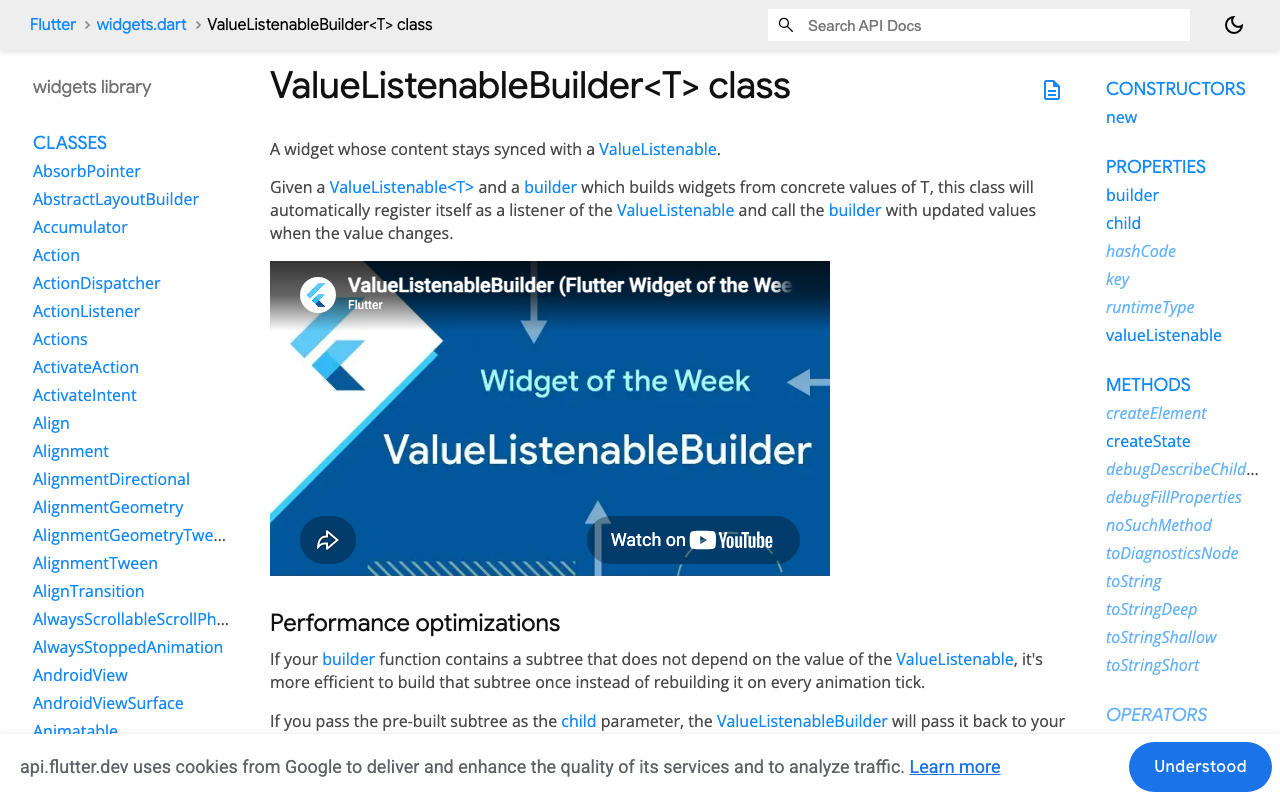
That's flutter valuenotifier instead of setstate in one screen: the notifier fires, ValueListenableBuilder rebuilds its builder closure, and nothing above it in the tree moves. If you have static widgets inside the builder — a copy button, a timestamp — pass them via the builder's child argument; the docs recommend exactly this for subtrees that don't depend on the value.
Two things that cost more than the rebuild
Markdown re-parsing. If the streaming bubble renders Markdown, you re-parse a growing document every frame, which dwarfs the rebuild cost. Render plain Text while streaming and swap to your Markdown widget once on completion. Note that Google's flutter_markdown was discontinued; the maintained community successors are flutter_markdown_plus and flutter_markdown_community.
Auto-scroll. Calling animateTo per token queues hundreds of overlapping animations. Use jumpTo(maxScrollExtent) from the same coalesced flush, and only when the user is already near the bottom.
FlutterFlow specifics
FlutterFlow Custom Actions always return a Future, which fits this shape directly. Two rules: keep the StreamingReply instance out of App State (App State setters rebuild broadly, which reintroduces the exact bug), and put the streaming bubble in a Custom Widget so the notifier boundary lives below FlutterFlow's generated page state.
Verified on Flutter 3.44 stable with http 1.6.0.
Try WidgetChat free
WidgetChat gives your Flutter or FlutterFlow app a drop-in AI support chatbot with token-by-token SSE streaming over POST https://api.widgetchat.app/v1/chat/stream — no proprietary SDK, just the custom action above. The same widget also does real-time voice: tap the mic to talk to your assistant, interrupt it mid-sentence, and read live captions while it speaks. Try WidgetChat free.

Comments
Comments are coming soon. We'd love to hear your thoughts!