

Fix Flutter Chat Input Hiding Behind the Keyboard
You wire up an AI support chat, tokens stream in nicely, and then a user taps the text field. The composer jumps a few pixels, the last streamed token slides under the keyboard, and on iOS there is a stray 34px gap above the keys. Every fix you find online assumes a login form that sits still. Yours is growing every frame.
Here is why the usual advice fails on a streaming chat, and the layout that actually holds.
Why the standard fix breaks during a stream
Three things go wrong at once.
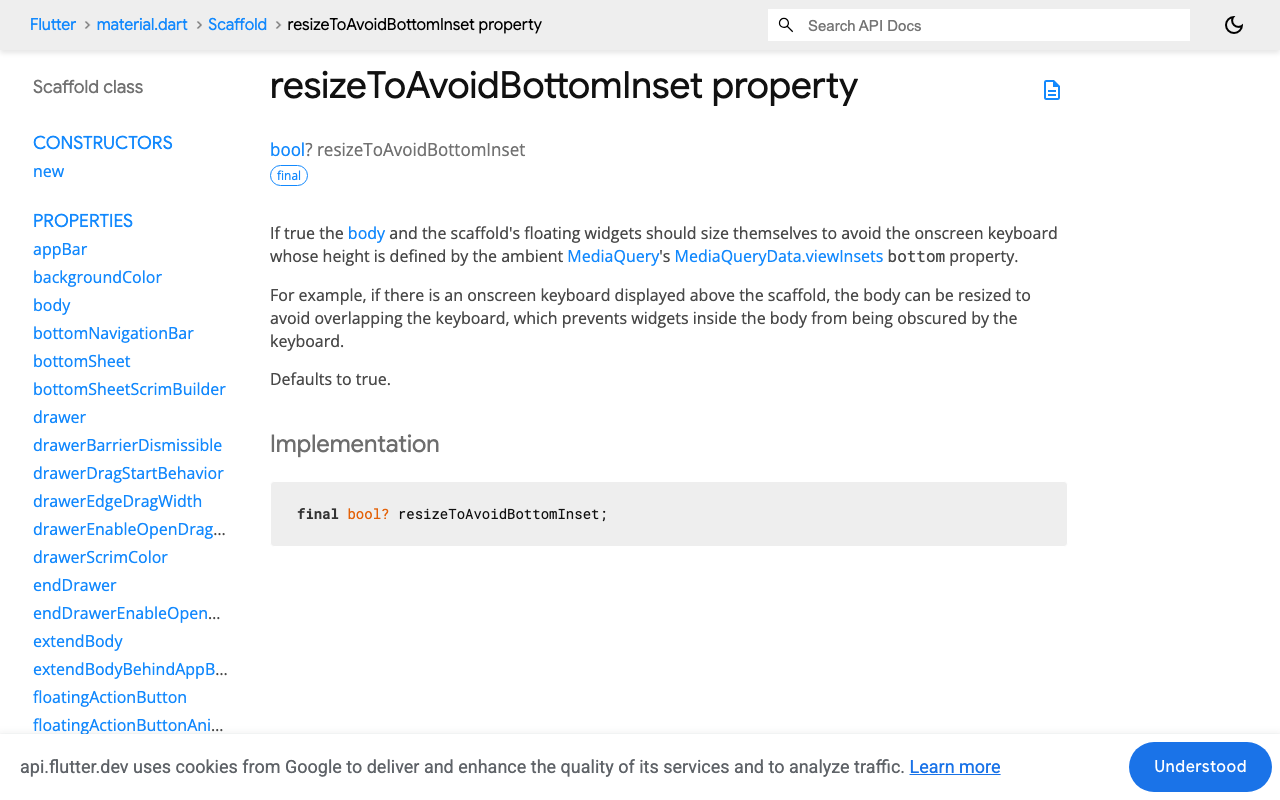
resizeToAvoidBottomInset: true (the default) shrinks the body while the list is growing. Scaffold hands your body a smaller maxHeight as the keyboard animates in. If your message list is a SingleChildScrollView or a forward ListView pinned to the bottom with a ScrollController, the shrink and the new-token relayout fight each other. You get a composer that twitches and a scroll offset that lands a frame behind the content.
A forward ListView has no stable bottom. With reverse: false, "the newest message is visible" is something you have to maintain by hand: animateTo(maxScrollExtent) on every token. During SSE streaming that is 20 to 50 scroll animations per second, each one racing a maxScrollExtent that changed since you read it.
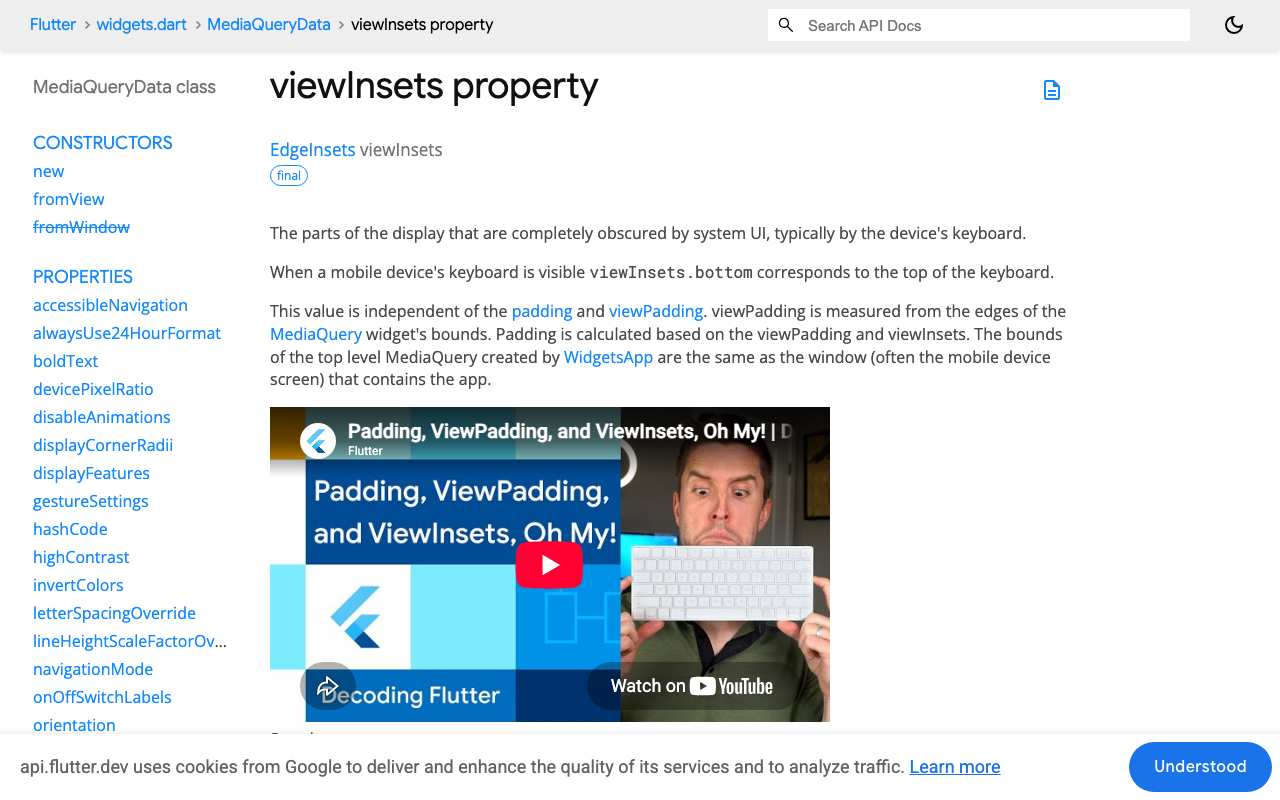
The safe-area inset gets applied twice. A SafeArea around the body plus a viewInsets.bottom padding on the composer double-counts the home indicator, because both are trying to solve the same bottom edge.
The layout that works
Four rules:
- Turn Scaffold resizing off. The body keeps a constant height for the whole keyboard animation.
- Put the composer in a bottom-anchored
Paddingdriven byMediaQuery.viewInsetsOf(context).bottom. - Use
reverse: trueon the messageListViewso new tokens grow up from the anchored edge, with no controller work. - Combine the keyboard inset and the safe-area inset into one number, once.
import 'dart:math' as math;
import 'package:flutter/material.dart';

class SupportChatPage extends StatefulWidget {
  const SupportChatPage({super.key});
  @override
  State<SupportChatPage> createState() => _SupportChatPageState();
}

class _SupportChatPageState extends State<SupportChatPage> {
  final _controller = TextEditingController();
  final _messages = <Message>[]; // index 0 is the newest

  @override
  Widget build(BuildContext context) {
    // Read both insets here, above any SafeArea, so nothing has consumed them.
    final keyboard = MediaQuery.viewInsetsOf(context).bottom;
    final safeBottom = MediaQuery.viewPaddingOf(context).bottom;

    return Scaffold(
      // The body height stops changing. This is the whole trick.
      resizeToAvoidBottomInset: false,
      appBar: AppBar(title: const Text('Support')),
      body: Column(
        children: [
          Expanded(
            child: ListView.builder(
              reverse: true,
              keyboardDismissBehavior:
                  ScrollViewKeyboardDismissBehavior.onDrag,
              padding: const EdgeInsets.symmetric(
                  horizontal: 16, vertical: 12),
              itemCount: _messages.length,
              itemBuilder: (_, i) => MessageBubble(_messages[i]),
            ),
          ),
          Padding(
            // One inset, not two. max() because they never stack:
            // the keyboard already covers the home indicator.
            padding: EdgeInsets.only(
              bottom: math.max(keyboard, safeBottom),
            ),
            child: Composer(
              controller: _controller,
              onSend: _send,
            ),
          ),
        ],
      ),
    );
  }
}
That math.max is the fix for the double-gap. Flutter defines padding as max(0, viewPadding - viewInsets), so MediaQuery.paddingOf(context).bottom + keyboard gives the identical number if you prefer that form. What you must not do is wrap the composer in a SafeArea and add viewInsets.bottom: with the keyboard open on an iPhone you get 34 extra logical pixels of dead space, and with it closed you get the right answer, which is exactly the bug that survives review.
Don't reach for AnimatedPadding here either. viewInsets.bottom already arrives as a per-frame animated value on both iOS and Android, so animating it again adds a second curve on top and the composer visibly lags the keys.
Why reverse: true matters for streaming specifically
With reverse: true, scroll offset 0 is the bottom of the list. The newest message sits at index 0 and is painted against the composer. When a token arrives and the assistant bubble grows two lines taller, the growth happens above the anchor, so offset 0 still means "newest message fully visible". No controller, no animateTo, no jump.
It also gives you the behaviour users expect for free: if someone has scrolled up to read earlier context, a new token does not yank them back down, because their offset is measured from the bottom.
One consequence to remember: your list is newest-first, so prepend rather than append.
Streaming the reply into the anchored list
WidgetChat streams token-by-token over Server-Sent Events from POST https://api.widgetchat.app/v1/chat/stream. No SDK, just an HTTP client, which is what makes it drop into a FlutterFlow custom action as easily as a hand-written Flutter app.
The layout detail that matters: mutate the last message's text in place and call setState on each token. Because the Scaffold no longer resizes and the list is reverse-anchored, that rebuild touches only the bubble, not the composer's position.
import 'dart:convert';
import 'package:http/http.dart' as http;

Future<void> _send() async {
  final text = _controller.text.trim();
  if (text.isEmpty) return;
  _controller.clear();

  final reply = Message.assistant('');
  setState(() {
    _messages.insert(0, Message.user(text)); // newest-first
    _messages.insert(0, reply);
  });

  final client = http.Client();
  try {
    final req = http.Request(
      'POST',
      Uri.parse('https://api.widgetchat.app/v1/chat/stream'),
    )
      ..headers.addAll({
        'Content-Type': 'application/json',
        'Accept': 'text/event-stream',
        'Authorization': 'Bearer $widgetChatApiKey',
      })
      ..body = jsonEncode({'message': text});

    final res = await client.send(req);

    await res.stream
        .transform(utf8.decoder)
        .transform(const LineSplitter())
        .forEach((line) {
      if (!line.startsWith('data:')) return; // skip comments, blank lines
      final payload = line.substring(5).trim();
      if (payload.isEmpty || payload == '[DONE]') return;

      // One setState per token. Only the bubble rebuilds.
      setState(() => reply.appendToken(payload));
    });
  } finally {
    client.close();
  }
}
Use http.Request with client.send, not http.post. post buffers the whole response before returning, which silently turns your stream into a single late blob and hides every layout bug you were trying to fix.
FlutterFlow specifics
FlutterFlow exposes the same switch. On the page, open the properties panel and turn off the setting that resizes the page when the keyboard appears (resizeToAvoidBottomInset in generated code). Then build the chat body as a single Custom Widget so the reverse: true list and the inset padding live in code you control, and call the stream from a Custom Action. Trying to assemble a streaming chat from stacked Column widgets with the page resizing enabled is where most FlutterFlow chat-input-keyboard-covers-textfield reports come from.
Inside a Custom Widget, read the inset with MediaQuery.viewInsetsOf(context) rather than MediaQuery.of(context). viewInsetsOf subscribes only to the inset, so a keyboard frame does not rebuild widgets that only care about text scale or brightness.
Quick checklist
resizeToAvoidBottomInset: falseon the Scaffold holding the chat.reverse: truelist, newest message at index 0.- One bottom padding:
math.max(viewInsets.bottom, viewPadding.bottom). - No
SafeArea(bottom: true)under that padding. - Plain
Padding, notAnimatedPadding. - Insets read above any
SafeAreain the tree.
Get those six right and the composer sits still whether the keyboard is opening, closing, or a reply is streaming in behind it.
Try WidgetChat free
WidgetChat is an AI support chatbot you embed in Flutter and FlutterFlow apps, answering from your own content with token-by-token SSE streaming and no proprietary SDK to install. It also does live voice: users tap the mic for a real-time speech-to-speech call in the same widget, with barge-in, live captions, and product cards on screen while it speaks, on iOS, Android, and web. Try WidgetChat free.

Comments
Comments are coming soon. We'd love to hear your thoughts!