

Flutter AI Chat History Lost on Restart? Persist It with Hive
Your support chat streams token by token over Server-Sent Events, it looks great, and then a user backgrounds the app, iOS kills it to free memory, and the whole conversation is gone. Worse: if you only save messages when a reply finishes, the half answer that was mid-stream is either lost or, in some implementations, written to disk as if it were complete. The user reopens the app and sees an answer that stops mid-sentence with no hint that anything went wrong.
Most "flutter save chat messages locally" tutorials persist a finished list. This post covers the part they skip: a Hive-backed store that writes on every chunk flush (debounced), a status flag per message, and a restore path that marks the interrupted tail and offers a regenerate tap. The streaming endpoint used is WidgetChat's POST https://api.widgetchat.app/v1/chat/stream, which returns data: SSE lines token by token.
Why a status flag is the whole trick
A message row needs more than role and text. It needs to know whether the text is final. Three states cover every case:
streaming: the reply is being received right now.done: the server sent the last chunk and the stream closed cleanly.interrupted: the app came back up and found a message still markedstreaming. Nothing else can produce this state, so it is the one you check on launch.
When the OS kills the process you get no callback, so you cannot write interrupted at death time. Instead you write streaming the moment the assistant message is created and flip it to done only on a clean close. Anything still streaming at startup was, by definition, interrupted.
Dependencies
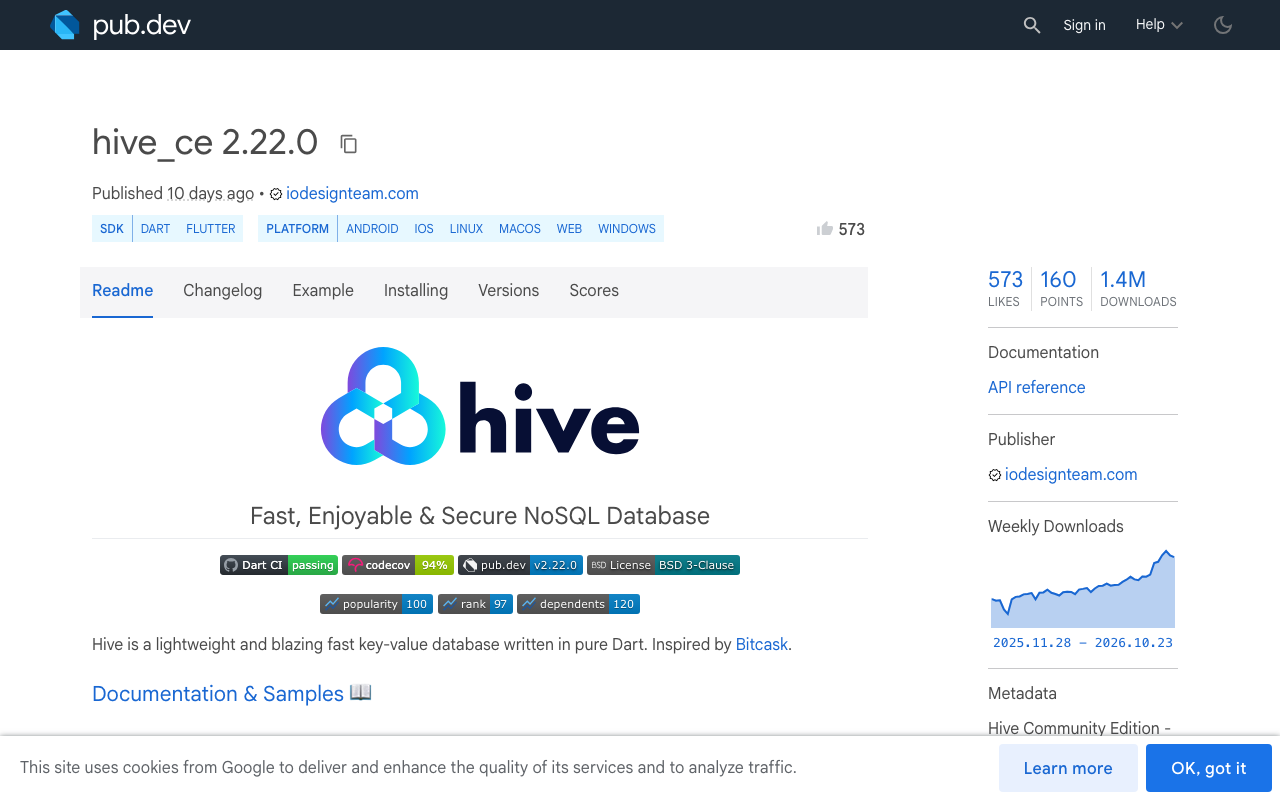
The original hive package is unmaintained; the community fork hive_ce is the one receiving releases. At the time of writing pub.dev lists hive_ce 2.22.0 and hive_ce_flutter 2.5.0. Hive stores Map and List natively, so you can skip adapter code generation entirely by storing each message as a map.
dependencies:
  hive_ce: ^2.22.0
  hive_ce_flutter: ^2.5.0
  http: ^1.2.0
The message store
One box, keyed by message id. Each value is a plain map so there is nothing to regenerate when you add a field later.
import 'dart:async';
import 'package:hive_ce_flutter/hive_flutter.dart';

class ChatMessage {
  ChatMessage({
    required this.id,
    required this.role,
    required this.text,
    required this.status, // 'streaming' | 'done' | 'interrupted'
    required this.createdAt,
  });

  final String id;
  final String role; // 'user' | 'assistant'
  String text;
  String status;
  final int createdAt;

  Map<String, dynamic> toMap() => {
        'id': id,
        'role': role,
        'text': text,
        'status': status,
        'createdAt': createdAt,
      };

  static ChatMessage fromMap(Map m) => ChatMessage(
        id: m['id'] as String,
        role: m['role'] as String,
        text: m['text'] as String,
        status: m['status'] as String,
        createdAt: m['createdAt'] as int,
      );
}

class ChatStore {
  static const _boxName = 'support_chat';
  late Box _box;
  Timer? _flush;

  Future<void> open() async {
    await Hive.initFlutter();
    _box = await Hive.openBox(_boxName);
  }

  List<ChatMessage> load() {
    final list = _box.values
        .map((v) => ChatMessage.fromMap(v as Map))
        .toList()
      ..sort((a, b) => a.createdAt.compareTo(b.createdAt));
    return list;
  }

  Future<void> save(ChatMessage m) => _box.put(m.id, m.toMap());

  /// Called on every SSE chunk. Coalesces writes to one per 150 ms so a
  /// fast stream does not hammer the disk, but never waits longer than
  /// that, so an OS kill loses at most 150 ms of text.
  void saveDebounced(ChatMessage m) {
    _flush?.cancel();
    _flush = Timer(const Duration(milliseconds: 150), () => save(m));
  }

  /// Run once at launch. Any message still 'streaming' was cut off.
  Future<List<ChatMessage>> restoreAndMarkInterrupted() async {
    final messages = load();
    for (final m in messages) {
      if (m.status == 'streaming') {
        m.status = 'interrupted';
        await save(m);
      }
    }
    return messages;
  }
}
The debounce is the balance point. Writing on literally every token works but is wasteful; writing only at the end is the bug we are fixing. A 150 ms window means a killed app loses a fraction of a sentence, and the status flag tells the user that it did.
Streaming from WidgetChat and persisting each chunk
This uses the plain http package. client.send gives you a StreamedResponse; decode it as UTF-8, split into lines, and pick out the data: lines.
import 'dart:convert';
import 'package:http/http.dart' as http;

Future<void> askAssistant({
  required ChatStore store,
  required List<ChatMessage> messages,
  required String userText,
  required void Function() onChanged,
}) async {
  final now = DateTime.now().millisecondsSinceEpoch;

  final userMsg = ChatMessage(
    id: 'u_$now', role: 'user', text: userText, status: 'done', createdAt: now);
  messages.add(userMsg);
  await store.save(userMsg);

  // Persist the assistant row as 'streaming' BEFORE the first byte arrives.
  final reply = ChatMessage(
    id: 'a_$now', role: 'assistant', text: '', status: 'streaming', createdAt: now + 1);
  messages.add(reply);
  await store.save(reply);
  onChanged();

  final request = http.Request(
    'POST', Uri.parse('https://api.widgetchat.app/v1/chat/stream'))
    ..headers['Content-Type'] = 'application/json'
    ..headers['Accept'] = 'text/event-stream'
    ..body = jsonEncode({'message': userText});
  // Add the auth header your WidgetChat project uses; keep the key
  // out of the app binary and proxy it if your plan requires.

  final client = http.Client();
  try {
    final response = await client.send(request);
    final lines = response.stream
        .transform(utf8.decoder)
        .transform(const LineSplitter());

    await for (final line in lines) {
      if (!line.startsWith('data:')) continue;
      final payload = line.substring(5).trim();
      if (payload.isEmpty || payload == '[DONE]') continue;
      reply.text += _extractToken(payload);
      store.saveDebounced(reply);
      onChanged();
    }

    reply.status = 'done';
    await store.save(reply); // final write, not debounced
  } catch (_) {
    // Network drop while the app is alive: same user-facing state as a kill.
    reply.status = 'interrupted';
    await store.save(reply);
  } finally {
    client.close();
    onChanged();
  }
}

String _extractToken(String payload) {
  // Handle both raw-text data lines and JSON-wrapped tokens.
  try {
    final obj = jsonDecode(payload);
    if (obj is Map && obj['token'] is String) return obj['token'] as String;
    if (obj is Map && obj['text'] is String) return obj['text'] as String;
  } catch (_) {}
  return payload;
}
Two details matter. The assistant row is saved as streaming before the request is sent, so even a kill during connection setup leaves a visible trace. And the final done write bypasses the debounce; otherwise a kill in the 150 ms after the stream closes would leave a complete answer marked as interrupted, which is the mirror image of the original bug.
Restoring on launch and offering regenerate
At startup, open the box and run the restore pass before the first frame of the chat screen.
class ChatScreen extends StatefulWidget {
  const ChatScreen({super.key});
  @override
  State<ChatScreen> createState() => _ChatScreenState();
}

class _ChatScreenState extends State<ChatScreen> {
  final store = ChatStore();
  List<ChatMessage> messages = [];

  @override
  void initState() {
    super.initState();
    store.open().then((_) async {
      messages = await store.restoreAndMarkInterrupted();
      setState(() {});
    });
  }

  Future<void> _regenerate(ChatMessage interrupted) async {
    final idx = messages.indexOf(interrupted);
    final question = messages
        .sublist(0, idx)
        .lastWhere((m) => m.role == 'user');
    messages.removeAt(idx);
    await store.save(interrupted..status = 'done'); // or delete it
    await askAssistant(
      store: store,
      messages: messages,
      userText: question.text,
      onChanged: () => setState(() {}),
    );
  }

  @override
  Widget build(BuildContext context) {
    return ListView.builder(
      itemCount: messages.length,
      itemBuilder: (_, i) {
        final m = messages[i];
        final interrupted = m.status == 'interrupted';
        return ListTile(
          title: Text(m.text.isEmpty && interrupted
              ? 'Reply was cut off before it started.'
              : m.text),
          subtitle: interrupted
              ? TextButton(
                  onPressed: () => _regenerate(m),
                  child: const Text('Reply was interrupted. Regenerate'),
                )
              : null,
        );
      },
    );
  }
}
The interrupted bubble keeps whatever partial text arrived, so the user can read it, and the button re-sends the preceding user question. If your WidgetChat project uses a conversation id to keep server-side context, store it in the same box under a fixed key and send it with the regenerate request.
The FlutterFlow variant
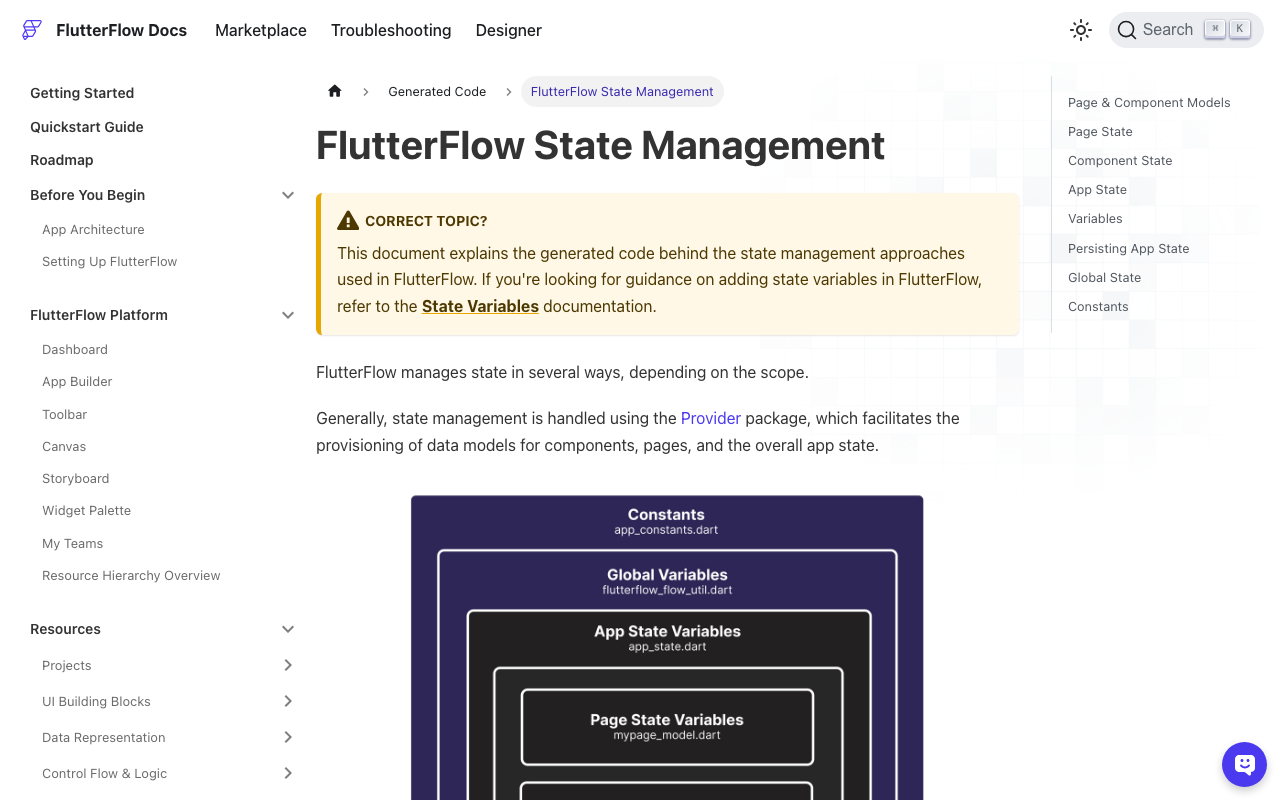
The FlutterFlow community thread on saving AI chat history has no accepted answer, and the usual suggestion (Firestore) is overkill when the user only wants the transcript to survive a restart on one device. You do not need Hive here. FlutterFlow App State variables can be marked Persisted, which stores them on device through shared preferences and restores them at launch.
Set it up like this:
- Create an App State variable
chatMessagesof type List of JSON, tick Persisted. - Write a Custom Action
streamReplythat takes the user text and performs the samehttp.Requestloop as above. Instead of a Hive box, it appends a JSON object{id, role, text, status, createdAt}toFFAppState().chatMessagesand callsFFAppState().update(() {})on each chunk, with the same 150 ms debounce. FlutterFlow persists the variable when it changes, so each flush lands on disk. - Add a Custom Action
markInterruptedMessagesand call it from the chat page's On Page Load. It loops overchatMessages, rewrites anystatus == 'streaming'entry tointerrupted, and updates App State. - In the ListView bound to
chatMessages, add a conditional Regenerate button visible whenstatus == 'interrupted'. Its action callsstreamReplywith the previous user item's text.
The core of the custom action is the same Dart loop, wrapped for FlutterFlow:
// Custom Action: markInterruptedMessages
Future markInterruptedMessages() async {
  final updated = FFAppState().chatMessages.map((m) {
    final map = Map<String, dynamic>.from(m as Map);
    if (map['status'] == 'streaming') map['status'] = 'interrupted';
    return map;
  }).toList();
  FFAppState().update(() {
    FFAppState().chatMessages = updated;
  });
}
One caveat from the FlutterFlow community: persisted App State does not always behave the same in Preview mode as in a real build. Test the restart path on a device or in Test mode, not in the browser preview.
Things that still go wrong
- Debounce too long. Anything above a few hundred milliseconds starts losing visible sentences on a kill. 100 to 200 ms is the sweet spot.
- Writing
donethrough the debounce. Covered above; make the final write synchronous. - Unbounded transcript. Hive loads the whole box into memory. Cap the store at the last few hundred messages, or open one box per conversation and delete old ones.
- Regenerate with no preceding user message. Guard the
lastWherewithorElseif your UI can show assistant-first greetings.
With the status flag in place, "the chat disappeared" and "the answer just stops" both turn into a single, honest UI state with a one-tap fix.
Try WidgetChat free
WidgetChat gives you a streaming AI support assistant for Flutter and FlutterFlow that answers from your own content, over the same POST /v1/chat/stream SSE endpoint used in this post. There is a free tier to start. Try WidgetChat free.

Comments
Comments are coming soon. We'd love to hear your thoughts!