

Flutter Chat Auto-Scroll That Survives Streaming Replies
You wired a token-by-token reply from WidgetChat's POST /v1/chat/stream endpoint into a ListView, and one of two things happens. Either the answer keeps growing below the fold and the user has to drag to read it, or the list yanks them back to the bottom every few milliseconds while they are trying to re-read something above. Both are the same bug seen from different angles: the classic "scroll to bottom on new message" recipe assumes a message arrives whole, once. Streaming breaks that assumption.
This post builds a follow-scroll that sticks only when the user is already near the bottom, runs after layout, and steps aside the moment the user scrolls up. It complements the keyboard-jump fix and the SSE flicker fix in this chat UI series.
Why the usual recipe fails under streaming
The tutorial version looks like this:
setState(() => messages.add(reply));
_scroll.animateTo(_scroll.position.maxScrollExtent,
    duration: const Duration(milliseconds: 300), curve: Curves.easeOut);
Two problems.
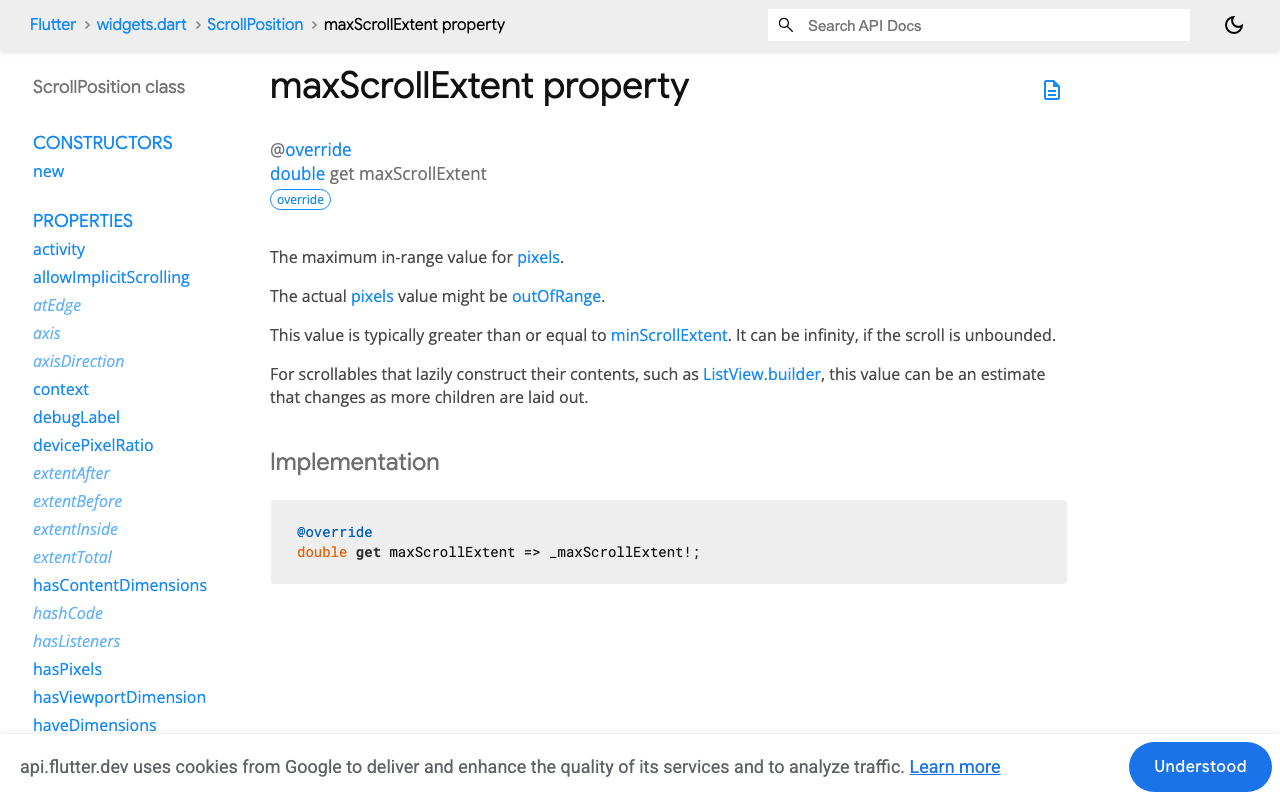
maxScrollExtent is stale. setState only schedules a rebuild. When animateTo runs on the very next line, the Scrollable has not laid out the new content yet, so maxScrollExtent is still the old value. The Flutter docs for ScrollPosition are explicit that content dimensions are only known after layout. With a whole message you land one bubble short. With streaming you call this on every data: event, so you are permanently one delta behind, and each 300 ms animation gets cancelled by the next call before it finishes.
A reverse ListView only pins while offset is exactly 0. ListView(reverse: true) is the standard chat trick: index 0 is the newest message, offset 0 is the bottom, and new items appear without scrolling. That works for whole messages. It stops working as soon as anything nudges the offset off zero: an iOS bounce, the keyboard inset changing, a typing indicator or footer widget sitting at index 0 instead of the streaming bubble. After that, the growing bubble pushes text past the viewport edge and nothing brings it back, because you removed the scroll call when you switched to reverse: true.
So you need a real follow-scroll, but a polite one.
The three rules
- Scroll after the frame, not after
setState. UseWidgetsBinding.instance.addPostFrameCallbacksomaxScrollExtentreflects the new tokens. - Only follow when the user is already near the bottom. A stickiness threshold (about 80 logical pixels) instead of an exact-zero check.
- Pause when the user scrolls up, resume when they come back. Listen for user-initiated scrolls, not the ones your own
jumpToproduces.
The follow-scroll controller
This works with a plain forward ListView. Notes for the reverse variant follow.
import 'package:flutter/material.dart';
import 'package:flutter/rendering.dart';

class FollowScroll {
  FollowScroll(this.controller);

  final ScrollController controller;
  static const double _stickThreshold = 80;

  bool _stick = true;
  bool _scheduled = false;

  bool get _nearBottom {
    if (!controller.hasClients) return true;
    final p = controller.position;
    return p.maxScrollExtent - p.pixels <= _stickThreshold;
  }

  /// Wire this to a NotificationListener around the ListView.
  bool onNotification(ScrollNotification n) {
    if (n is UserScrollNotification) {
      if (n.direction == ScrollDirection.forward) {
        _stick = false; // user dragged toward older messages
      } else if (n.direction == ScrollDirection.idle && _nearBottom) {
        _stick = true; // they let go near the bottom, re-attach
      }
    } else if (n is ScrollEndNotification && _nearBottom) {
      _stick = true;
    }
    return false;
  }

  /// Call after every token append and after every full message append.
  void follow({bool animate = false}) {
    if (!_stick || _scheduled) return;
    _scheduled = true;
    WidgetsBinding.instance.addPostFrameCallback((_) {
      _scheduled = false;
      if (!_stick || !controller.hasClients) return;
      final target = controller.position.maxScrollExtent;
      if (animate) {
        controller.animateTo(target,
            duration: const Duration(milliseconds: 200),
            curve: Curves.easeOut);
      } else {
        controller.jumpTo(target);
      }
    });
  }

  /// For a manual "jump to latest" button.
  void resume() {
    _stick = true;
    follow(animate: true);
  }
}
A few deliberate choices:
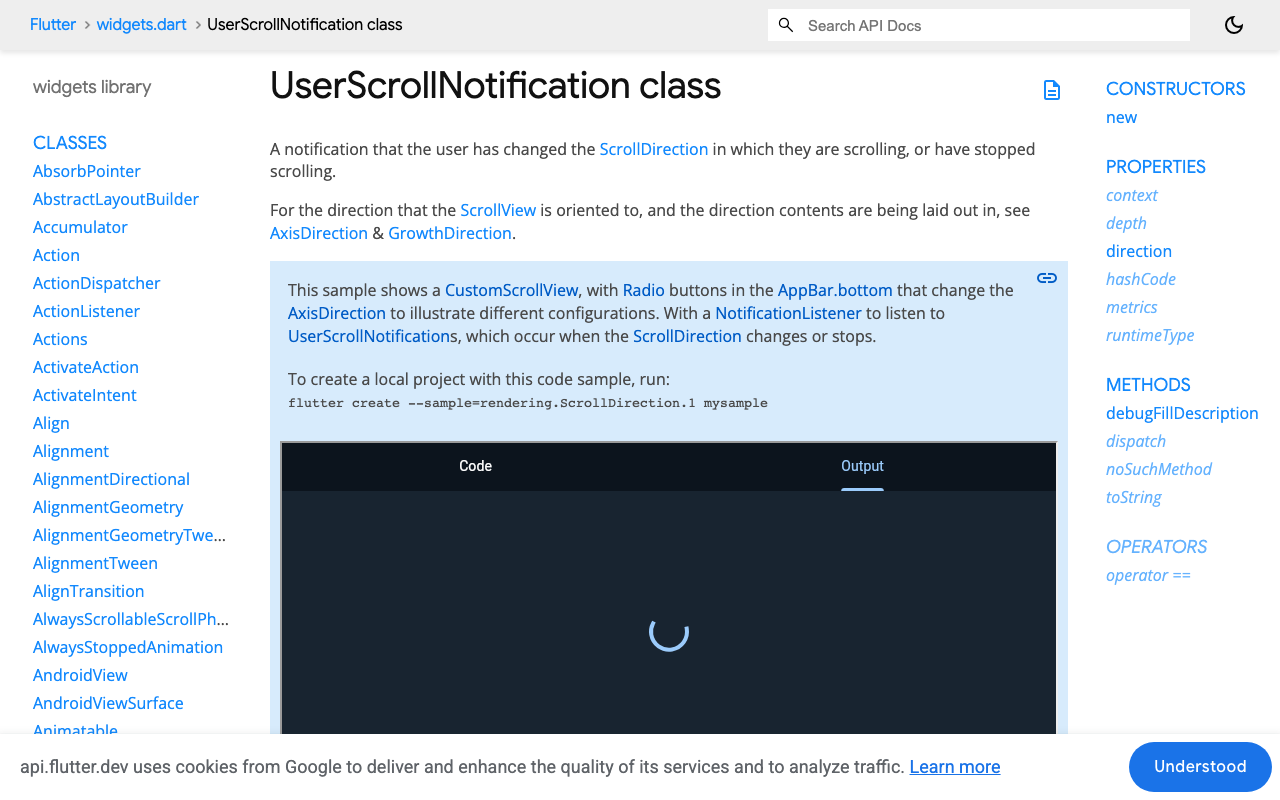
jumpTowhile streaming,animateTofor whole messages. Tokens arrive faster than a 200 ms animation, so animating during a stream produces a jittery tug of war between animations. Jumping once per frame is smooth because the post-frame callback coalesces. The_scheduledflag guarantees at most one jump per frame no matter how manydata:events land.UserScrollNotificationinstead ofcontroller.addListener. A controller listener fires for your ownjumpTocalls too, so you cannot tell the user's drag from your own follow.UserScrollNotificationonly fires when the user changes direction or stops, which is exactly the signal you want. In a forward list,ScrollDirection.forwardmeans the content is moving toward the start, so the user is scrolling up to read.- The threshold is on the read side, not the write side. The stream never checks
_nearBottomdirectly. It just asksfollow(), andfollow()only acts if the user has not detached.
Wiring it to the WidgetChat stream
WidgetChat's streaming endpoint returns Server-Sent Events, one data: line per token chunk. Here is the message model and the stream loop using the http package. Keep your API key on your own server or in a proxy; the snippet reads it from an environment define for brevity.
import 'dart:convert';
import 'package:http/http.dart' as http;

class ChatMessage {
  ChatMessage({required this.role, required this.text});
  final String role;
  String text;
}

class ChatController extends ChangeNotifier {
  ChatController(this.follow);

  final FollowScroll follow;
  final messages = <ChatMessage>[];

  Future<void> send(String userText) async {
    messages.add(ChatMessage(role: 'user', text: userText));
    final reply = ChatMessage(role: 'assistant', text: '');
    messages.add(reply);
    notifyListeners();
    follow.follow(animate: true);

    final req = http.Request(
      'POST', Uri.parse('https://api.widgetchat.app/v1/chat/stream'))
      ..headers['Content-Type'] = 'application/json'
      ..headers['Accept'] = 'text/event-stream'
      ..headers['Authorization'] =
          'Bearer ${const String.fromEnvironment('WIDGETCHAT_KEY')}'
      ..body = jsonEncode({'message': userText});

    final res = await http.Client().send(req);
    await for (final line in res.stream
        .transform(utf8.decoder)
        .transform(const LineSplitter())) {
      if (!line.startsWith('data:')) continue;
      final payload = line.substring(5).trim();
      if (payload == '[DONE]') break;
      reply.text += payload;
      notifyListeners();
      follow.follow(); // jump, coalesced to once per frame
    }
  }
}
Check the exact JSON shape of each data: payload against your WidgetChat dashboard docs and decode accordingly. The scroll logic does not care what is inside the event, only that the bubble grew.
The widget side:
class ChatView extends StatefulWidget {
  const ChatView({super.key});
  @override
  State<ChatView> createState() => _ChatViewState();
}

class _ChatViewState extends State<ChatView> {
  final _scroll = ScrollController();
  late final _follow = FollowScroll(_scroll);
  late final _chat = ChatController(_follow);

  @override
  void dispose() {
    _scroll.dispose();
    super.dispose();
  }

  @override
  Widget build(BuildContext context) {
    return ListenableBuilder(
      listenable: _chat,
      builder: (context, _) => NotificationListener<ScrollNotification>(
        onNotification: _follow.onNotification,
        child: ListView.builder(
          controller: _scroll,
          padding: const EdgeInsets.all(12),
          itemCount: _chat.messages.length,
          itemBuilder: (_, i) => MessageBubble(_chat.messages[i]),
        ),
      ),
    );
  }
}
If you want a "jump to latest" pill when the user has detached, expose _stick as a ValueNotifier and call resume() from the pill's onTap.
Keeping reverse: true
If your list is already reversed, keep it. Swap three things in FollowScroll:
_nearBottombecomesp.pixels - p.minScrollExtent <= _stickThreshold.- The follow target becomes
controller.position.minScrollExtent(normally 0). - The detach direction flips: the user reading older messages produces
ScrollDirection.reversein a reversed list.
Everything else, the post-frame scheduling, the coalescing flag and the UserScrollNotification handling, stays the same. Also make sure the streaming bubble is really at index 0. If you render a typing indicator or a "sources" footer as its own item below the reply, put it inside the reply bubble instead, or the growing text will sit at index 1 and slide off the bottom edge.
FlutterFlow custom widget
FlutterFlow's built-in ListView cannot express "scroll after layout, only if near bottom", so the chat surface needs to be a custom widget. In the Custom Code panel create a widget named StreamingChatList, add the http package under dependencies, and paste the FollowScroll, ChatController and ChatView classes above into it, renaming ChatView to StreamingChatList. Expose the API key and initial prompt as widget parameters rather than hard-coding them. Your existing FlutterFlow action that calls /v1/chat/stream can stay as-is for non-streaming screens; this widget owns its own request because FlutterFlow's API call actions buffer the response instead of yielding SSE chunks.
Two FlutterFlow-specific traps:
- Wrap the custom widget in a
Containerwith an explicit height or anExpandedinside aColumn. An unboundedListViewinside a FlutterFlow scroll column throws a layout error and, more subtly, reportsmaxScrollExtentas 0 so the follow never moves. - Do not put
notifyListeners()on the FlutterFlow app state for each token. That rebuilds the whole page. Keep the message list local to the custom widget, exactly as the code above does.
Checklist
- Scroll inside
addPostFrameCallback, never right aftersetState. - One
jumpToper frame during a stream;animateToonly for whole messages. - Near-bottom threshold, not an exact-zero check.
- Detach on
UserScrollNotificationin the "toward older" direction, re-attach when they stop near the bottom. - Streaming bubble is the last item (or index 0 in a reversed list).
With those in place, tokens stay on screen as they stream, and a user who scrolls up to re-read something stays where they are until they come back.
Want a streaming AI support chat in your Flutter or FlutterFlow app without building the backend? Try WidgetChat free and point this widget at /v1/chat/stream.

Comments
Comments are coming soon. We'd love to hear your thoughts!