

Fix Flutter AirPods Mic Routing on iOS and Android
A user taps the mic in your in-app assistant, talks for ten seconds, and gets nothing back. No error, no permission dialog, no crash — just an empty transcript and a spinner. They pop out their AirPods and it works instantly.
If you are searching flutter airpods microphone not working at 2am, the mic permission is almost certainly fine. The bug is your audio session.
Why the phone speaker works and AirPods don't
On iOS, AVAudioSession is app-wide, not per-plugin. One category and one mode are in effect for your whole process, and whichever plugin configured it last wins. Two failure modes account for nearly every report:
- The category can't record at all. Anything under
.playbackgives you output only. Input silently returns nothing — no exception thrown. - The category can record, but Bluetooth input is not allowed. iOS happily plays your assistant's voice to the AirPods over A2DP while keeping the built-in mic for capture, or drops the mic entirely. That asymmetry is exactly the flutter voice chat one way audio airpods symptom: they hear the bot, the bot never hears them.
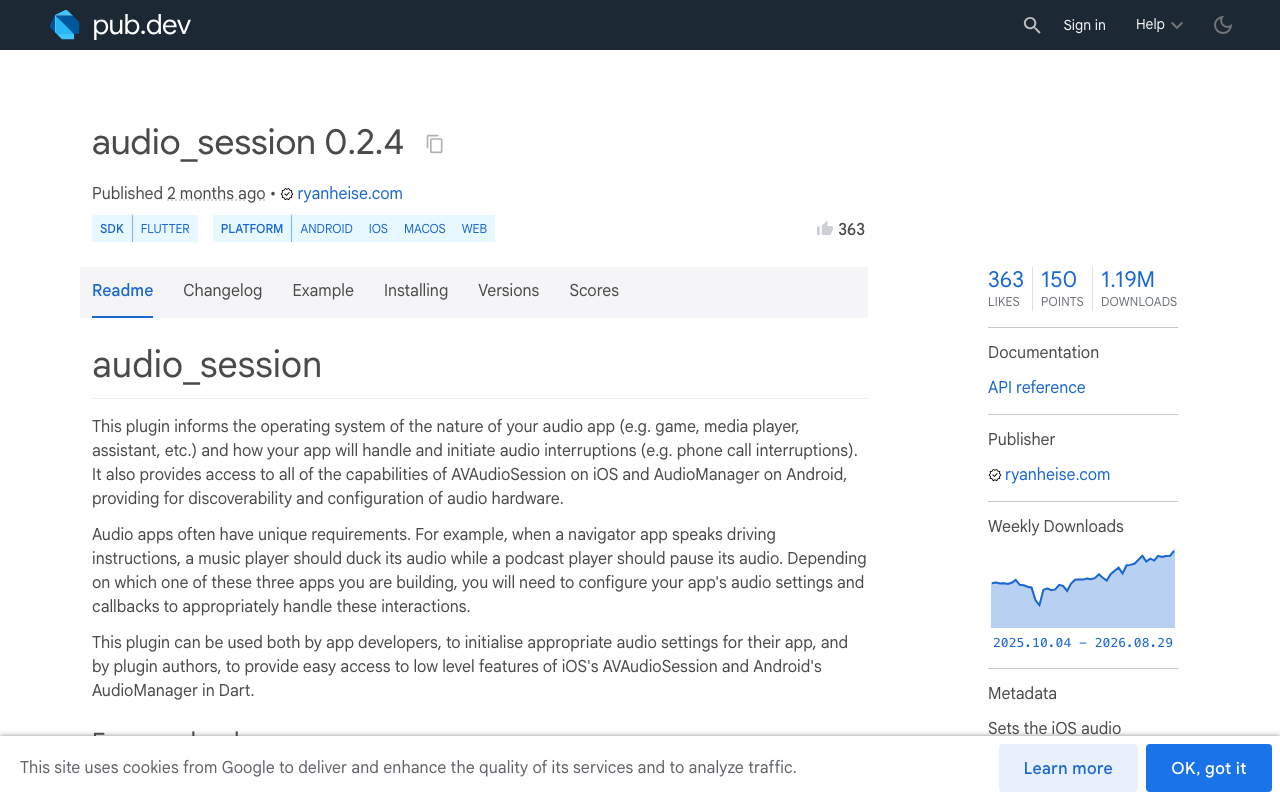
Here's the trap that catches most teams. The audio_session package (0.2.4 at time of writing) ships a speech() recipe that a lot of us copy straight out of the README:
// audio_session/lib/src/core.dart — the actual definition
const AudioSessionConfiguration.speech()
    : this(
        avAudioSessionCategory: AVAudioSessionCategory.playback, // <-- output only
        avAudioSessionMode: AVAudioSessionMode.spokenAudio,
        androidAudioAttributes: const AndroidAudioAttributes(
          contentType: AndroidAudioContentType.speech,
          usage: AndroidAudioUsage.media,
        ),
        androidAudioFocusGainType: AndroidAudioFocusGainType.gain,
        androidWillPauseWhenDucked: true,
      );
speech() and music() are both .playback. If any player in your app configures one of those before a voice call starts, your capture path is dead — with or without AirPods. AirPods just make it look Bluetooth-specific because that's when users notice.
The before/after: a real voice-call audio session
This is the configuration you want before opening a live voice session, and it is the answer to avaudiosession allowbluetooth flutter:
import 'package:audio_session/audio_session.dart';

Future<void> configureForVoiceCall() async {
  final session = await AudioSession.instance; // note: it's a Future

  await session.configure(const AudioSessionConfiguration(
    // iOS — capture + playback in one session
    avAudioSessionCategory: AVAudioSessionCategory.playAndRecord,
    avAudioSessionCategoryOptions:
        AVAudioSessionCategoryOptions.allowBluetooth |      // HFP: the AirPods MIC
        AVAudioSessionCategoryOptions.allowBluetoothA2dp |  // hi-fi output when idle
        AVAudioSessionCategoryOptions.defaultToSpeaker |    // not the earpiece
        AVAudioSessionCategoryOptions.allowAirPlay,
    // voiceChat turns on the system AEC — this is what makes barge-in work
    avAudioSessionMode: AVAudioSessionMode.voiceChat,
    avAudioSessionSetActiveOptions:
        AVAudioSessionSetActiveOptions.notifyOthersOnDeactivation,

    // Android — tell the platform this is a call, not media
    androidAudioAttributes: const AndroidAudioAttributes(
      contentType: AndroidAudioContentType.speech,
      usage: AndroidAudioUsage.voiceCommunication,
    ),
    androidAudioFocusGainType: AndroidAudioFocusGainType.gain,
    androidWillPauseWhenDucked: false,
  ));

  await session.setActive(true);
}
Four details worth knowing:
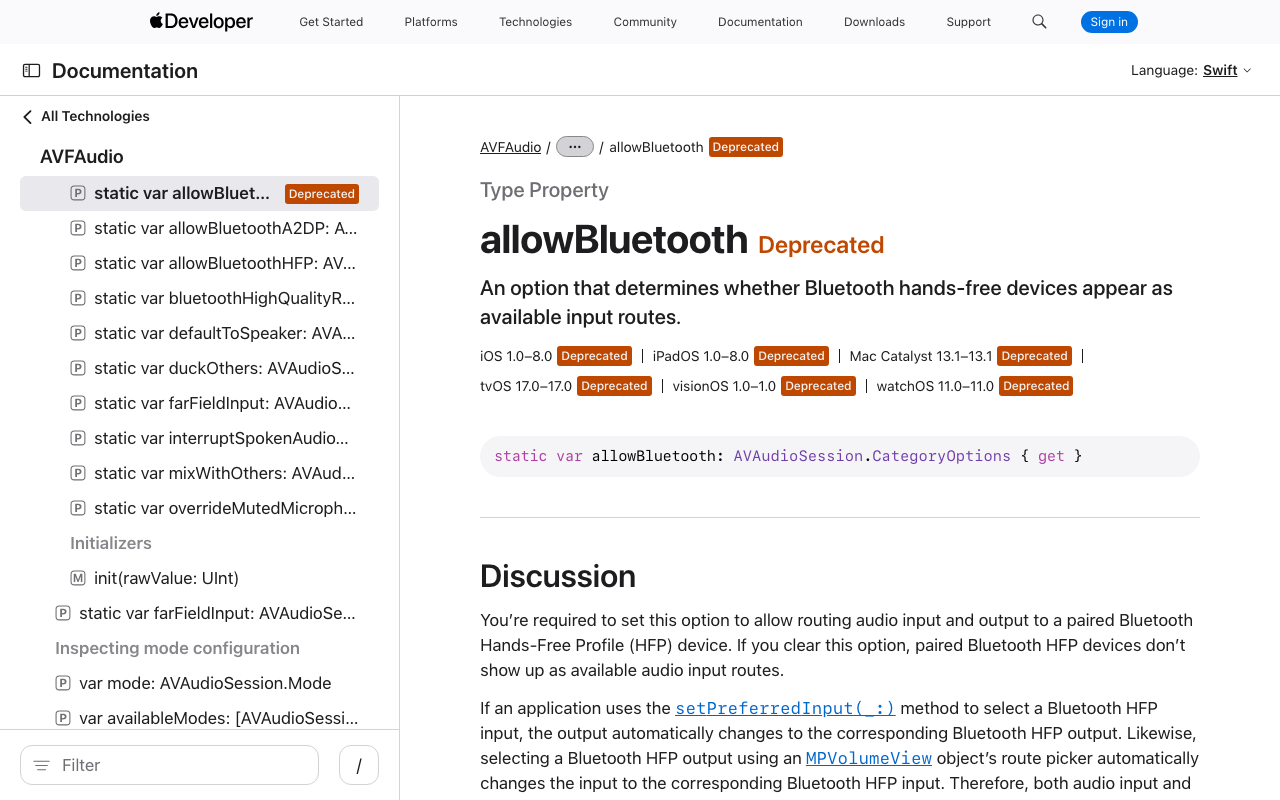
allowBluetoothis the HFP switch. It is what makes the AirPods microphone a selectable input. Without it you get output-only Bluetooth and built-in-mic capture.allowBluetoothA2dpis output-only by design. While input is active inplayAndRecord, iOS falls back to HFP — mono, roughly telephone bandwidth. The "my assistant sounds worse on AirPods during a call" complaint is the protocol, not your code.- iOS 26 renamed the constant, not the behavior. The SDK deprecated
AVAudioSessionCategoryOptionAllowBluetoothin favour ofallowBluetoothHFP. Same raw value (0x4), identical behavior.audio_sessionstill exposes it asallowBluetooth, so there is nothing to migrate on the Dart side. - Set category, options and mode together. Calling
setModeaftersetCategorycan clear your category options natively.audio_session'sconfigure()funnels into a singlesetCategory:mode:options:call, so useconfigure()rather than poking the pieces separately.
iOS build setup people skip
Add the usage string to ios/Runner/Info.plist:
<key>NSMicrophoneUsageDescription</key>
<string>Used so you can talk to in-app support.</string>
And enable the plugin's microphone code path. CocoaPods, in ios/Podfile:
post_install do |installer|
  installer.pods_project.targets.each do |target|
    flutter_additional_ios_build_settings(target)
    target.build_configurations.each do |config|
      config.build_settings['GCC_PREPROCESSOR_DEFINITIONS'] ||= [
        '$(inherited)', 'AUDIO_SESSION_MICROPHONE=1'
      ]
    end
  end
end
On SwiftPM builds, export AUDIO_SESSION_MICROPHONE=1 before building and run flutter clean whenever that value changes.
Android: the communication-device path
Android needs two things iOS doesn't: permissions, and an explicit route.
<!-- android/app/src/main/AndroidManifest.xml -->
<uses-permission android:name="android.permission.RECORD_AUDIO" />
<uses-permission android:name="android.permission.MODIFY_AUDIO_SETTINGS" />
<!-- API 31+: runtime permission, required to talk to paired BT audio devices -->
<uses-permission android:name="android.permission.BLUETOOTH_CONNECT" />
BLUETOOTH_CONNECT is a runtime permission on Android 12+. Request it alongside the mic, or device names come back blank and routing quietly fails.
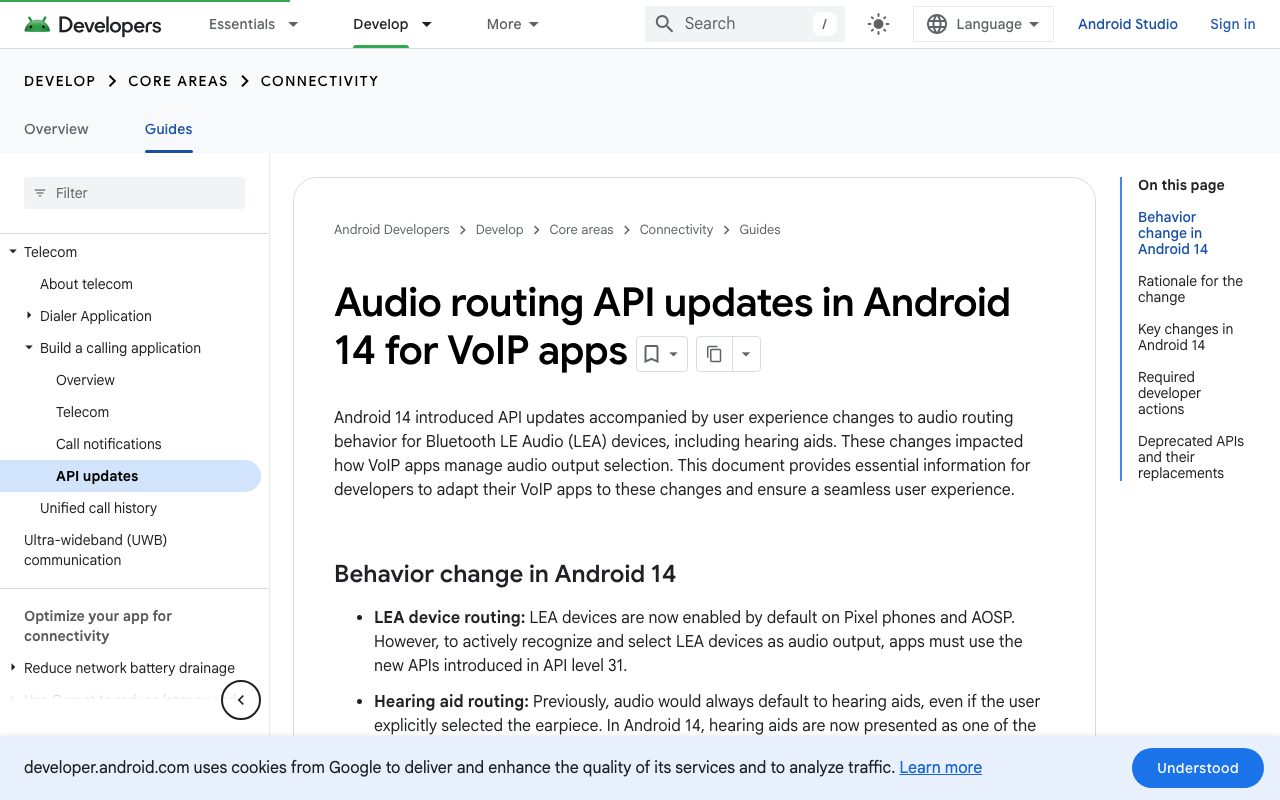
Then route the call. startBluetoothSco()/stopBluetoothSco() are deprecated; setCommunicationDevice() (API 31+) replaces them:
import 'package:audio_session/audio_session.dart';
import 'dart:io' show Platform;

final _am = AndroidAudioManager();

Future<void> routeAndroidToHeadset() async {
  if (!Platform.isAndroid) return;

  await _am.setMode(AndroidAudioHardwareMode.inCommunication);

  final devices = await _am.getAvailableCommunicationDevices();
  final headset = devices.where((d) =>
      d.type == AndroidAudioDeviceType.bluetoothSco ||
      d.type == AndroidAudioDeviceType.hearingAid ||
      d.type == AndroidAudioDeviceType.usbHeadset ||
      d.type == AndroidAudioDeviceType.wiredHeadset).firstOrNull;

  if (headset != null) {
    await _am.setCommunicationDevice(headset); // returns bool — check it
  }
}

Future<void> endAndroidCall() async {
  if (!Platform.isAndroid) return;
  await _am.clearCommunicationDevice();
  await _am.setMode(AndroidAudioHardwareMode.normal);
}
Forgetting clearCommunicationDevice() on teardown is its own bug class: the next media playback stays stuck in narrowband call audio.
Re-arm when AirPods connect mid-call
The worst version of this bug is the mid-session one: capture starts fine on the speaker, the user pops in AirPods forty seconds later, and input dies. Listen for device changes and re-apply:
StreamSubscription<AudioDevicesChangedEvent>? _routeSub;

Future<void> watchRouteChanges() async {
  final session = await AudioSession.instance;

  _routeSub = session.devicesChangedEventStream.listen((event) async {
    final btAdded = event.devicesAdded.any((d) =>
        d.type == AudioDeviceType.bluetoothSco ||
        d.type == AudioDeviceType.bluetoothA2dp ||
        d.type == AudioDeviceType.bluetoothLe);
    final btRemoved = event.devicesRemoved.any((d) =>
        d.type == AudioDeviceType.bluetoothSco ||
        d.type == AudioDeviceType.bluetoothA2dp ||
        d.type == AudioDeviceType.bluetoothLe);

    if (!btAdded && !btRemoved) return;

    // iOS: re-assert the category so HFP input is picked up on the new route.
    await configureForVoiceCall();
    // Android: pick the new communication device explicitly.
    await routeAndroidToHeadset();
  });

  // Fires when headphones are yanked out — pause, don't blast the speaker.
  session.becomingNoisyEventStream.listen((_) => pauseVoiceSession());
}
becomingNoisyEventStream is the other half of good behaviour: when a user removes AirPods mid-answer, pause rather than broadcasting support chat to the room.
FlutterFlow: wrap it in one custom action
For flutterflow bluetooth headset microphone setups, add audio_session under Custom Code → Dependencies, then create a single custom action you call in the On Tap of your mic button, before showing the chat widget:
// Custom Action: prepareVoiceAudio
Future<bool> prepareVoiceAudio() async {
  try {
    await configureForVoiceCall();
    await routeAndroidToHeadset();
    await watchRouteChanges();
    return true;
  } catch (_) {
    return false;
  }
}
Pair it with a endVoiceAudio action on close that calls clearCommunicationDevice() and setActive(false).
Verify with a live voice session, not a test tone
A test tone only proves output. It will pass while your input path is completely broken. Verify with an actual round trip instead — open the WidgetChat widget you already embed, tap the mic, and check four things on the AirPods:
- Live captions populate as you speak. Captions are driven by what the assistant actually hears, so a moving caption is proof the AirPods mic — not the phone mic — is feeding the session. Empty captions with audible replies is the one-way-audio signature.
- Barge-in works. Interrupt the assistant mid-sentence. If it keeps talking over you, your mode is probably not
voiceChatand echo cancellation isn't engaged. - Product cards still render while it speaks. Confirms the widget's UI channel survived the route change, not just the audio.
- Connect the AirPods during the call. This is the case your route-change listener exists for, and the one manual QA usually skips.
Worth checking in the dashboard's Voice section before you debug code: voice must be enabled for the project, and your plan's monthly voice-minute pool must have minutes left. You can also set the voice name, max session length, and whether captions default on — handy for making the caption check above easy. Provider API keys stay server-side, so there is nothing audio-related to configure in your app bundle beyond the session code above.
Quick triage checklist
- Category is
playAndRecord, notplayback— and no other plugin overwrites it later allowBluetooth(HFP) is set, not justallowBluetoothA2dp- Mode is
voiceChat(AEC on, barge-in works) AUDIO_SESSION_MICROPHONE=1is in the iOS build, plusNSMicrophoneUsageDescription- Android:
RECORD_AUDIO+MODIFY_AUDIO_SETTINGS+ runtimeBLUETOOTH_CONNECT - Android mode is
inCommunicationand a communication device is selected - Route changes re-apply config; teardown clears it
Try WidgetChat free
WidgetChat drops an AI support assistant into your Flutter or FlutterFlow app — token-by-token streaming text over SSE at POST https://api.widgetchat.app/v1/chat/stream, plus a real-time speech-to-speech voice call in the same widget, with barge-in, live captions, and on-screen product cards across iOS, Android, and web. Get the audio session right once and it just works on AirPods.

Comments
Comments are coming soon. We'd love to hear your thoughts!