

Flutter AI Chat Reply Cut Off in Background: Recover It
A user asks your support bot a question, the answer starts streaming, and they switch to their banking app to copy an order number. When they come back, the bubble holds half a sentence and never moves again. No error, no retry button, no spinner.
This is the most common form of the flutter ai chat response cut off bug, and it has little to do with your SSE parsing. The OS took the socket away while your app was not running.
Why the stream dies without telling you
On iOS, a suspended app executes no code at all. Apple's Technical Note TN2277 (Networking and Multitasking) says the system may reclaim the resources under a socket while the app is suspended, which closes the connection. Android restricts network access for background apps in a similar way once the process is idle.
What your Dart code sees afterwards varies:
- Sometimes the stream throws on resume (
Connection closed while receiving dataor a socket exception). - Sometimes
onDonefires early, with no end-of-stream marker. - Often nothing fires. The subscription stays open on a connection that will never deliver another byte.
The third case is why searches like flutter sse stream stops in background and flutter http stream closed on app resume rarely end in a stack trace. There is no error to catch, so you need two detectors: a lifecycle flag and a stall timer.
The plan
- Watch
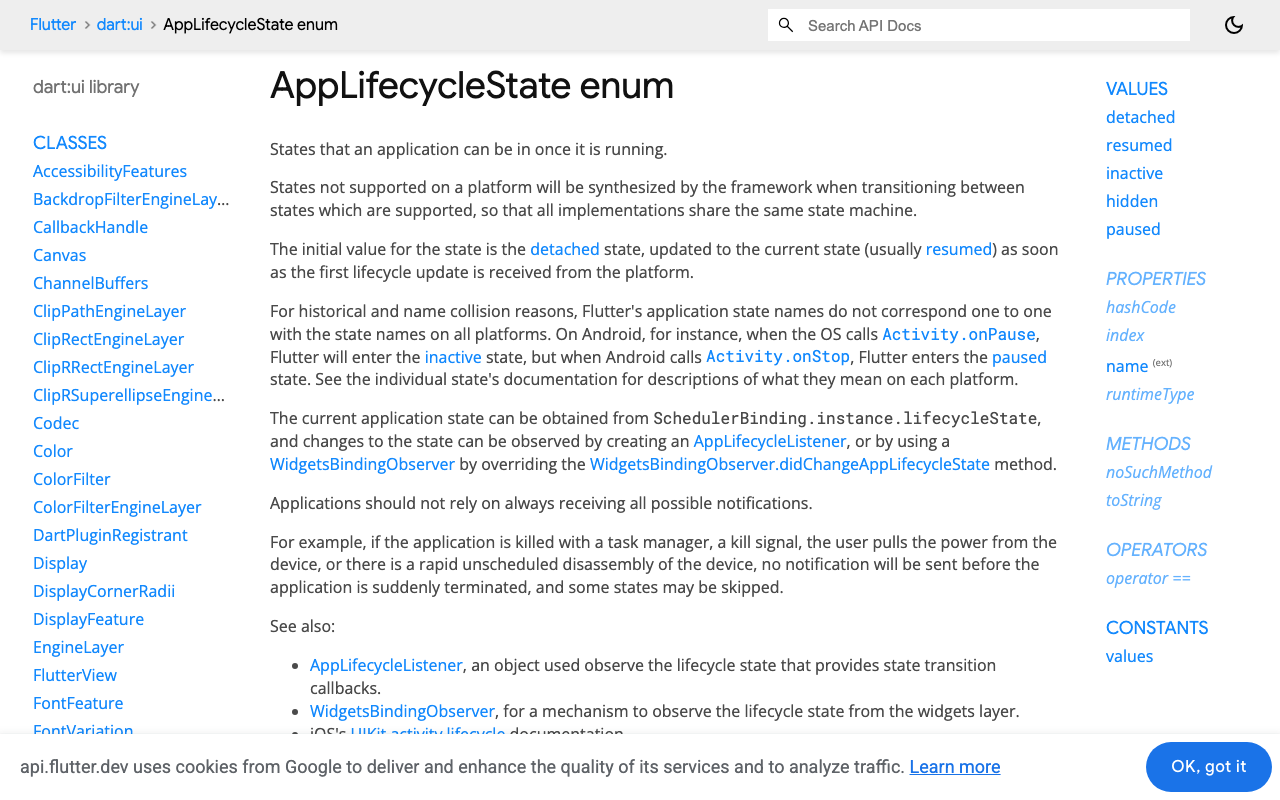
AppLifecycleState. If a reply was streaming when the app hitpaused, do not trust that socket onresumed. - Run a stall timer while streaming in the foreground. No bytes for N seconds means the stream is dead, whatever the socket says.
- Treat a stream that closes without its end marker as interrupted, not finished.
- On recovery, keep the partial text on screen, mark it interrupted, re-request against
POST https://api.widgetchat.app/v1/chat/stream, and swap in the new reply.
React to paused, not inactive. Flutter's docs describe inactive as visible without input focus, which happens for the app switcher, a permission dialog or the notification shade. The stream is fine through those. paused only occurs on iOS and Android and means the app is no longer visible.
A reply controller that survives backgrounding
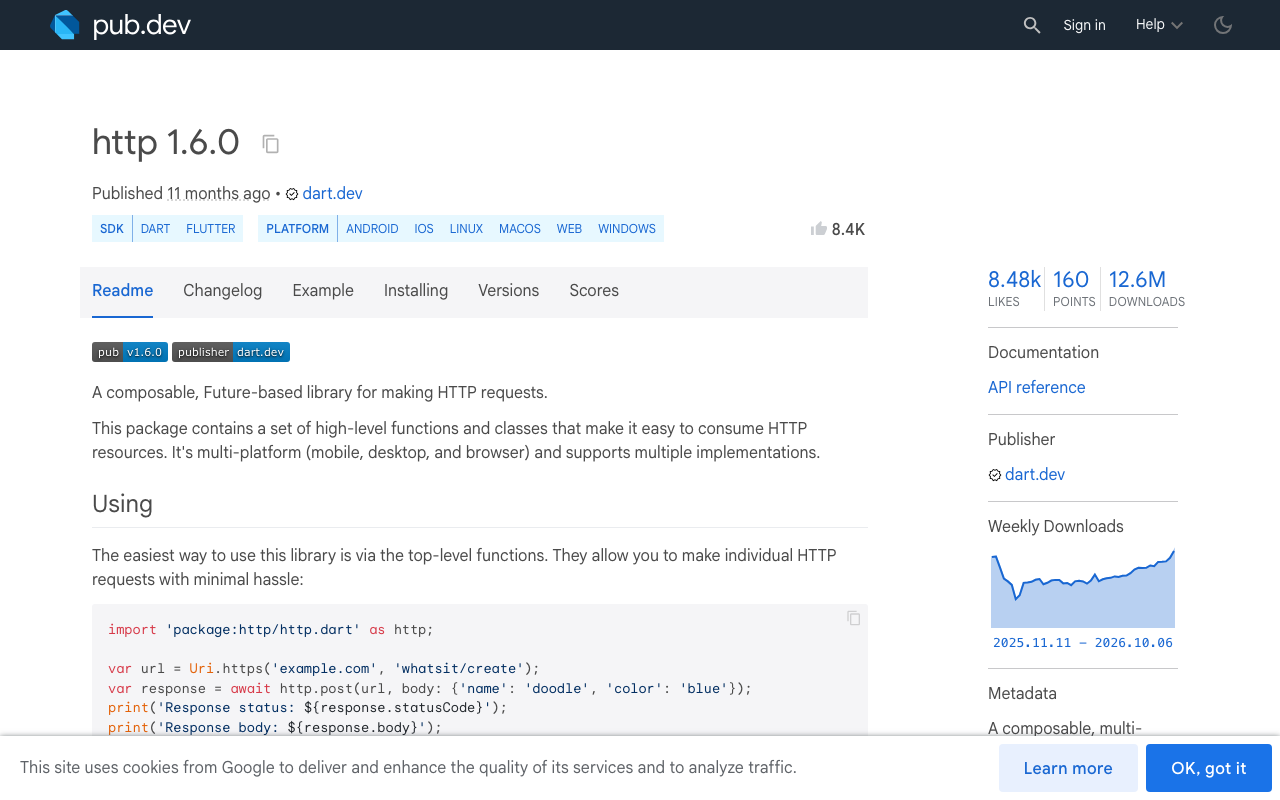
This uses package:http 1.5.0 or later, which added AbortableRequest (current release is 1.6.0). Completing abortTrigger closes the underlying connection, which matters here: you want the dead socket gone before opening a new one.
The endpoint is WidgetChat's streaming endpoint, which returns token-by-token data: lines. The request body, auth header and payload fields below ([DONE], delta) are placeholders. Log a real stream from your project and match them to what you receive.
import 'dart:async';
import 'dart:convert';

import 'package:flutter/widgets.dart';
import 'package:http/http.dart' as http;

enum ReplyStatus { streaming, interrupted, recovering, done, failed }

class ResumableReply extends ChangeNotifier with WidgetsBindingObserver {
  ResumableReply(this._client, this._apiKey) {
    WidgetsBinding.instance.addObserver(this);
  }

  static const _stallAfter = Duration(seconds: 20);
  static const _maxRecoveries = 2;

  final http.Client _client;
  final String _apiKey;

  String text = '';
  ReplyStatus status = ReplyStatus.done;

  List<Map<String, String>> _messages = const [];
  StreamSubscription<String>? _sub;
  Completer<void>? _abort;
  Timer? _stall;
  int _attempt = 0;
  int _recoveries = 0;
  bool _foreground = true;

  bool get _active =>
      status == ReplyStatus.streaming || status == ReplyStatus.recovering;

  Future<void> ask(List<Map<String, String>> messages) {
    _messages = messages;
    _recoveries = 0;
    text = '';
    return _run(ReplyStatus.streaming);
  }

  @override
  void didChangeAppLifecycleState(AppLifecycleState state) {
    if (state == AppLifecycleState.paused) {
      _foreground = false;
      _stall?.cancel();
    } else if (state == AppLifecycleState.resumed) {
      final wasBackgrounded = !_foreground;
      _foreground = true;
      if (wasBackgrounded && _active) {
        // Still 'streaming' after a trip to the background: assume it is dead.
        _interrupt(_attempt);
      } else {
        recover();
      }
    }
  }

  void recover() {
    if (status != ReplyStatus.interrupted) return;
    if (_recoveries++ >= _maxRecoveries) {
      status = ReplyStatus.failed;
      notifyListeners();
      return;
    }
    _run(ReplyStatus.recovering);
  }

  Future<void> _run(ReplyStatus initial) async {
    _teardown();
    final attempt = ++_attempt;
    final abort = _abort = Completer<void>();
    final buffer = StringBuffer();
    status = initial;
    notifyListeners();
    _armStall(attempt);

    final request = http.AbortableRequest(
      'POST',
      Uri.parse('https://api.widgetchat.app/v1/chat/stream'),
      abortTrigger: abort.future,
    )
      ..headers['Content-Type'] = 'application/json'
      ..headers['Accept'] = 'text/event-stream'
      ..headers['Authorization'] = 'Bearer $_apiKey'
      ..body = jsonEncode({'messages': _messages});

    try {
      final response = await _client.send(request);
      if (attempt != _attempt) return;
      if (response.statusCode != 200) {
        _teardown();
        status = ReplyStatus.failed;
        notifyListeners();
        return;
      }

      _sub = response.stream
          .transform(utf8.decoder)
          .transform(const LineSplitter())
          .listen(
        (line) {
          if (attempt != _attempt) return;
          _armStall(attempt);
          if (!line.startsWith('data:')) return;
          final data = line.substring(5).trim();

          if (data == '[DONE]') {
            _teardown();
            text = buffer.toString();
            status = ReplyStatus.done;
            notifyListeners();
            return;
          }

          buffer.write(jsonDecode(data)['delta'] ?? '');
          // While recovering, hold the old partial until the new reply
          // is at least as long, so the bubble never shrinks.
          if (status == ReplyStatus.recovering &&
              buffer.length < text.length) {
            return;
          }
          text = buffer.toString();
          status = ReplyStatus.streaming;
          notifyListeners();
        },
        onError: (Object _) => _interrupt(attempt),
        // Closed without [DONE]: the answer is incomplete.
        onDone: () => _interrupt(attempt),
        cancelOnError: true,
      );
    } catch (_) {
      _interrupt(attempt);
    }
  }

  void _interrupt(int attempt) {
    if (attempt != _attempt || !_active) return;
    _teardown();
    status = ReplyStatus.interrupted;
    notifyListeners();
    if (_foreground) recover();
  }

  void _armStall(int attempt) {
    _stall?.cancel();
    if (!_foreground) return;
    _stall = Timer(_stallAfter, () => _interrupt(attempt));
  }

  void _teardown() {
    _stall?.cancel();
    _sub?.cancel();
    _sub = null;
    final abort = _abort;
    if (abort != null && !abort.isCompleted) abort.complete();
  }

  @override
  void dispose() {
    WidgetsBinding.instance.removeObserver(this);
    _attempt++;
    _teardown();
    super.dispose();
  }
}
What each piece is doing
The attempt counter. Every callback checks attempt != _attempt first. After a recovery starts, late events from the old socket (including the RequestAbortedException that the abort injects) are ignored instead of corrupting the new reply.
The lifecycle flag. _foreground flips on paused and resumed only. If the reply was still marked as streaming after a trip to the background, the controller interrupts it on resume without waiting for evidence. That costs a wasted request when the socket happened to survive a two-second app switch, and it removes the frozen bubble in every other case. If the stream finished while backgrounded (Android often gives you a few seconds), the status is already done and nothing happens.
The stall timer. It re-arms on every line and is cancelled on paused, so it cannot fire in the background and burn a recovery attempt while the radio is off. It also catches silent deaths that have nothing to do with lifecycle, such as a Wi-Fi to cellular handoff. Twenty seconds is a starting point: set it above your slowest time to first token.
onDone is not success. Only the end marker sets done. A stream that closes early goes through _interrupt like any other failure.
The cap. Two automatic recoveries, then failed. Without it, an offline device loops forever.
Showing it in the bubble
ListenableBuilder(
  listenable: reply,
  builder: (context, _) => Column(
    crossAxisAlignment: CrossAxisAlignment.start,
    children: [
      Text(reply.text),
      if (reply.status == ReplyStatus.interrupted ||
          reply.status == ReplyStatus.recovering)
        const Text('Reconnecting...', style: TextStyle(fontSize: 12)),
      if (reply.status == ReplyStatus.failed)
        TextButton(
          onPressed: () => reply.ask(history),
          child: const Text('Retry'),
        ),
    ],
  ),
)
The user keeps reading the half answer while the new one catches up. Be aware that a re-request generates a fresh reply, so the wording can differ from the partial text when the swap happens. Send the same messages you sent the first time, and do not append the partial answer to the history.
The failed state hands over to a manual retry. The full pattern for that button is in the retry and regenerate post.
FlutterFlow custom action version
If you hit flutterflow streaming response stops when app minimized, the cause is the same: a socket that died during suspension fires none of the streaming callbacks, so the page state never updates. Move the stream into a custom action that owns the lifecycle handling.
Paste the ResumableReply class and enum below the action function in the same custom action file, check that the project's http dependency is 1.5.0 or later, and add an action parameter callback named onUpdate with two String arguments.
import 'dart:async';
import 'dart:convert';

import 'package:http/http.dart' as http;

final _http = http.Client();
ResumableReply? _current;

Future streamSupportReply(
  String apiKey,
  String messagesJson,
  Future Function(String text, String status) onUpdate,
) async {
  _current?.dispose();
  final reply = _current = ResumableReply(_http, apiKey);
  final finished = Completer<void>();

  reply.addListener(() {
    onUpdate(reply.text, reply.status.name);
    final ended = reply.status == ReplyStatus.done ||
        reply.status == ReplyStatus.failed;
    if (ended && !finished.isCompleted) finished.complete();
  });

  final messages = (jsonDecode(messagesJson) as List)
      .map((m) => Map<String, String>.from(m as Map))
      .toList();
  reply.ask(messages);
  await finished.future;
}
In the action flow, have onUpdate write text to the page state variable bound to the bot bubble and status to a second variable. Use conditional visibility on that status to show a reconnecting label for interrupted and recovering, and a retry button for failed.
Three details that bite later
- Dispose still matters. The controller removes its observer and aborts the request in
dispose. Skip that and a closed chat screen keeps recovering streams nobody is reading. See cancelling the SSE stream in dispose. - Do not parse raw chunks.
utf8.decoderplusLineSplitterreassembles lines that arrive split across TCP chunks. Parsing each chunk as a full event truncates text in a way that looks like this bug. Details in the split-chunk buffering post. - Test on a real phone. Simulators and debug sessions keep the process alive far longer than a locked device does. Lock the phone for a minute mid-answer, then unlock.
Try WidgetChat free
WidgetChat is an AI customer-support chatbot for Flutter and FlutterFlow apps that answers users from your own content. Replies stream token by token over Server-Sent Events from POST https://api.widgetchat.app/v1/chat/stream, and you integrate it with a plain HTTP client or a FlutterFlow custom action, as shown above. There is a free tier to start.

Comments
Comments are coming soon. We'd love to hear your thoughts!