

Flutter AI Chat Offline Queue That Never Double-Sends
The bug report reads the same every time: "I typed a question in the elevator, hit send, and it disappeared." Or its twin: "the assistant answered me twice." Both come from the same gap. Your send path assumes the POST to the streaming endpoint either succeeds or throws, and a flaky radio gives you a third outcome: the request left the phone, you never saw the response, and you have no idea whether the server ran the LLM call.
A generic dio offline retry interceptor makes the second bug worse. It sees a connectionError, waits, and replays the POST. For an idempotent GET that is fine. For a chat message it means a second LLM call, a second billed reply, and a second bubble. This post builds the alternative for a WidgetChat-style chat that streams from POST https://api.widgetchat.app/v1/chat/stream: a small persisted outbox keyed by a client message ID, a reachability check that goes past what connectivity_plus reports, and a replay that opens one fresh stream and appends tokens into the bubble the user already sees.
If you have not persisted the conversation yet, read the Hive persistence post first. The outbox below sits next to that store, and the interrupted-reply handling reuses the regenerate flow from the stuck-on-typing post.
The three states that make it safe
Every outgoing message gets a client-generated ID the moment the user taps send, before any network code runs. The outbox row for that ID moves through three states:
pending: saved locally, no POST opened yet. Safe to send.sending: a POST was opened. The server may or may not have received it. Not safe to resend blindly.sent: the stream delivered at least one token, or closed cleanly.
The whole no-double-send guarantee is one rule: only pending rows are replayed automatically. A sending row that survives an app kill is ambiguous, so it is surfaced to the user with a "Not sent? Tap to retry" affordance instead of being fired again on their behalf. In practice this row is rare (it needs a crash inside the window between opening the request and the first byte), and the user resolving it beats an invisible duplicate charge.
Dependencies
dependencies:
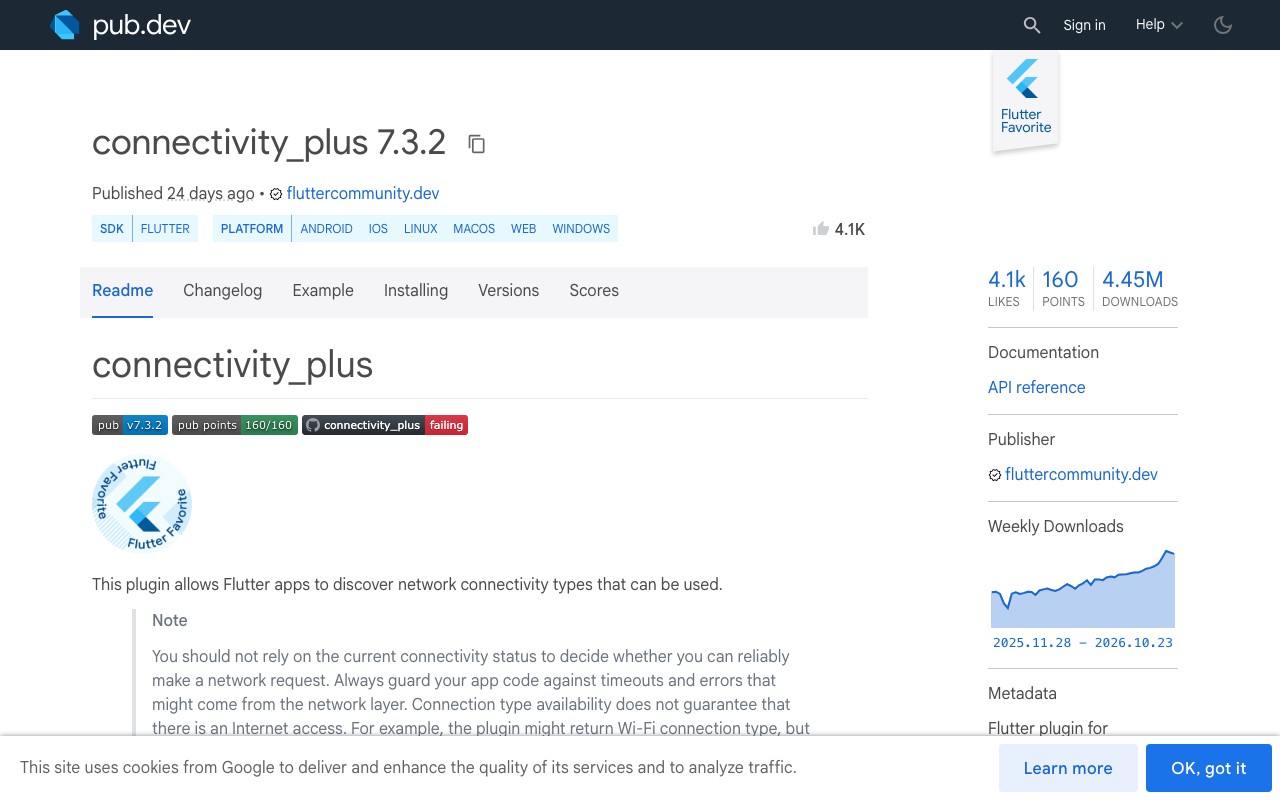
  connectivity_plus: ^7.3.1
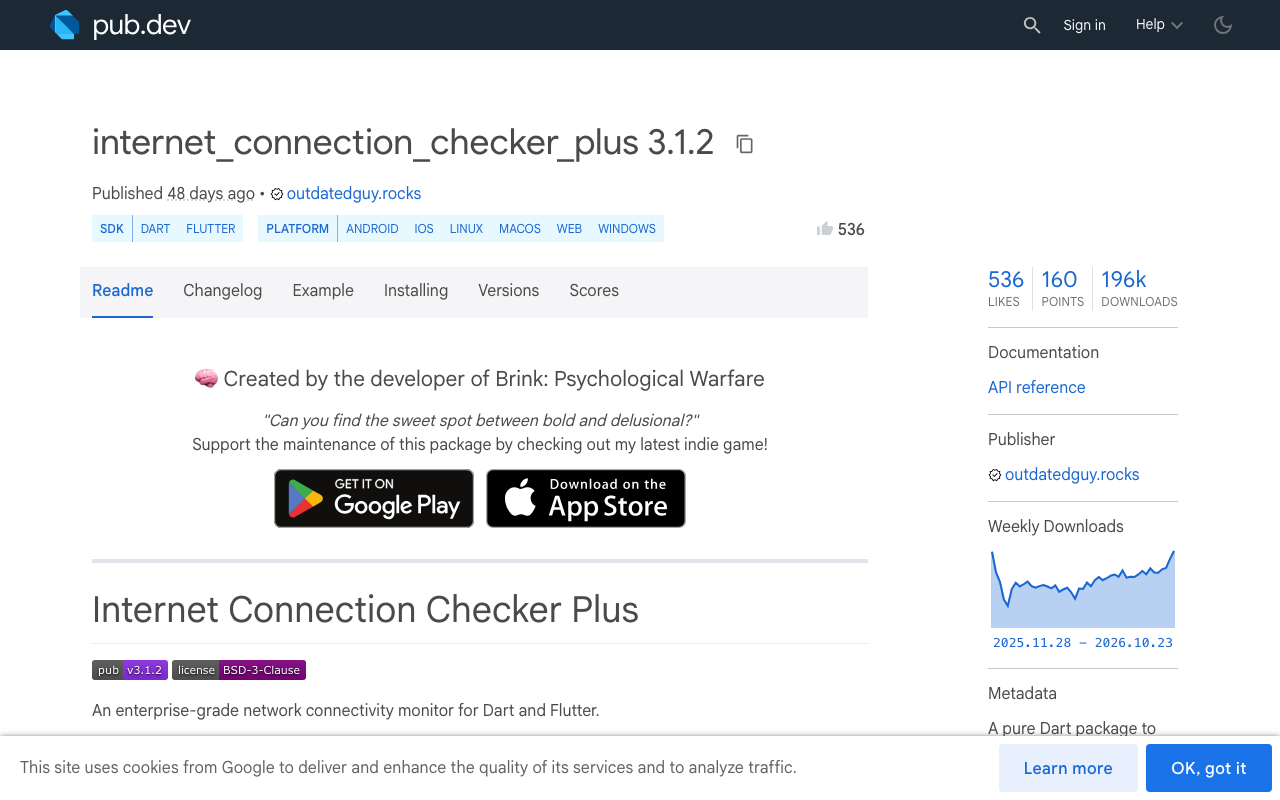
  internet_connection_checker_plus: ^3.1.1
  sqflite: ^2.4.0
  dio: ^5.7.0
  uuid: ^4.5.0
connectivity_plus 7.x reports a List<ConnectivityResult> (a phone can be on Wi-Fi and VPN at once) and its docs are explicit that a connection type does not guarantee internet access. Captive portals, a Wi-Fi network with no upstream, and a cellular link that is "connected" but drops every packet all report wifi or mobile. That is why the reachability step is separate.
The sqflite outbox
The table has a UNIQUE primary key on the client ID. Inserting with ConflictAlgorithm.ignore means a double tap on send, or a retry of the enqueue call itself, cannot create a second row.
import 'package:sqflite/sqflite.dart';

class Outbox {
  Outbox(this.db);
  final Database db;

  static Future<Database> open() => openDatabase(
        'chat_outbox.db',
        version: 1,
        onCreate: (db, _) => db.execute('''
          CREATE TABLE outbox (
            id TEXT PRIMARY KEY,
            text TEXT NOT NULL,
            status TEXT NOT NULL,
            created_at INTEGER NOT NULL
          )'''),
      );

  Future<void> enqueue(String id, String text) => db.insert(
        'outbox',
        {
          'id': id,
          'text': text,
          'status': 'pending',
          'created_at': DateTime.now().millisecondsSinceEpoch,
        },
        conflictAlgorithm: ConflictAlgorithm.ignore,
      );

  /// Atomically claims a pending row. Returns false if someone else
  /// (a second replay, a second isolate) already moved it.
  Future<bool> claim(String id) async {
    final n = await db.rawUpdate(
      "UPDATE outbox SET status = 'sending' WHERE id = ? AND status = 'pending'",
      [id],
    );
    return n == 1;
  }

  Future<void> markSent(String id) =>
      db.update('outbox', {'status': 'sent'}, where: 'id = ?', whereArgs: [id]);

  Future<void> release(String id) =>
      db.update('outbox', {'status': 'pending'}, where: 'id = ?', whereArgs: [id]);

  Future<List<Map<String, Object?>>> pending() => db.query(
        'outbox',
        where: "status = 'pending'",
        orderBy: 'created_at ASC',
      );

  Future<List<Map<String, Object?>>> ambiguous() =>
      db.query('outbox', where: "status = 'sending'");
}
The claim method is the second half of the guarantee. The UPDATE only matches when the row is still pending, and SQLite serialises writes, so if two replay passes race (a connectivity flap fires the stream twice in a second), exactly one of them gets true for a given ID.
Reachability: connectivity_plus plus a real probe
Subscribe to onConnectivityChanged to learn that something changed, then ask internet_connection_checker_plus whether packets actually get out. Its hasInternetAccess probes public endpoints and resolves in well under a second on a healthy link.
import 'dart:async';
import 'package:connectivity_plus/connectivity_plus.dart';
import 'package:internet_connection_checker_plus/internet_connection_checker_plus.dart';

class Reachability {
  final _ctrl = StreamController<bool>.broadcast();
  StreamSubscription<List<ConnectivityResult>>? _sub;

  Stream<bool> get online => _ctrl.stream.distinct();

  void start() {
    _sub = Connectivity().onConnectivityChanged.listen((results) async {
      if (results.every((r) => r == ConnectivityResult.none)) {
        _ctrl.add(false);
        return;
      }
      _ctrl.add(await InternetConnection().hasInternetAccess);
    });
  }

  Future<bool> check() async {
    final results = await Connectivity().checkConnectivity();
    if (results.every((r) => r == ConnectivityResult.none)) return false;
    return InternetConnection().hasInternetAccess;
  }

  void dispose() {
    _sub?.cancel();
    _ctrl.close();
  }
}
distinct() matters. Android in particular can emit the same transport list several times while a radio settles, and you do not want each emission to start a replay pass.
Sending: one path for first attempt and replay
There is no separate "retry" code. The send function takes a client ID and the bubble it belongs to, claims the outbox row, opens a fresh stream, and appends tokens into that bubble. Replay is just calling it again for every pending row.
import 'dart:convert';
import 'package:dio/dio.dart';

class ChatSender {
  ChatSender(this.outbox, this.dio);
  final Outbox outbox;
  final Dio dio;

  /// [onToken] appends into the assistant bubble already attached to [id].
  Future<void> send(String id, String text, void Function(String) onToken) async {
    if (!await outbox.claim(id)) return; // already in flight or sent

    var gotFirstByte = false;
    try {
      final res = await dio.post<ResponseBody>(
        'https://api.widgetchat.app/v1/chat/stream',
        data: {'message': text, 'client_message_id': id},
        options: Options(
          responseType: ResponseType.stream,
          headers: {'Accept': 'text/event-stream'},
          // Add the auth header your WidgetChat project uses.
        ),
      );

      final lines = res.data!.stream
          .cast<List<int>>()
          .transform(utf8.decoder)
          .transform(const LineSplitter());

      await for (final line in lines) {
        if (!line.startsWith('data:')) continue;
        final payload = line.substring(5).trim();
        if (payload.isEmpty || payload == '[DONE]') continue;
        if (!gotFirstByte) {
          gotFirstByte = true;
          await outbox.markSent(id);
        }
        onToken(_extractToken(payload));
      }
      if (!gotFirstByte) await outbox.markSent(id);
    } on DioException catch (e) {
      final neverLeft = !gotFirstByte &&
          (e.type == DioExceptionType.connectionError ||
              e.type == DioExceptionType.connectionTimeout);
      if (neverLeft) {
        await outbox.release(id); // safe: the request never reached the server
      }
      // Any other failure leaves the row 'sending' and the bubble
      // interrupted; the regenerate flow handles it.
      rethrow;
    }
  }

  String _extractToken(String payload) {
    try {
      final obj = jsonDecode(payload);
      if (obj is Map && obj['token'] is String) return obj['token'] as String;
      if (obj is Map && obj['text'] is String) return obj['text'] as String;
    } catch (_) {}
    return payload;
  }
}
The one place a row goes back to pending is a connectionError or connectionTimeout before any byte arrived. Dio raises those when the socket never opened or the handshake never completed, so the server cannot have started an LLM call. A receiveTimeout or a dropped socket after the first token is different: the call started, the reply may be half-generated, and the right move is the interrupted-bubble treatment rather than a resend.
The client_message_id field is sent for your own logging and support tooling. Do not rely on the server to dedupe for you; the outbox is what prevents the duplicate.
Wiring the replay
On app start and on every online == true event, drain the pending rows in order. A single-flight flag stops two drains overlapping; claim already makes an overlap safe, but skipping it avoids wasted probes.
class OfflineReplayer {
  OfflineReplayer(this.outbox, this.sender, this.reach, this.bubbleFor);
  final Outbox outbox;
  final ChatSender sender;
  final Reachability reach;
  final void Function(String id, String token) bubbleFor;
  bool _draining = false;

  void start() {
    reach.start();
    reach.online.listen((up) {
      if (up) drain();
    });
    reach.check().then((up) {
      if (up) drain();
    });
  }

  Future<void> drain() async {
    if (_draining) return;
    _draining = true;
    try {
      for (final row in await outbox.pending()) {
        final id = row['id'] as String;
        try {
          await sender.send(id, row['text'] as String, (t) => bubbleFor(id, t));
        } on DioException {
          break; // link went down again; the row is back to pending
        }
      }
    } finally {
      _draining = false;
    }
  }
}
The send button becomes: generate a UUID, add the user bubble and an empty assistant bubble tagged with that ID to the conversation store, enqueue, then call drain(). If the user is online the message goes immediately. If not, the bubble shows a small "waiting for connection" marker and the row waits. When the network returns, the same assistant bubble fills with tokens, so the user sees their question answered in place rather than a second copy appearing at the bottom.
What to do with ambiguous rows at launch
Call outbox.ambiguous() once at startup. For each row, find its bubble, mark it interrupted, and show the retry tap from the regenerate post. If the user taps, release the row and drain(). If they do not, nothing is sent and nothing is charged. This is the only place the user is asked to decide, and it is the one case where the app genuinely does not know.
Testing it on a real device
Simulators lie about this. On a phone, enable airplane mode, type and send two messages, then disable it. You should see both assistant bubbles fill in order with a single reply each. Next, join a Wi-Fi network with no upstream (a hotspot with cellular data off works): connectivity_plus will report wifi, the reachability probe will say false, and nothing should be sent until the hotspot gets data back.
The same outbox carries over to FlutterFlow projects that call the stream endpoint from a custom action; the sqflite and connectivity code lives in a custom action file and the bubble update is a callback into your page state.
Try WidgetChat free
WidgetChat gives your Flutter or FlutterFlow app a streaming AI support chat over a plain HTTP endpoint, so the offline outbox above is all you need on top. Start on the free tier at widgetchat.app and ship a chat that survives the elevator.

Comments
Comments are coming soon. We'd love to hear your thoughts!