
Flutter AI Chat 429: Retry-After and Safe SSE Retry
Your chat works in testing. Then a launch day or a push campaign sends a few hundred users into it at once, and some of them get this instead of a reply:
HTTP/1.1 429 Too Many Requests
Retry-After: 5
A 429 is the friendliest failure a streaming chat can have. The server answered quickly, it said the request was not processed, and it often says how long to wait. Most Flutter apps throw that away: they show "Something went wrong", the user taps send again, and now there are two copies of the question in the thread.
This post builds a small retry wrapper around a streamed POST to https://api.widgetchat.app/v1/chat/stream using package:http. It reads the Retry-After header, falls back to exponential backoff with jitter, releases the failed response before waiting, shows "Retrying in 5s" in the chat bubble, and never retries once a reply has started.
What the SSE packages do, and what they skip
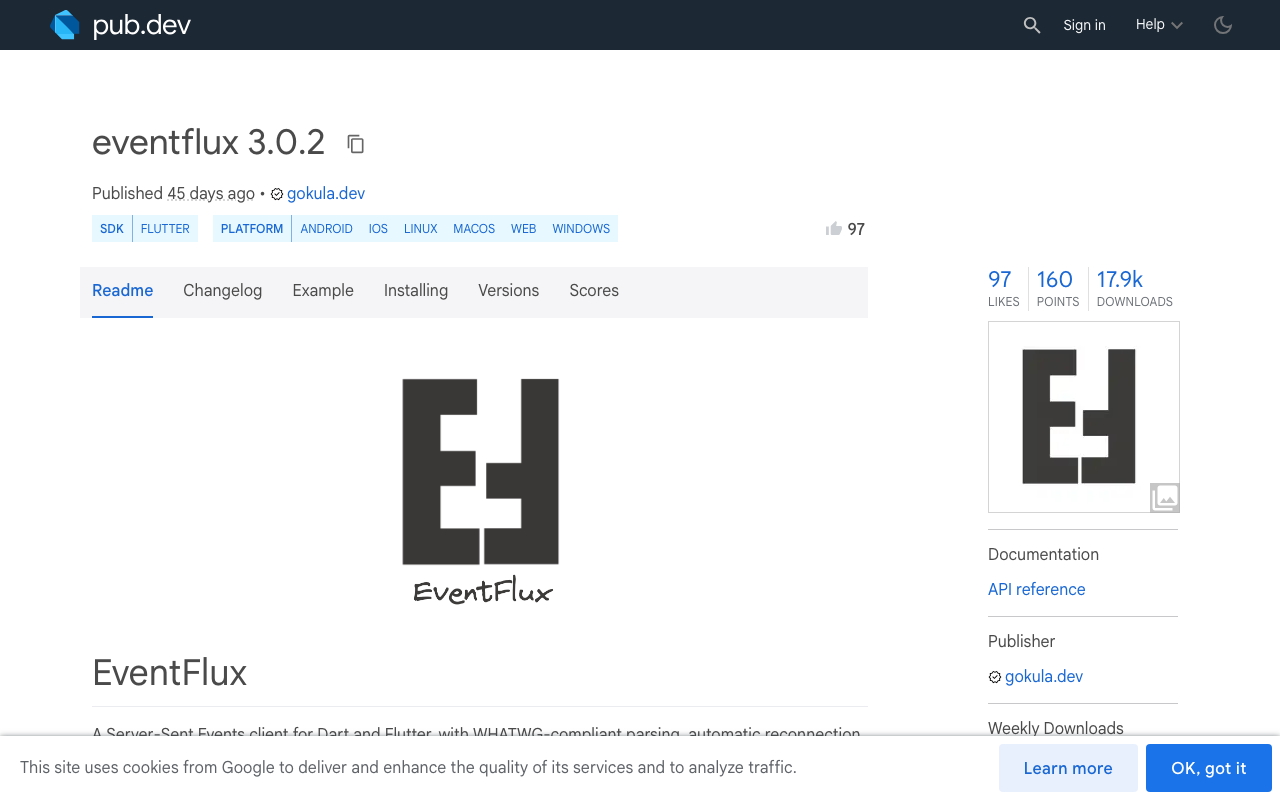
If you use an SSE package, you already get some of this. The eventflux docs say it retries 5xx, 408 and 429 responses, and its ReconnectConfig supports linear or exponential mode, with a maxBackoff cap added in the 3.x line. That covers the computed delay.
I could not find anything in its documentation about reading the server's Retry-After value, and a reconnect on a POST stream is a new request, so the body goes out again. If you write your own loop on top of http.Client.send(), you control both: how long to wait, and the exact point after which a retry is no longer safe.
Rule one: only retry before the reply starts
A chat POST is not idempotent. Each retry is a new message as far as the server knows. So the wrapper splits failures by when they happen:
- Error status (429, 5xx) instead of a stream. The server told you this request produced no reply. Retrying cannot duplicate anything on screen. This is the only case the wrapper retries on its own.
- 200 received, stream fails later. The server accepted the message and may have generated some or all of the answer. An automatic retry here can produce a second reply. Keep the partial text and show a manual retry instead. That flow is in Fix Flutter 'Connection closed while receiving data' in SSE and, for streams that hang without an error, Flutter AI Chat Reply Stalls Silently? Add a Watchdog.
- No response at all (
SocketException,ClientExceptionfromsend()). You cannot tell whether the request arrived. That needs a client message ID and an outbox, covered in Flutter AI Chat Offline Queue That Never Double-Sends.
The wrapper draws the line at the 200, which is slightly earlier than the first token. Once the status is 200 it stops retrying, so a reply is never duplicated.
Parsing the Dart Retry-After header
Retry-After is defined in RFC 9110 and comes in two forms: a whole number of seconds (Retry-After: 5) or an HTTP date (Retry-After: Wed, 11 Nov 2026 09:30:00 GMT). RFC 6585, which defines 429, says the response may include it, so you need a fallback for when it is missing.
package:http lowercases response header names, so read response.headers['retry-after']. For the date form, HttpDate.parse lives in dart:io and does not compile for web, so use parseHttpDate from http_parser. It is already a transitive dependency of http; add it to pubspec.yaml so you can import it directly.
import 'dart:async';
import 'dart:convert';
import 'dart:math';

import 'package:http/http.dart' as http;
import 'package:http_parser/http_parser.dart' show parseHttpDate;

Duration? parseRetryAfter(String? value) {
  if (value == null) return null;
  final v = value.trim();

  final seconds = int.tryParse(v);
  if (seconds != null) {
    return seconds < 0 ? null : Duration(seconds: seconds);
  }

  try {
    final diff = parseHttpDate(v).difference(DateTime.now());
    return diff.isNegative ? Duration.zero : diff;
  } on FormatException {
    return null;
  }
}
One web caveat: in a browser, Retry-After is only visible to your code if the server lists it in Access-Control-Expose-Headers. If it is not exposed, the lookup returns null and the wrapper uses the computed backoff.
Backoff with jitter as the fallback
When there is no header, double the delay on each attempt and randomise it. Without the random part, every client that failed in the same second retries in the same second, and the server gets the same spike again. The AWS Architecture Blog post on backoff and jitter is the standard reference for why.
This version keeps half the delay fixed and randomises the other half, so the bubble never says "Retrying in 0s". When the server does send Retry-After, treat it as a minimum and add up to a second on top so clients do not all come back at the same instant.
final _rng = Random();

Duration retryDelay(int attempt, Duration? retryAfter) {
  if (retryAfter != null) {
    return retryAfter + Duration(milliseconds: _rng.nextInt(1000));
  }
  // attempt 0: 0.5-1s, 1: 1-2s, 2: 2-4s, capped at 30s
  final ceiling = min(30000, 1000 * (1 << attempt));
  final half = ceiling ~/ 2;
  return Duration(milliseconds: half + _rng.nextInt(half + 1));
}
The retry wrapper
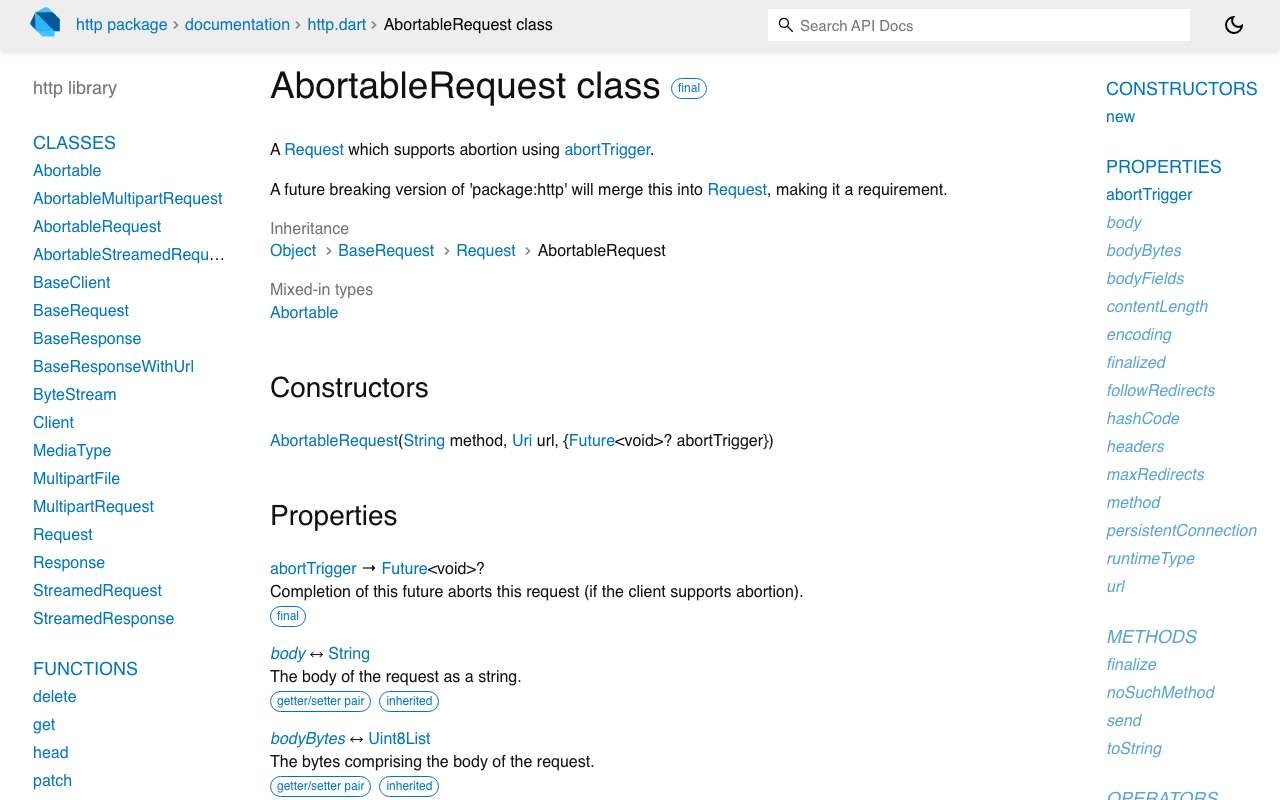
This needs http 1.5.0 or newer for AbortableRequest. Completing its abortTrigger future cancels the request, whether it is still waiting for headers or already streaming. Pass the same future you use for a stop button or for dispose().
class ChatHttpError implements Exception {
  ChatHttpError(this.statusCode);
  final int statusCode;
}

class ChatCancelled implements Exception {}

const _retryable = {408, 429, 500, 502, 503, 504};
final _endpoint = Uri.parse('https://api.widgetchat.app/v1/chat/stream');

Future<void> streamChatWithRetry({
  required http.Client client,
  required Map<String, String> headers,
  required Map<String, dynamic> body,
  required void Function(String data) onData,
  required void Function(int attempt, Duration wait) onRetryScheduled,
  Future<void>? cancel,
  int maxRetries = 3,
  Duration maxWait = const Duration(seconds: 60),
}) async {
  var cancelled = false;
  cancel?.then((_) => cancelled = true);

  for (var attempt = 0;; attempt++) {
    final request =
        http.AbortableRequest('POST', _endpoint, abortTrigger: cancel)
          ..headers.addAll({
            ...headers,
            'Content-Type': 'application/json',
            'Accept': 'text/event-stream',
          })
          ..body = jsonEncode(body);

    final response = await client.send(request);

    if (response.statusCode == 200) {
      // The server accepted the message. No automatic retry past this line.
      final lines = response.stream
          .transform(utf8.decoder)
          .transform(const LineSplitter());
      await for (final line in lines) {
        if (!line.startsWith('data:')) continue;
        var data = line.substring(5);
        if (data.startsWith(' ')) data = data.substring(1);
        onData(data);
      }
      return;
    }

    // Error response: drop its body so the socket is not held during the wait.
    await response.stream.listen(null).cancel();

    final status = response.statusCode;
    if (!_retryable.contains(status) || attempt >= maxRetries) {
      throw ChatHttpError(status);
    }

    final wait = retryDelay(
      attempt,
      parseRetryAfter(response.headers['retry-after']),
    );
    if (wait > maxWait) throw ChatHttpError(status);

    onRetryScheduled(attempt + 1, wait);
    await Future.any([
      Future<void>.delayed(wait),
      if (cancel != null) cancel,
    ]);
    if (cancelled) throw ChatCancelled();
  }
}
A few details that are easy to miss:
- The failed response is cancelled before the wait. A 429 still has a body stream. If you leave it unread, the connection stays open while you sleep. Subscribing and cancelling releases it.
- Every attempt builds a new request. A
Requestobject cannot be sent twice inpackage:http, so the loop creates one per attempt. - The wait is cancellable. If the user leaves the screen during a 20 second wait,
Future.anyreturns straight away and no late request fires. maxWaitgives up early. If the server saysRetry-After: 600, a ten minute countdown is worse than an honest error with a retry button.
Show "retrying in 5s" in the chat bubble
A flutter ai chat rate limit error should look like a short pause. Add a retrying status and a retryAt time to your message model, and set them from the callback:
final stop = Completer<void>(); // complete from a stop button or dispose()

try {
  await streamChatWithRetry(
    client: client,
    headers: headers,
    body: body,
    cancel: stop.future,
    onRetryScheduled: (attempt, wait) => setState(() {
      reply.status = ReplyStatus.retrying;
      reply.retryAt = DateTime.now().add(wait);
    }),
    onData: (data) {
      if (data == '[DONE]') return; // match your stream's end marker
      setState(() {
        reply.status = ReplyStatus.streaming;
        reply.text += data; // decode to match your stream's payload
      });
    },
  );
  setState(() => reply.status = ReplyStatus.done);
} on ChatHttpError catch (e) {
  setState(() {
    reply.status = ReplyStatus.failed;
    reply.error = e.statusCode == 429
        ? 'The assistant is busy. Try again in a moment.'
        : 'Could not get a reply.';
  });
} on ChatCancelled {
  // user left or tapped stop during the wait
} on http.RequestAbortedException {
  // user tapped stop while the request was in flight
}
The bubble renders a countdown while the status is retrying:
class RetryCountdown extends StatefulWidget {
  const RetryCountdown({super.key, required this.retryAt});
  final DateTime retryAt;

  @override
  State<RetryCountdown> createState() => _RetryCountdownState();
}

class _RetryCountdownState extends State<RetryCountdown> {
  Timer? _tick;

  @override
  void initState() {
    super.initState();
    _tick = Timer.periodic(
      const Duration(seconds: 1),
      (_) => setState(() {}),
    );
  }

  @override
  void dispose() {
    _tick?.cancel();
    super.dispose();
  }

  @override
  Widget build(BuildContext context) {
    final ms = widget.retryAt.difference(DateTime.now()).inMilliseconds;
    final left = (ms / 1000).ceil();
    return Text(left > 0 ? 'Busy right now. Retrying in ${left}s' : 'Retrying...');
  }
}
Keep the send button disabled while the status is retrying. The wrapper will not double-send, but an impatient user will if you let them.
Using it in FlutterFlow
The wrapper is plain Dart with two dependencies (http and http_parser), so it fits in a FlutterFlow Custom Action. Pass the retry notice and the token handler in as action parameters, and have them update a page state variable that your chat bubble reads, for example a status string and a seconds-left number.
Checklist
- Retry only on 408, 429 and 5xx status codes, never after a 200.
- Read
Retry-Afterin both forms, and treat it as a minimum wait. - Fall back to exponential backoff with jitter, capped.
- Cancel the failed response body before sleeping.
- Make the wait cancellable and cap the total number of retries.
- Show the countdown in the bubble and block a second send.
Try WidgetChat free
WidgetChat adds an AI customer-support chatbot to Flutter and FlutterFlow apps that answers from your own content, with streaming replies over SSE from POST https://api.widgetchat.app/v1/chat/stream. You call it from a plain HTTP client or a FlutterFlow custom action, with no proprietary SDK required, so the retry wrapper above works as written. Try WidgetChat free.


Comments
Comments are coming soon. We'd love to hear your thoughts!