

Fix 'Unknown Error Compiling Custom Code' in FlutterFlow
Your WidgetChat streaming action worked yesterday. Today, after opening your project on the March 11, 2026 FlutterFlow release, the custom action that pipes token-by-token replies into your chat UI turns red with:
Unknown error compiling custom code. A common cause is a custom widget or action whose name in the code does not match the name provided in the editor.
Nothing in your code changed. What changed is that the update tightened how FlutterFlow parses and binds custom code to the action you declared in the editor. Bindings that used to be forgiven — a function name that was close enough, a void where a Future belonged, an import you removed — now hard-fail compilation.
This is a surgical guide. Three fixes cover the vast majority of cases of a flutterflow streaming custom action broken 2026, and there's a copy-paste-clean action at the end.
Why the March 2026 update broke it
Streaming actions are the most exposed to this change because they're structurally unusual: they don't just return a value, they take an Action callback argument (Future Function(String)) so each SSE token can be pushed into your UI as it arrives. That's three things the parser now checks strictly — the function name, the return type, and the argument signature — and a streaming action uses all three.
Before the update, FlutterFlow was lenient about the top-level function it extracted from your code. After it, the parser binds your code's function by exact signature to the action metadata stored in the editor. Any drift throws the generic flutterflow unknown error compiling custom code with no line number.
Fix 1: The function name must match the action name exactly
This is the single most common flutterflow custom code function name mismatch. If your action is named streamWidgetChatReply in the editor's left panel, the top-level Dart function must be spelled streamWidgetChatReply — same casing, no typos, no leftover name from a copy-paste.
// Editor action name:  streamWidgetChatReply

// ❌ Compiled fine before March 2026, fails now:
Future streamWidgetChatMessage(...) async { ... }

// ✅ Name matches the editor exactly:
Future streamWidgetChatReply(...) async { ... }
Rename the function in code to match the editor (or rename the action in the editor — either works, as long as they're identical). Then hit Save on the code editor so FlutterFlow re-parses.
Fix 2: Return Future, never void
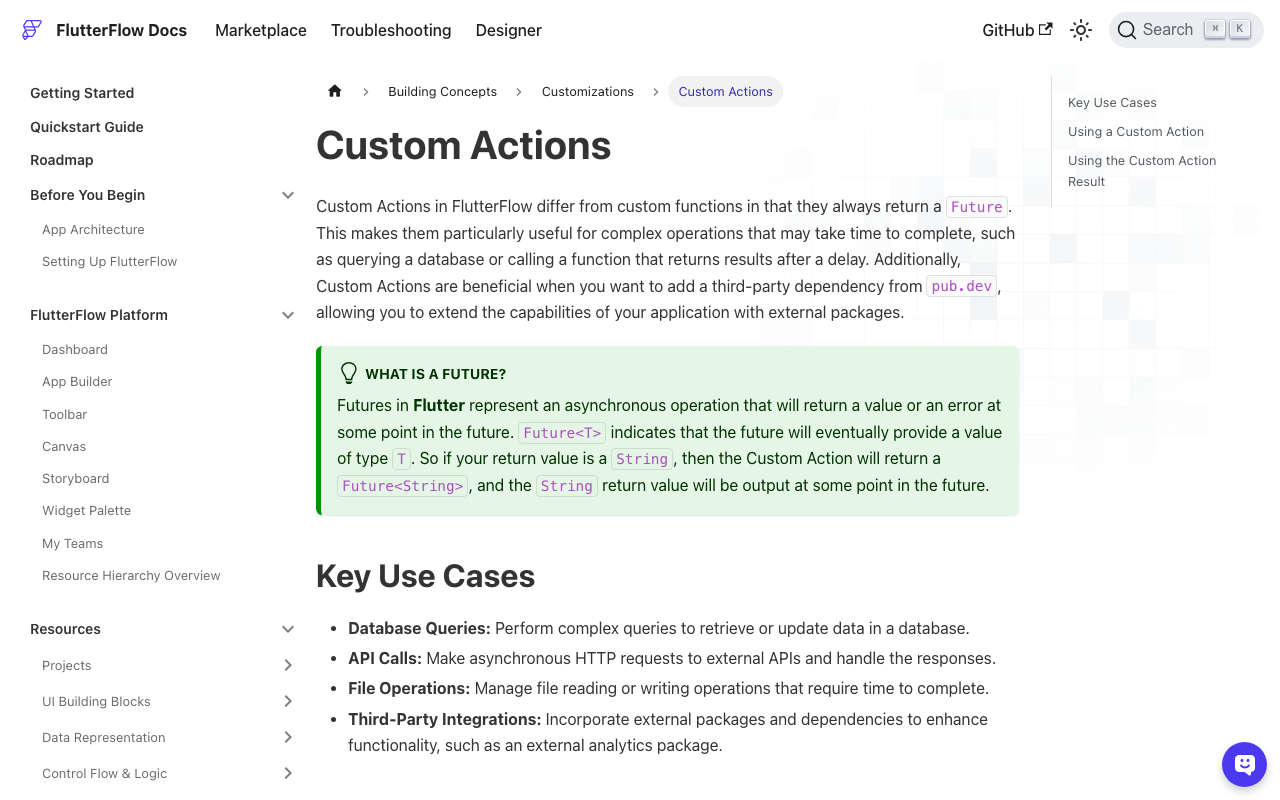
Custom actions in FlutterFlow always return a Future — that's the contract. A streaming action that only emits tokens through its callback returns no value, so its return type is a bare Future (equivalent to Future<void>), not void.
// ❌ 'void' is not a valid custom-action return type:
void streamWidgetChatReply(...) async { ... }

// ✅ Streaming action that returns nothing:
Future streamWidgetChatReply(...) async { ... }
If your action does return a value — say the full concatenated reply — declare the matching future, e.g. Future<String>, and make sure the Return Value type in the editor is set to String. A Future<String> in code against a "no return value" setting in the editor is exactly the kind of mismatch that now trips the flutterflow custom action error after update.
Fix 3: Don't touch the auto-generated imports — add yours below the marker
Every custom action starts with a block of FlutterFlow-generated imports and a DO NOT REMOVE OR MODIFY THE CODE ABOVE! marker. Deleting a line from that block to "clean up" your file is a classic way to make a flutterflow chatbot custom action won't compile. Leave the block intact and add dart:convert and the http package below the marker.
// Automatic FlutterFlow imports
import '/backend/backend.dart';
import '/flutter_flow/flutter_flow_theme.dart';
import '/flutter_flow/flutter_flow_util.dart';
import '/custom_code/actions/index.dart';
import '/flutter_flow/custom_functions.dart';
import 'package:flutter/material.dart';
// Begin custom action code
// DO NOT REMOVE OR MODIFY THE CODE ABOVE!

import 'dart:convert';
import 'package:http/http.dart' as http;
Also confirm http is listed under Custom Code → Settings → Pub Dependencies (it ships with most projects, but a stripped project may be missing it).
The copy-paste-clean streaming action
Here's a complete, compile-clean action for streaming WidgetChat replies over Server-Sent Events. It calls POST https://api.widgetchat.app/v1/chat/stream, reads the token-by-token data: SSE stream, and hands each token to an onToken callback so your UI updates as the assistant "types."
Declare three arguments in the editor: message (String), projectId (String), and onToken as an Action parameter with a String parameter.
Future streamWidgetChatReply(
  String message,
  String projectId,
  Future Function(String token) onToken,
) async {
  final request = http.Request(
    'POST',
    Uri.parse('https://api.widgetchat.app/v1/chat/stream'),
  );
  request.headers.addAll({
    'Content-Type': 'application/json',
    'Accept': 'text/event-stream',
    'X-Project-Id': projectId,
  });
  request.body = jsonEncode({'message': message});

  final response = await http.Client().send(request);

  final lines = response.stream
      .transform(utf8.decoder)
      .transform(const LineSplitter());

  // SSE frames arrive as `data:` lines; split by line because
  // several events often land in one TCP chunk.
  await for (final line in lines) {
    if (!line.startsWith('data:')) continue;
    final payload = line.substring(5).trim();
    if (payload.isEmpty || payload == '[DONE]') continue;

    // Each data line carries a chunk of the reply. Handle both a
    // JSON delta and a raw-text token, whichever the stream sends.
    String token = payload;
    if (payload.startsWith('{')) {
      final decoded = jsonDecode(payload) as Map<String, dynamic>;
      token = (decoded['token'] ?? decoded['delta'] ?? '') as String;
    }
    if (token.isNotEmpty) {
      await onToken(token);
    }
  }
}
Wire the onToken callback in your Action Flow to append to an App State string and set state — each token nudges the UI, giving you the token-by-token "typing" effect. The await for loop ends when the connection closes.
Verify the fix
- Rename the function to match the editor exactly (Fix 1).
- Change
void→Future, and match the editor's Return Value type (Fix 2). - Restore the generated imports; add
dart:convert+httpbelow the marker (Fix 3). - Click Save in the code editor, then run Test Mode. If the panel still shows the error after a save, close and reopen the project once — the compiler cache occasionally lags a fresh parse.
If it compiles but stays silent, log response.statusCode before the loop: a 401 means your project ID header is wrong, not a compile problem.
Try WidgetChat free
WidgetChat drops a streaming AI support chatbot into your Flutter or FlutterFlow app with nothing more than the custom action above — no proprietary SDK, just an HTTP client and the SSE endpoint. Try WidgetChat free and have token-by-token replies streaming in your app today.

Comments
Comments are coming soon. We'd love to hear your thoughts!