

Fix Flutter Chat Jumping When the Keyboard Opens
You tap the input field, the keyboard slides up, and your AI chat screen falls apart: the message list lurches, the newest message vanishes behind the keyboard, and for a few frames the whole thing rebuilds glitchily. Close the keyboard and it jumps again. If you're wiring a Flutter chat UI to a streaming assistant like WidgetChat, this bug is almost guaranteed to show up in your first build — and it has one root cause and one clean fix.
This is a reproducible recipe: reversed ListView + correct viewInsets/resizeToAvoidBottomInset handling + not fighting the keyboard animation. Tested against a real chat screen streaming tokens from WidgetChat's SSE endpoint.
Why the list jumps: the actual mechanics
Three things happen at once when the keyboard opens, and they conflict:
- The Scaffold body shrinks. With
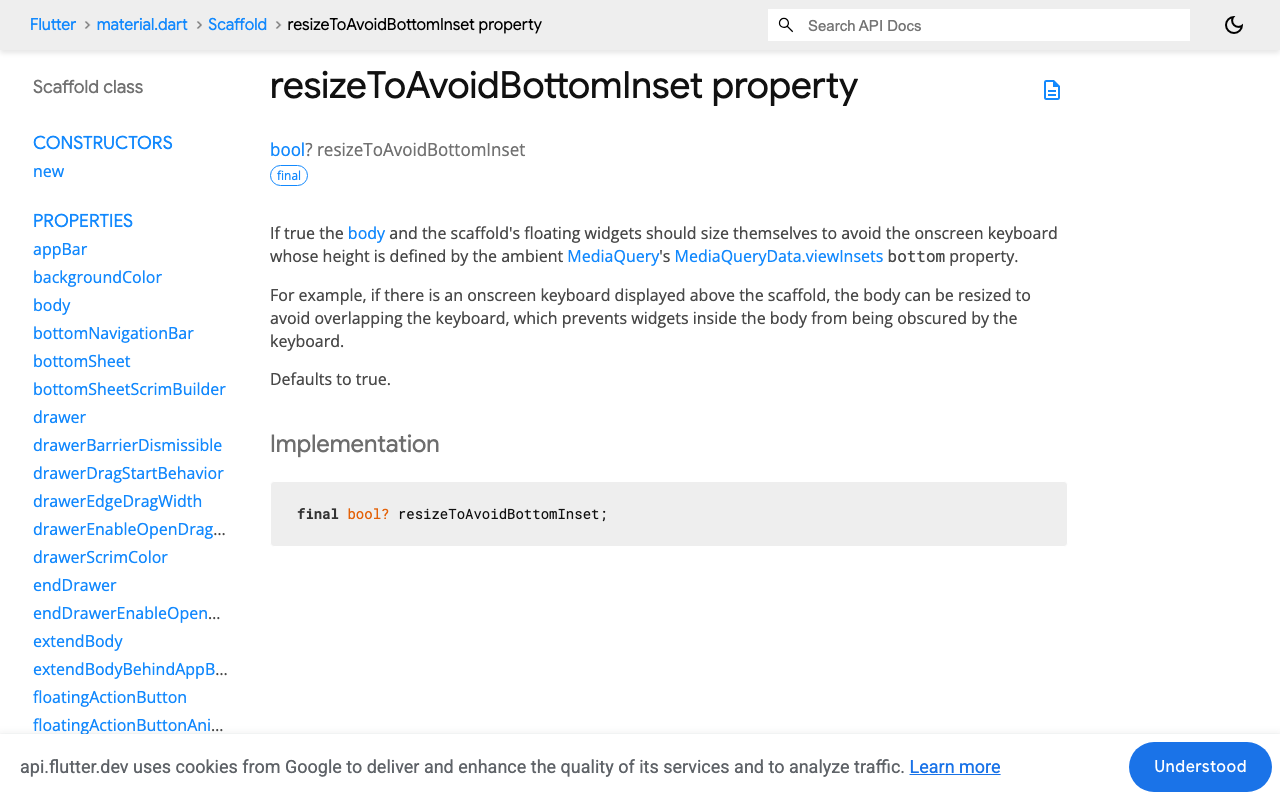
resizeToAvoidBottomInset: true(the default), the Scaffold resizes its body byMediaQuery.viewInsetsOf(context).bottom— the keyboard's height. Crucially, this happens frame by frame over the keyboard's ~250 ms slide-up animation, not in one step. - A normal ListView is anchored at the top. Its scroll offset is measured from the top of the content. When the viewport gets shorter, the list keeps the same top offset — so content disappears off the bottom. That's exactly where your latest message lives. This is why the Flutter keyboard pushes content up in a chat and hides the reply.
- Your scroll-to-bottom hack races the animation. The common workaround —
jumpTo(maxScrollExtent)in a post-frame callback — computesmaxScrollExtentfor one frame of a viewport that is still shrinking. Next frame it's wrong again. Result: the stutter-jump you're seeing every time the keyboard appears.
So the fix isn't a smarter scroll hack. It's removing the need for one.
Step 1: reverse the ListView
In a ListView with reverse: true, scroll offset 0 is the bottom of the list. That inverts the anchoring: when the viewport shrinks during the keyboard animation, the list stays glued to offset 0 — the newest message — automatically, on every frame of the animation. No listener, no post-frame callback, no maxScrollExtent math.
Scaffold(
  // true is the default — leave it. The body shrinks with the keyboard
  // and the reversed list stays pinned to the newest message.
  resizeToAvoidBottomInset: true,
  appBar: AppBar(title: const Text('Support')),
  body: SafeArea(
    child: Column(
      children: [
        Expanded(
          child: ListView.builder(
            reverse: true,
            controller: _scroll,
            keyboardDismissBehavior:
                ScrollViewKeyboardDismissBehavior.onDrag,
            padding: const EdgeInsets.all(12),
            itemCount: messages.length,
            itemBuilder: (context, i) {
              // reverse:true flips index order — index 0 renders at the bottom
              final msg = messages[messages.length - 1 - i];
              return MessageBubble(key: ValueKey(msg.id), message: msg);
            },
          ),
        ),
        const ChatComposer(), // its own widget — see step 3
      ],
    ),
  ),
)
Two details that matter:
- Index mapping.
reverse: truerenders item 0 at the bottom, so mapitomessages.length - 1 - i(or store your list newest-first). Getting this wrong shows the conversation upside down. - Stable keys. Give each bubble a
ValueKeytied to a message ID. Without keys, inserting a message can make Flutter rebuild every bubble, which reads as a flicker exactly when the keyboard is animating.
keyboardDismissBehavior: onDrag is a free UX win: scrolling up through history dismisses the keyboard, like every native messaging app.
Step 2: leave resizeToAvoidBottomInset alone
A lot of advice for a resizeToAvoidBottomInset chat ListView setup says to set it to false and pad the composer with MediaQuery.viewInsets.bottom yourself. Don't — not for a chat screen. Manual padding means you now own the frame-by-frame resize, and if you wrap it in an AnimatedPadding you're layering a second animation on top of the platform's keyboard animation, which is where a lot of the "flutter chat ui glitch when keyboard appears" reports come from.
The default behavior — Scaffold shrinks, Expanded list shrinks with it, composer stays above the keyboard — is correct once the list is reversed. The only time to reach for viewInsets manually is when your input isn't inside the Scaffold body (e.g. a bottomSheet), and even then, read it with MediaQuery.viewInsetsOf(context) so only keyboard changes trigger a rebuild.
Also check you haven't set resizeToAvoidBottomInset: false globally, or wrapped the screen in a Scaffold inside another Scaffold — a nested Scaffold with different inset settings is a classic source of the double-jump.
Step 3: isolate the composer so typing doesn't rebuild the list
If your TextField, its onChanged state, and the message list live in one StatefulWidget, every keystroke calls setState on the whole screen and rebuilds every visible bubble. Combine that with the keyboard resize and you get visible jank.
Make the composer its own widget with its own TextEditingController, and only notify the parent on send:
class ChatComposer extends StatefulWidget {
  const ChatComposer({super.key, required this.onSend});
  final ValueChanged<String> onSend;
  // ... TextField + send button; setState here never touches the list
}
Step 4: keep it pinned while the AI response streams in
Here's where an AI chat differs from a human one: the assistant's reply arrives as a stream of tokens, so the newest bubble grows while the keyboard may still be moving. WidgetChat streams responses over Server-Sent Events from POST https://api.widgetchat.app/v1/chat/stream, emitting token-by-token data: lines you append to the last message:
Future<void> sendMessage(String text) async {
  setState(() {
    messages.add(ChatMessage.user(text));
    messages.add(ChatMessage.assistant('')); // grows as tokens arrive
  });

  final req = http.Request(
    'POST',
    Uri.parse('https://api.widgetchat.app/v1/chat/stream'),
  )
    ..headers['Content-Type'] = 'application/json'
    // payload fields come from your WidgetChat project setup
    ..body = jsonEncode(payloadFor(text));

  final res = await http.Client().send(req);
  await for (final line in res.stream
      .transform(utf8.decoder)
      .transform(const LineSplitter())) {
    if (!line.startsWith('data:')) continue;
    final token = line.substring(5).trim();
    setState(() => messages.last = messages.last.appendText(token));
  }
}
Because the list is reversed and pinned at offset 0, each appended token extends the bubble upward and the latest text stays visible above the keyboard — the flutter chat scroll to bottom on keyboard open behavior you wanted, with zero scroll code. The one case left is a user who has scrolled up into history while a reply streams: a reversed list holds their position naturally, and you should not yank them back down. For that full pattern — read-position preservation, a "new message" jump-to-bottom chip, and per-token performance — see our companion post on keeping the ListView pinned while AI responses stream.
The recipe, condensed
ListView.builder(reverse: true)— offset 0 is the bottom; the keyboard resize can no longer hide the newest message.- Map indexes:
messages[messages.length - 1 - i], stableValueKeys on bubbles. resizeToAvoidBottomInset: true(default) +Column→Expanded(list)→ composer. No manualviewInsetspadding inside the Scaffold body, no nested Scaffolds.- Composer in its own widget so keystrokes don't rebuild bubbles.
- Streaming tokens append into the last message; the reversed list keeps them on screen without any scroll calls.
That's the entire flutter keyboard resize chat scroll fix — the jump was never a scrolling problem, it was an anchoring problem.
Try WidgetChat free
If you'd rather not build the whole support-bot backend behind that chat screen, WidgetChat gives you an embeddable AI support chatbot for Flutter and FlutterFlow that answers from your own content, streams over SSE so this exact UI pattern applies, and needs only an HTTP client — no proprietary SDK. There's a free tier to start: Try WidgetChat free.


Comments
Comments are coming soon. We'd love to hear your thoughts!