

Dio ResponseType.stream Not Streaming? Fix Flutter Chat
You built an AI chat screen in Flutter, pointed Dio at a streaming endpoint, set responseType: ResponseType.stream, and the assistant's answer still lands as one blob after six seconds. So you go tune the backend: disable gzip, flush after every token, turn off proxy_buffering. Nothing changes.
That's because the server was probably fine the whole time. The buffering is happening in your Dart client.
Step 1: prove the server is streaming (10 seconds)
Before you touch a line of Dart, confirm the bytes actually leave the server incrementally. curl -N disables curl's own output buffering:
curl -N -i -X POST https://api.widgetchat.app/v1/chat/stream \
  -H "Authorization: Bearer $WIDGETCHAT_API_KEY" \
  -H "Content-Type: application/json" \
  -H "Accept: text/event-stream" \
  -d '{"message":"What are your business hours?"}'
Watch the terminal. You want to see:
Content-Type: text/event-streamin the headers,- no
Content-Lengthheader (a fixed length means something already buffered the full body), data:lines painting one at a time, not all at once when the request finishes.
If that test streams and your Flutter app doesn't, the problem is 100% client-side. Keep this command around — it's also the fastest way to see the exact shape of the data: payloads you'll be parsing.
Why Dio hands you the whole reply at once
Dio (5.11.0 at the time of writing) is an excellent REST client. Incremental delivery of a long-lived response body is a different job, and it has never been reliable there.
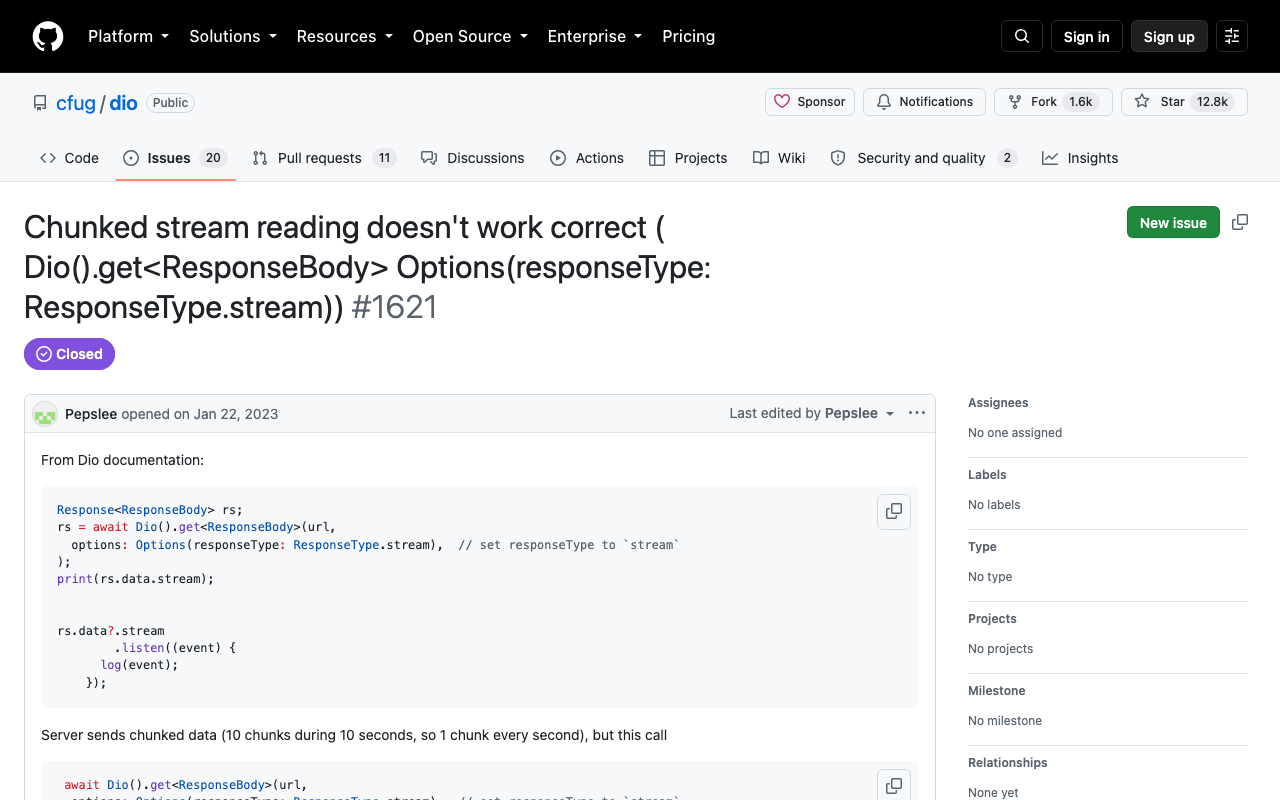
The two issues you'll find when you search are cfug/dio#1621 — a server sending 10 chunks over 10 seconds, with the await returning only after all 10 have landed — and cfug/dio#2268, "ResponseType.stream returns response all at once on Web," closed as a duplicate. Same symptom, two platforms.
On Flutter web it's structural. Dio's web implementation lives in dio_web_adapter (split out in dio 5.5.0) and its default BrowserHttpClientAdapter is built on XMLHttpRequest. XHR has no incremental body API — the browser collects the response and hands it over when it's done. No Dio setting fixes that, because there's nothing to configure; the underlying transport can't do it. Only fetch() with response.body.getReader() can stream in a browser.
On iOS/Android it's the pipeline. dart:io streams chunks properly, but everything between the socket and your listen callback has to preserve that. Any interceptor that inspects response.data, a logging interceptor, or a response transformer will drain the stream to a buffer first — and once it's drained, your listener gets one event containing everything.
Either way, the fix isn't a flag. It's a different client.
The broken version
This is the code most people end up with, adapted from a REST tutorial:
// ❌ Looks correct. Repaints once, after the entire answer has arrived.
final dio = Dio();

Future<void> ask(String message) async {
  final response = await dio.post<ResponseBody>(
    'https://api.widgetchat.app/v1/chat/stream',
    data: {'message': message},
    options: Options(
      responseType: ResponseType.stream,
      headers: {'Accept': 'text/event-stream'},
    ),
  );

  response.data!.stream.listen((chunk) {
    setState(() => _answer += utf8.decode(chunk)); // fires once, at the end
  });
}
There are actually two bugs here. The buffering is the obvious one. The second is utf8.decode(chunk): a UTF-8 character can be split across two TCP chunks, so the moment a user's answer contains an emoji or an accented character, that call throws a FormatException. Decoding must be stateful across chunks.
The fix: http.Client().send() plus a line splitter
package:http (1.6.0) exposes the raw byte stream through Client.send(), which returns a StreamedResponse as soon as the headers arrive. Chain utf8.decoder and LineSplitter — both are StreamTransformers that carry state between chunks — and you get one Dart string per SSE line, delivered the instant it lands.
import 'dart:async';
import 'dart:convert';
import 'package:http/http.dart' as http;

/// Emits each token as WidgetChat produces it.
Stream<String> streamWidgetChatReply({
  required String message,
  required String apiKey,
  http.Client? client,
}) async* {
  final c = client ?? http.Client();
  try {
    final request = http.Request(
      'POST',
      Uri.parse('https://api.widgetchat.app/v1/chat/stream'),
    )
      ..headers.addAll({
        'Authorization': 'Bearer $apiKey',
        'Content-Type': 'application/json',
        'Accept': 'text/event-stream',
      })
      ..body = jsonEncode({'message': message});

    final http.StreamedResponse response = await c.send(request);

    if (response.statusCode != 200) {
      final body = await response.stream.bytesToString();
      throw Exception('WidgetChat stream failed '
          '(${response.statusCode}): $body');
    }

    final lines = response.stream
        .transform(utf8.decoder)          // stateful: survives split code points
        .transform(const LineSplitter());  // stateful: survives split lines

    await for (final line in lines) {
      if (line.isEmpty) continue;            // blank line = SSE event boundary
      if (line.startsWith(':')) continue;    // comment / keep-alive ping
      if (!line.startsWith('data:')) continue; // event:, id:, retry:

      final payload = line.substring(5).trimLeft();
      if (payload == '[DONE]') return;
      yield payload;
    }
  } finally {
    if (client == null) c.close();
  }
}
Run the curl test again and look at one raw data: line before you ship this. If the payload is a JSON object rather than a bare token, decode it inside the loop (jsonDecode(payload)) and yield the text field you see — don't guess at a schema.
The detail most posts skip: chunks are not events
This is the part that bites people who "fix" the buffering and still get garbled text.
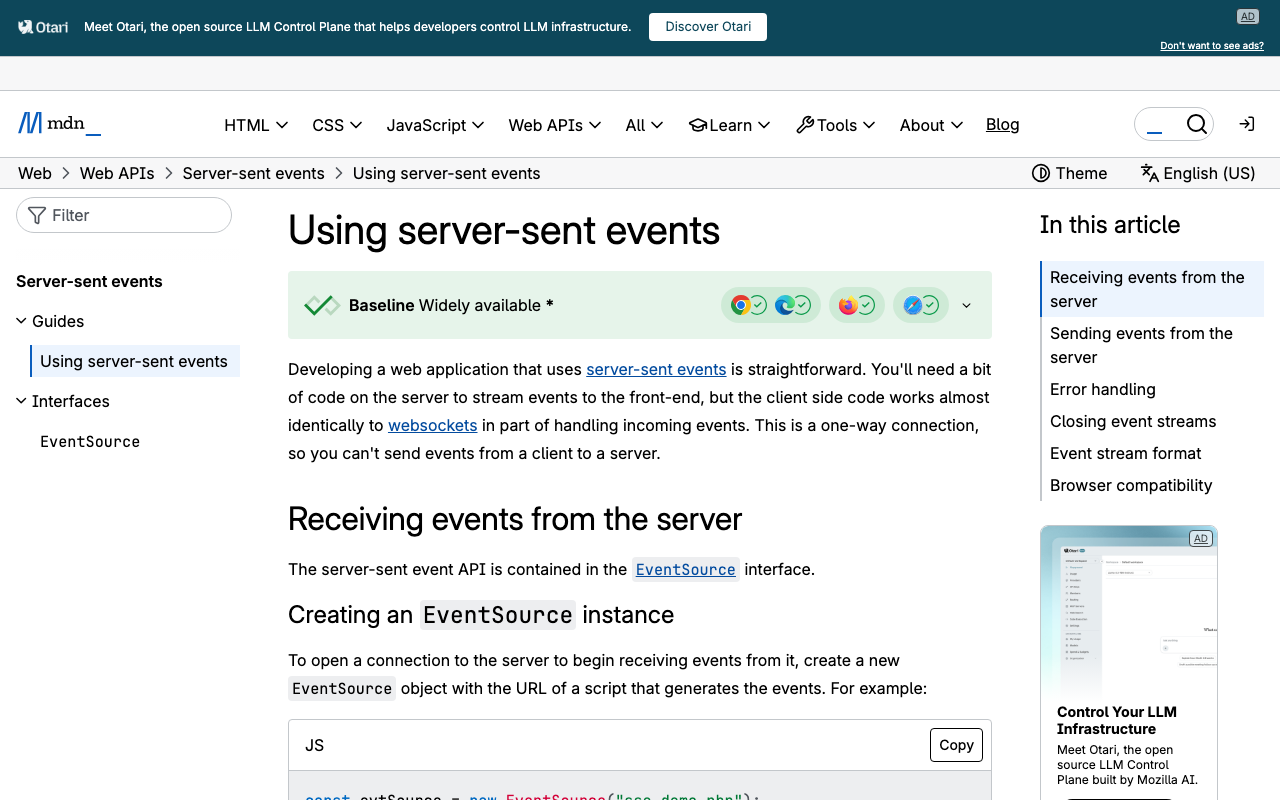
An SSE stream is a text protocol: fields are name: value lines, and a blank line terminates an event (MDN). TCP knows nothing about that. A single network chunk routinely contains three complete events, or half of one:
data: Sure\n\ndata: , we're open\n\ndata: 9–5 Mon
...with the rest of that last line arriving 40 ms later. If you treat one chunk as one message you will drop tokens and print stray data: prefixes. Split on newlines, never on chunk boundaries — that's exactly what LineSplitter buys you, and why it must be applied as a transformer on the stream rather than per-chunk.
(For a stream carrying multi-line data: fields, buffer lines until you hit the blank line and join them with \n, per the spec. For token-by-token streams where each event is one data: line, the loop above is complete.)
Wiring it into the chat UI
Append to a buffer, rebuild, and hold the subscription so the user can stop generation — and so you don't setState after dispose:
class _ChatScreenState extends State<ChatScreen> {
  final _answer = StringBuffer();
  StreamSubscription<String>? _sub;
  bool _streaming = false;

  void _send(String message) {
    _sub?.cancel();
    _answer.clear();
    setState(() => _streaming = true);

    _sub = streamWidgetChatReply(message: message, apiKey: kWidgetChatKey)
        .listen(
      (token) => setState(() => _answer.write(token)),
      onDone: () => setState(() => _streaming = false),
      onError: (e) => setState(() {
        _streaming = false;
        _answer.write('\n\n_Something went wrong. Please try again._');
      }),
      cancelOnError: true,
    );
  }

  @override
  void dispose() {
    _sub?.cancel(); // also closes the socket via the stream's finally block
    super.dispose();
  }
}
Cancelling the subscription tears down the request, so a user tapping "stop" actually stops the generation instead of quietly burning tokens in the background.
Flutter web needs one more line
Here's the trap: package:http's default web client, BrowserClient, is also XHR-based and also buffers (dart-lang/http#593, #1030). Swapping Dio for http fixes iOS and Android but leaves web exactly as broken.
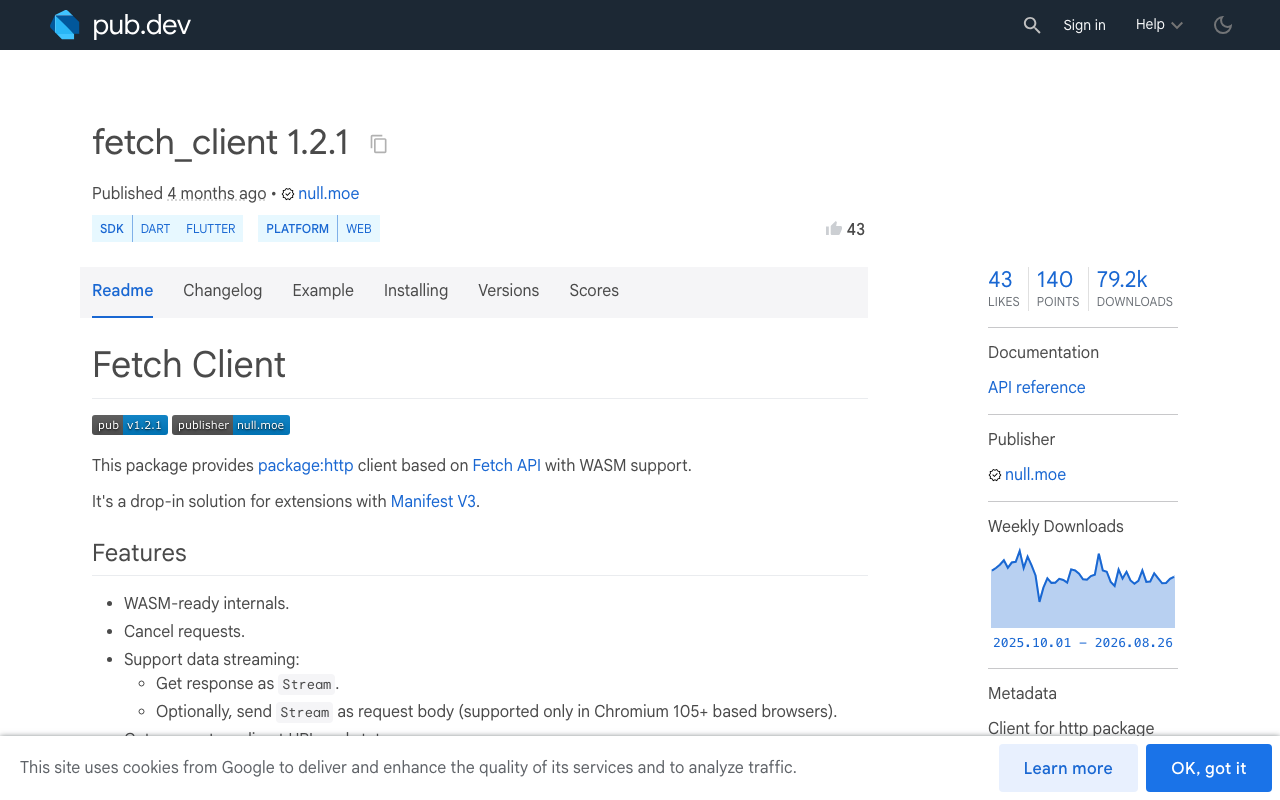
Inject a fetch-backed client on web instead. fetch_client (1.2.1) implements the same http.Client interface on top of the Fetch API:
dependencies:
  http: ^1.6.0
  fetch_client: ^1.2.1
import 'package:flutter/foundation.dart' show kIsWeb;
import 'package:fetch_client/fetch_client.dart';
import 'package:http/http.dart' as http;

http.Client createStreamingClient() =>
    kIsWeb ? FetchClient(mode: RequestMode.cors) : http.Client();

// streamWidgetChatReply(message: ..., apiKey: ..., client: createStreamingClient())
Everything downstream — send(), utf8.decoder, LineSplitter — is unchanged. Only the transport swaps.
Still arriving in bursts?
- A reverse proxy is buffering. nginx needs
proxy_buffering off;(orX-Accel-Buffering: no); the curl test in Step 1 catches this in seconds. - You accidentally drained the stream.
await response.stream.bytesToString()anywhere before your loop consumes everything. A stream can only be listened to once. - Your
setStateis throttled. If you batch tokens into a 500 ms timer to "reduce rebuilds," you reintroduced the bug yourself. Rebuilding a singleTextwidget per token is cheap. - You went back to Dio for "just this one call." Keep Dio for your REST API; use a dedicated streaming client for the chat endpoint. They can coexist happily in the same app.
Try WidgetChat free
WidgetChat drops an AI support chatbot into your Flutter or FlutterFlow app that answers users from your own content — and POST https://api.widgetchat.app/v1/chat/stream returns token-by-token SSE, so the code above is all the integration you need. No proprietary SDK: any HTTP client that can read a byte stream will do.
Want users to talk to it instead of typing? Live voice chat is shipped — tap the mic for a real-time speech-to-speech call in the same widget, with barge-in, live captions, and product cards on screen while it speaks, across iOS, Android and web. Provider keys stay server-side.
Try WidgetChat free and have streaming replies typing out in your app this afternoon.

Comments
Comments are coming soon. We'd love to hear your thoughts!